Rent a Drawing Robot Photo Booth for SoCal Events
Introduction
To rent a drawing robot photo booth for SoCal events is to add more than a photo opportunity. It is a small live attraction: guests step up for a portrait, watch an automated system turn their image into a sketch, and leave with a keepsake that feels part photo booth, part performance art.
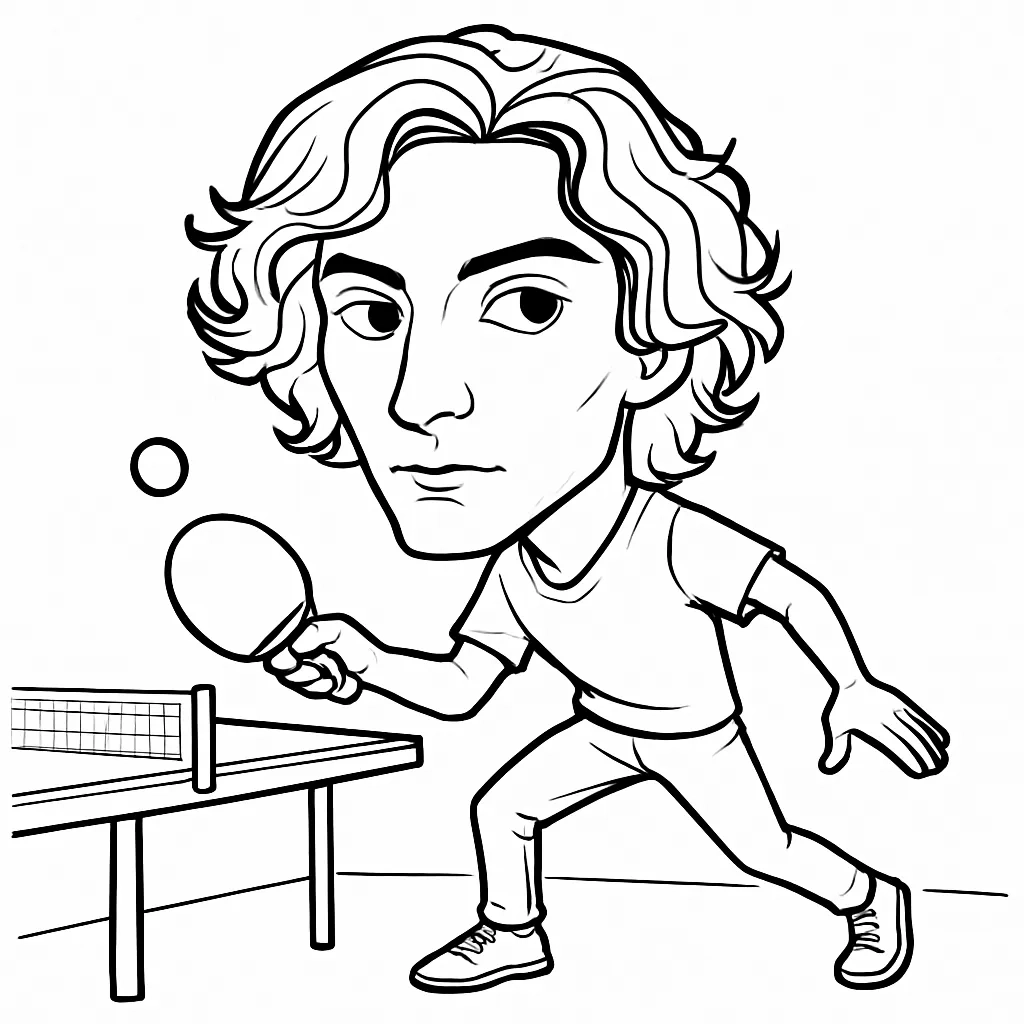
That combination can work beautifully at Orange County luxury resorts, Los Angeles brand activations, Anaheim conventions, San Diego corporate gatherings, weddings, festivals, and product launches. Still, the novelty only pays off when the event plan accounts for guest flow, venue access, staffing, branding, and the difference between a real robotic drawing experience and a digital portrait effect.
TL;DR
A drawing robot photo booth is best for events that need a visible, branded attraction and a personal takeaway. Before booking, confirm the exact drawing method, tested portrait capacity, onsite staffing, footprint, accessibility plan, image privacy policy, and contingency terms in writing.
Table Of Contents
What A Drawing Robot Photo Booth Actually Does
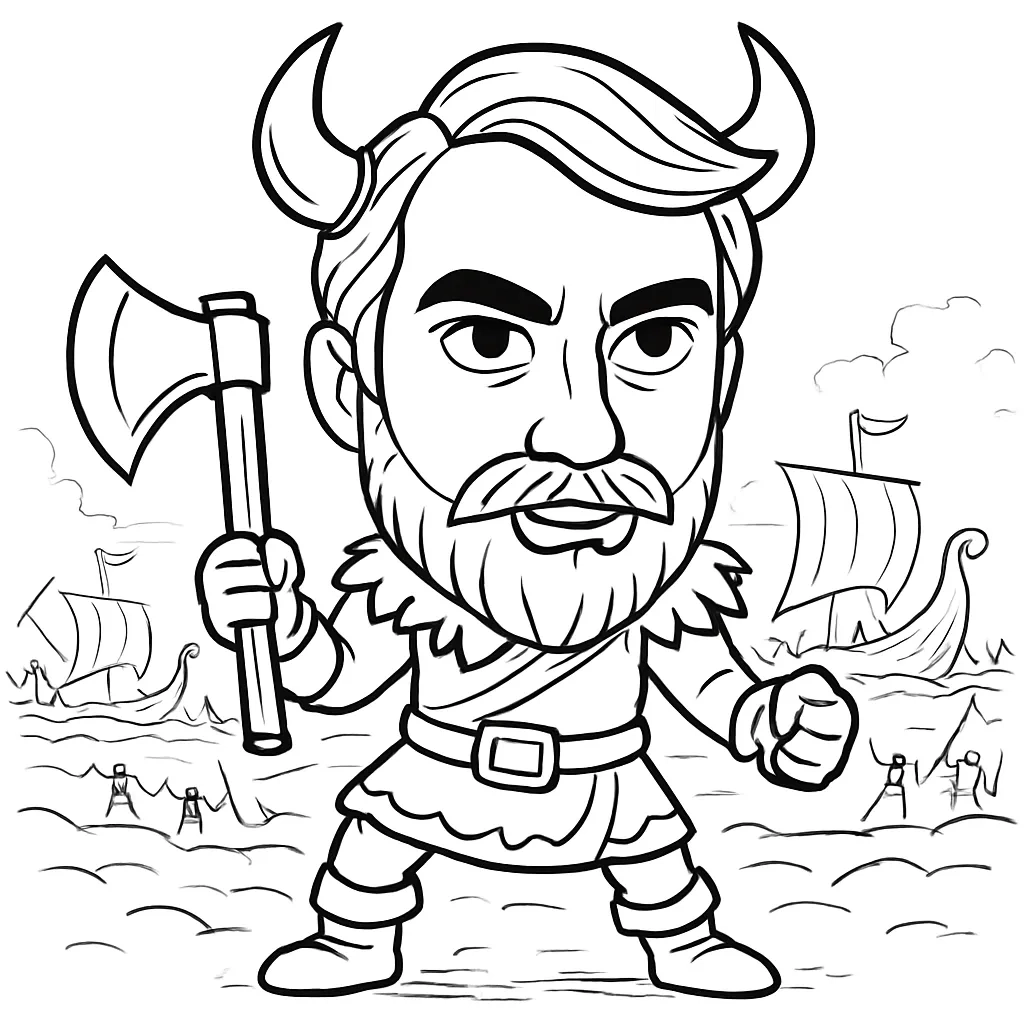
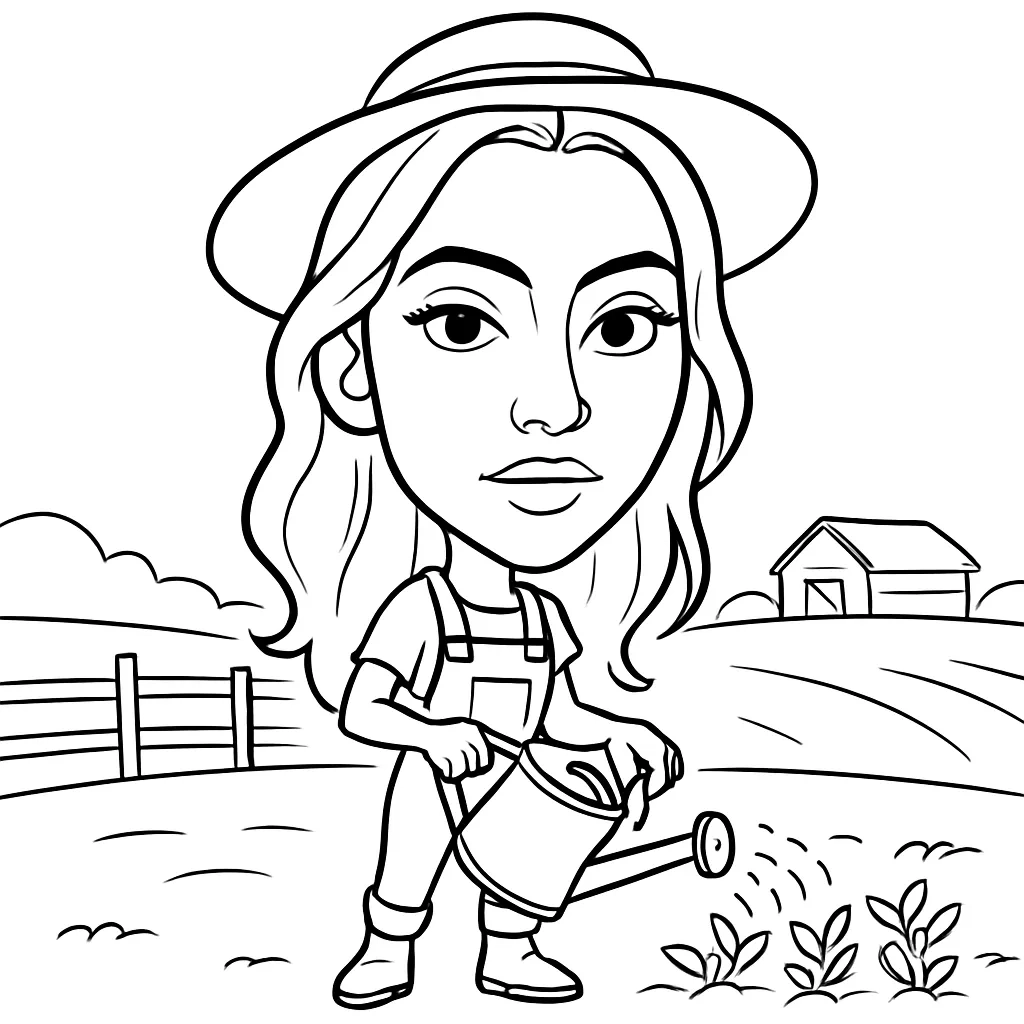
A drawing robot photo booth captures a guest image, processes it into a line art or portrait format, then uses an automated drawing mechanism or robotic arm to create the physical result. The guest journey is simple, but the presentation matters: a camera moment, a screen preview, the moving arm, and a printed or drawn portrait can create a lively little crowd around the activation.
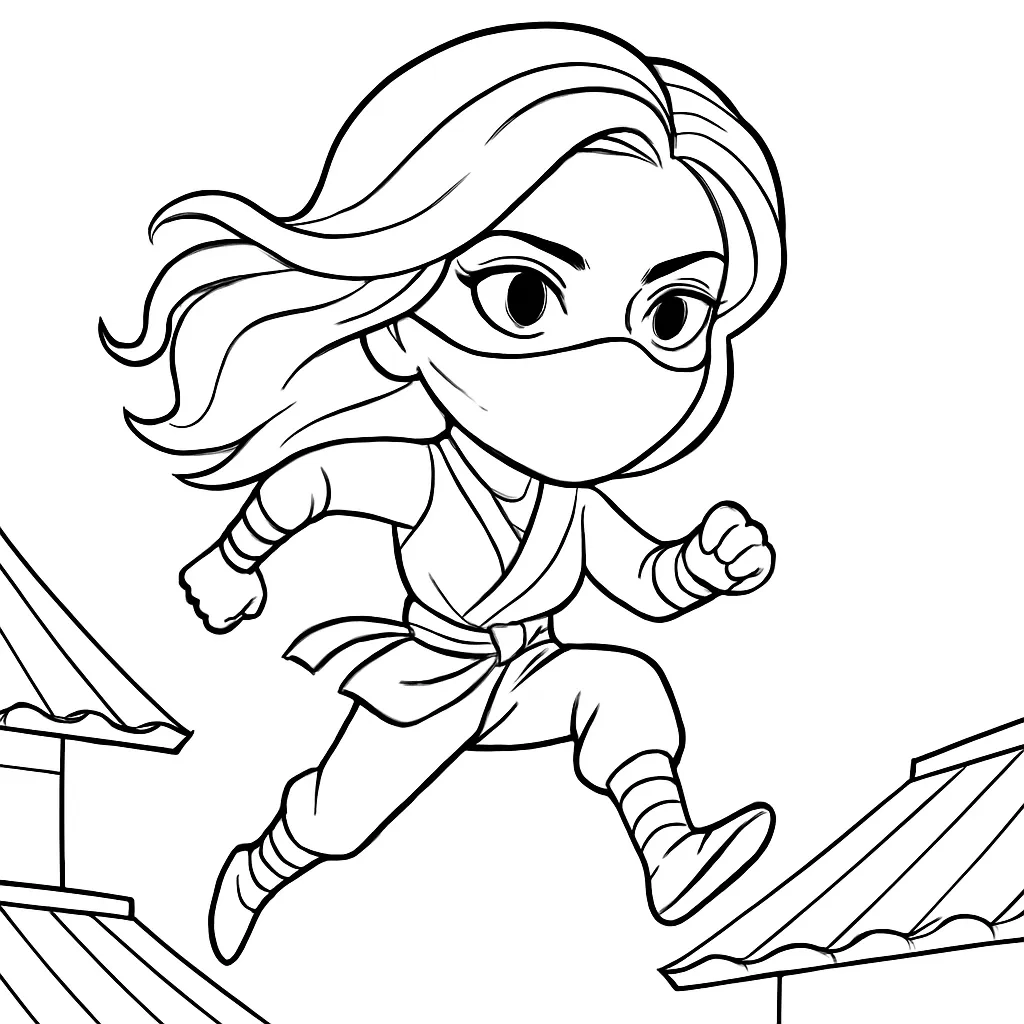
Not every product using words such as _AI sketch_, _robotic artist_, or _caricature bot_ works the same way. That is the first detail to clarify with a vendor.
The Guest Journey, Step By Step
Most setups follow a sequence similar to this:
- A guest poses for a photo, either alone or in a small group if the system supports it.
- The software converts the image into the selected portrait style.
- The automated equipment creates or presents the sketch.
- The guest receives a physical portrait, a digital file, or both.
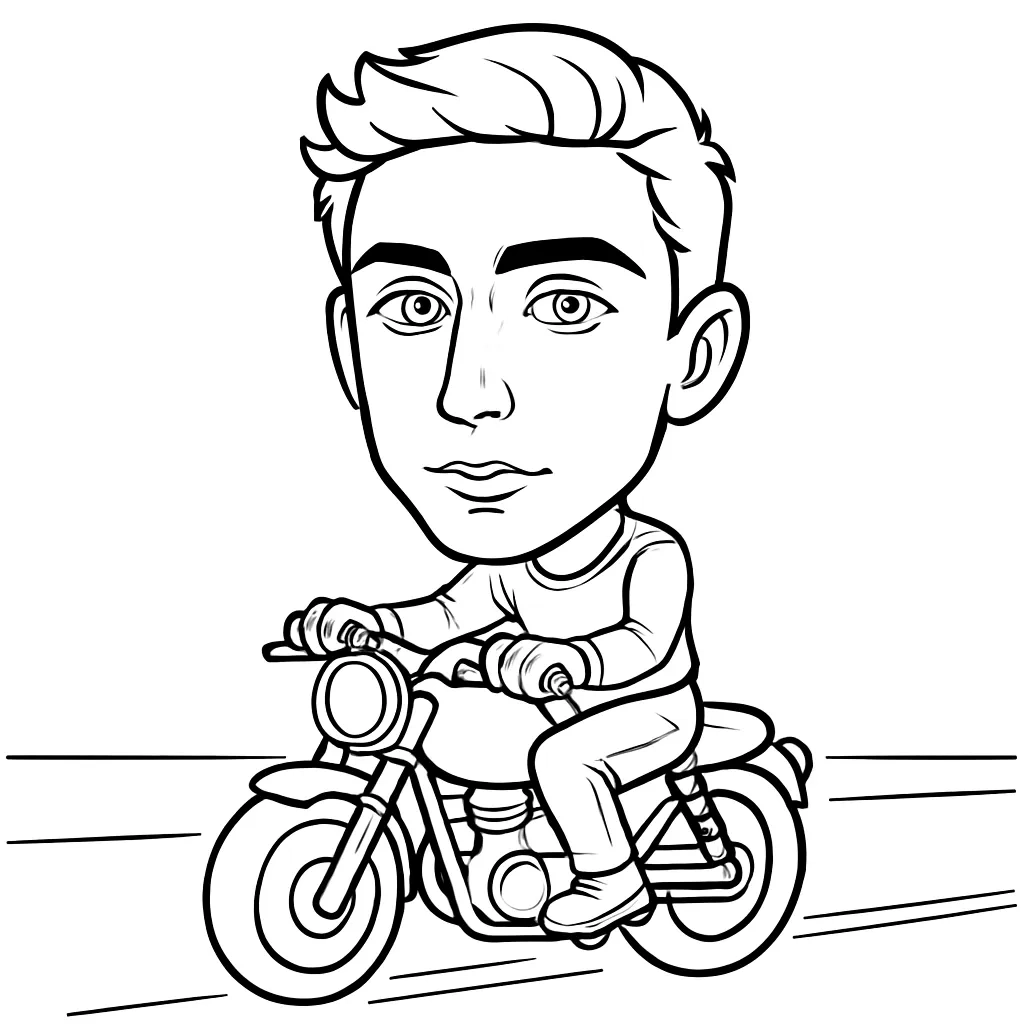
Guests taking a photo, selecting a sketch style, and receiving a robotic portrait. That provider also markets a four robot setup, illustrating an important planning point: multiple drawing units may improve simultaneous production, but you should not assume every drawing robot package includes more than one arm.
For large convention audiences, review an Event AI Sketching Robot Rental in Anaheim option early in the planning process, especially when the robot is meant to operate as both an entertainment feature and a branded lead generation moment.
Know What You Are Booking
A physical robot arm is visually different from an AI portrait booth that produces a stylized digital image on screen. Both can be entertaining, yet they solve different event problems.
Format | What Guests See | Best Fit | Watch For |
|---|---|---|---|
Drawing robot | A mechanical arm or drawing mechanism creating a portrait | Brand activations, premium receptions, trade show attention | Queue pace, equipment footprint, safe viewing distance |
AI portrait booth | A digitally generated themed portrait | High volume sharing, themed campaigns, digital galleries | Whether a physical print is included |
Human caricaturist | An artist drawing each guest manually | Artistic variation, intimate parties, collector style keepsakes | Artist speed and style consistency |
Standard photo booth | A photo capture and print experience | Weddings, parties, broad guest participation | Less theatrical production value |
360 video booth | A short motion clip captured around participants | High energy social content | Space, movement, and crowd management |
Lucky Frog distinguishes among AI portrait experiences, 360 video activations, and robotic sketch attractions in its Southern California photo booth overview. That distinction is useful because a digital AI result should not be sold internally as a robot drawing a physical portrait unless that is truly what guests will see.
Why The Visible Mechanism Matters
A standard booth delivers a result. A drawing robot makes the production process part of the result.
Picture a conference break: attendees hear the soft movement of the robotic arm, pause to watch a portrait develop, then pull out phones to record the action. The activation has a natural audience even before a finished print changes hands. That is especially useful when your goal is foot traffic or conversation rather than simply distributing photos.
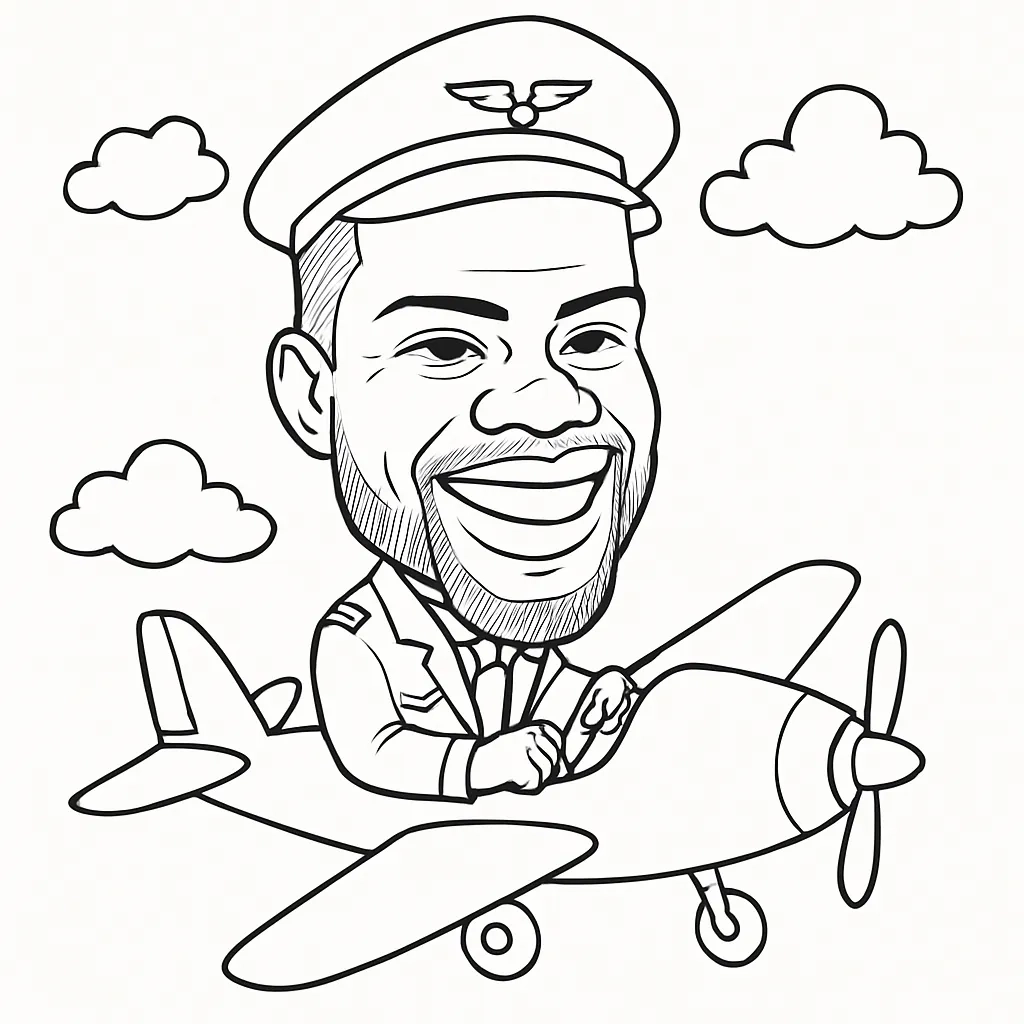
For luxury hospitality settings, the physical presentation should match the venue. A polished enclosure, controlled queue, premium paper stock, subtle brand treatment, and an experienced operator can feel at home in a ballroom or resort terrace. The Interactive Drawing Robot at the Ritz Carlton is a useful example of how robotic art can be framed as an elevated guest experience rather than a loud arcade style installation.
Plan The Guest Experience And Venue Setup
The most practical question is not simply, “How fast is the robot?” It is, “How many completed portraits can this event deliver while guests have a comfortable experience?”
Vendor pages may advertise results in seconds or under a minute. For example, Lucky Frog advertises black and white drawing portraits in under a minute through its Beverly Hills drawing robot offering. That can be a useful starting signal, not a capacity guarantee. It does not automatically account for posing, retakes, instruction, file processing, print handling, guest pickup, or a line that slows the operator down.
Build A Throughput Estimate You Can Defend
Ask a vendor for a tested event assumption, then calculate from the complete guest cycle.
Planning Input | What To Ask | Why It Changes Capacity |
|---|---|---|
Portrait creation time | How long from photo capture to completed portrait? | The drawing phase may be only one part of the cycle |
Guest cycle time | How long from one guest arriving to the next guest starting? | Instructions, retakes, and pickup affect the line |
Number of active units | Is there one robot or multiple drawing arms? | Parallel production can reduce waits |
Operator role | Does the attendant manage photos, prints, queues, and troubleshooting? | One operator can become the bottleneck |
Event duration | How many active hours are included? | A six hour reception has different needs than a two hour trade show block |
Use this simple planning method:
Completed portraits per hour = 60 ÷ average complete guest cycle in minutes × number of active production units.
Treat the answer as a planning estimate, not a promise. Suppose the entire cycle averages two minutes after allowing for photos, drawing, pickup, and guest questions. One unit may theoretically support about 30 completed portraits per hour. If a convention expects 300 people during a two hour exhibit window, one unit is unlikely to serve everyone. You might limit the experience to qualified leads, offer digital delivery for overflow, use more than one active unit, or schedule the robot during lighter traffic periods.
Fair warning: a short drawing time does not erase the line. A guest who wants a second pose or asks a friend to join can add time before the robot begins.
Design The Queue Before Guests Arrive
A good layout gives each activity its own place: check in, photo capture, drawing view, pickup, and exit. When these overlap, people cluster around the robot, block sightlines, and make the experience feel slower than it is.
For a trade show, position the entry point toward the aisle and the pickup point toward the booth interior. That way, people receiving portraits do not stop the next guest from stepping forward. For a wedding, a softer queue approach may work better: place the attraction near cocktail hour traffic, use a small sign explaining the process, and let the operator invite guests in naturally.
The AI Drawing Bot for Tech Trade Shows can help planners think through how a robotic art installation fits into lead capture, booth traffic, and show floor timing.
Confirm Venue Readiness In Writing
There is no universal industry specification for robot footprint, power draw, connectivity, lighting, or accessibility. Get the selected vendor’s specifications before finalizing the floor plan.
Ask for the following details:
• Exact width, depth, and height of the robot, camera station, print area, stanchions, and operator workspace.
• Required power outlets, extension cable needs, and whether a dedicated circuit is requested.
• Lighting requirements and whether direct sun, low ballroom light, or colored stage lighting may affect capture quality.
• Internet needs, including whether the equipment can complete portraits if venue Wi Fi is unreliable.
• Load in timing, freight elevator needs, dock access, parking rules, and any union or venue labor requirements.
• Outdoor weather limits, rain protection, wind concerns, and a backup indoor placement.
Southern California travel can add real production complexity. A Los Angeles hotel with a service elevator, an Anaheim Convention Center load in, and a coastal Orange County resort each create different access conditions. Lucky Frog’s Orange County service information describes vendor managed delivery, setup, and operation for its offerings, but your agreement should still state what is included for your precise venue, parking situation, and access window.
Make Participation Accessible
A drawing robot should not assume every guest can stand at one camera height or wait in a tight queue. Ask whether the camera can be adjusted for seated guests, whether there is clear mobility space around the station, and whether an attendant can assist without rushing anyone.
A practical alternative is a seated portrait option with the operator framing the shot. Another is a separate digital gallery link for guests who prefer not to wait near the robot. For a corporate event, this is not merely a courtesy; it protects the experience from becoming unintentionally exclusionary.
Choose The Right Format For Your Event Goals
Choose a drawing robot when the process itself supports your objective. Avoid treating it as a universal replacement for every booth format.
When A Drawing Robot Is The Better Choice
A robot is a strong match when you need a memorable physical centerpiece, not just a high volume photo output. It can be especially effective for:
• Product launches where a custom portrait layout introduces a logo, campaign line, or launch date.
• Tech conferences where the robotic motion reinforces an innovation focused theme.
• Luxury resort events where refined portrait paper and discreet branding can become a premium favor.
• Trade shows where a visible attraction helps start conversations with passing attendees.
• Weddings or milestone celebrations where guests value a distinctive portrait to take home.
Sketchbot Photo Booth markets robotic portrait services for Southern California weddings, private events, and brand activations through its Southern California sketch robot rental page. Those use cases are broad, but your event goal should determine the build.
When Another Option May Serve You Better
Choose a conventional photo booth if nearly every guest needs to move through quickly. Choose an AI portrait booth if theme variation and instant digital sharing matter more than watching a drawing mechanism. Choose a human caricaturist if you want the charm and variation of an individual artist’s interpretation.
The tradeoff is consistency. A robotic system can produce a repeatable branded format, which helps a corporate team maintain visual control. A human artist can bring more spontaneous personality, though each portrait may vary in pace and style. Neither is automatically better. The right answer depends on whether your priority is brand consistency, artistic individuality, volume, or theater.
Branding Without Overcrowding The Portrait
The strongest branded portrait is recognizable without becoming an advertisement guests hesitate to keep. Consider a small logo lockup, campaign color border, event date, or themed background treatment. A full promotional block across a guest’s face usually weakens the keepsake.
For a conference, ask whether branded data capture happens before the photo, after delivery, or through a QR code on the final output. If lead collection is part of the activation, make the consent language clear and keep the portrait experience enjoyable even for guests who decline marketing contact.
Privacy Questions Should Be Part Of The Brief
Before guests pose, determine where images are processed, whether they are stored locally or sent to a cloud service, how long files remain available, and whether images may be reused for marketing or system training. Vendor marketing pages do not establish a shared standard for these practices.
Request a written answer that covers deletion timing, gallery access, employee access, data sharing, and how guests can opt out. For a company event with internal attendees or a regulated industry audience, involve the appropriate privacy or legal contact early rather than trying to solve it at show time.
Key Takeaways
A drawing robot photo booth can turn a portrait into a miniature live show. The best bookings are planned around the complete experience, not just the visual novelty.
• Confirm whether the package uses a physical drawing arm, digital AI portrait generation, or a combination of both.
• Build capacity from the full guest cycle, including posing, processing, pickup, and operator support.
• Match the setup to the venue with written requirements for footprint, power, lighting, connectivity, load in, and weather protection.
• Create an accessible route and a seated participation option where possible.
• Treat branding, guest consent, digital delivery, and image retention as part of the activation design.
• Put contingency terms in the agreement, including overtime pricing, backup equipment, incomplete portraits, weather changes, and downtime response.
Conclusion
When you rent a drawing robot photo booth for SoCal events, the result can feel wonderfully cinematic: a guest sits or poses, the machine gets to work, and a personal sketch emerges in front of a crowd. Make that moment reliable by planning capacity and venue logistics as carefully as the creative concept. Request a detailed proposal, share your floor plan early, and ask every operational question before the event day arrives.
Frequently Asked Questions
What Exactly Is A Drawing Robot Photo Booth?
It is an event attraction that captures a guest’s photo and turns it into a stylized portrait using an automated drawing system, often with a visible robotic arm. Some packages create a physical sketch, while others create a digital sketch effect. Ask which result is included before booking.
How Long Does Each Portrait Usually Take?
The answer depends on photo capture, processing, the drawing method, print handling, and the number of robots in use. Some vendors advertise very fast portrait creation, but there is no standardized public measurement for total guest cycle time. Request a tested estimate for your chosen style and setup.
How Many Guests Can One Drawing Robot Serve Per Hour?
Calculate capacity from the complete guest cycle rather than a single advertised drawing speed. Divide 60 minutes by the average end to end cycle, then multiply by the number of active units. Ask the vendor to explain whether the estimate includes retakes, pickup, and queue management.
Is An Operator Included With The Rental?
Many event packages include delivery, setup, and onsite operation, but inclusions vary. Confirm who manages the line, assists guests, replenishes materials, handles technical issues, and stays through breakdown. Put the staffing hours and overtime terms in the service agreement.
What Venue Requirements Should You Confirm?
Confirm equipment dimensions, safe clearance, power, lighting, internet needs, load in requirements, elevator access, parking, and outdoor weather limits. Also verify whether the system can continue operating if venue Wi Fi drops or if a power outlet is not positioned where the floor plan originally showed it.
Can Portraits Be Branded And Delivered Digitally?
Many vendors may offer branded borders, logos, custom layouts, print options, QR downloads, or galleries, but availability depends on the package. Review a proof before the event and ask who approves it, when the design locks, and whether digital delivery requires guest data collection.
What Happens If The Robot Stops Working?
Ask for written contingency terms. A useful agreement states the vendor’s response process, whether backup equipment is available, what alternative output may be offered, how downtime is documented, and what remedy applies if the main attraction cannot operate. Do not assume a replacement robot is automatically onsite.
How Far Ahead Should You Book A SoCal Drawing Robot?
Book as early as practical once your date and venue are reasonably firm, especially for major convention dates, holiday periods, and high demand Southern California weekends. Early booking also gives time for floor plan review, custom branding, venue approvals, and privacy review.
Selecting the right Drawing Robot Photo Booth requires balancing technical performance with event aesthetics. A high-quality Drawing Robot Photo Booth serves as a centerpiece, but a poorly managed Drawing Robot Photo Booth can disrupt guest flow. Always prioritize a Drawing Robot Photo Booth that offers reliable hardware, as a stalled Drawing Robot Photo Booth quickly loses its appeal. When vetting vendors, ask how their specific Drawing Robot Photo Booth handles high-traffic crowds versus intimate gatherings. Ultimately, a well-integrated Drawing Robot Photo Booth elevates brand perception, while a subpar Drawing Robot Photo Booth may fall flat. By choosing a premium Drawing Robot Photo Booth, you ensure a memorable experience. Invest in a professional Drawing Robot Photo Booth to turn standard event photography into a captivating, kinetic performance art piece.