An AI Drawing Bot for Tech Trade Shows can turn a simple booth visit into a live art performance, a branded takeaway, and a reason for a sales conversation. The robot is not just a novelty. When it is planned around queue capacity, consent, staffing, and follow up, it can become a useful engagement tool for product launches, conferences, and crowded expo halls.
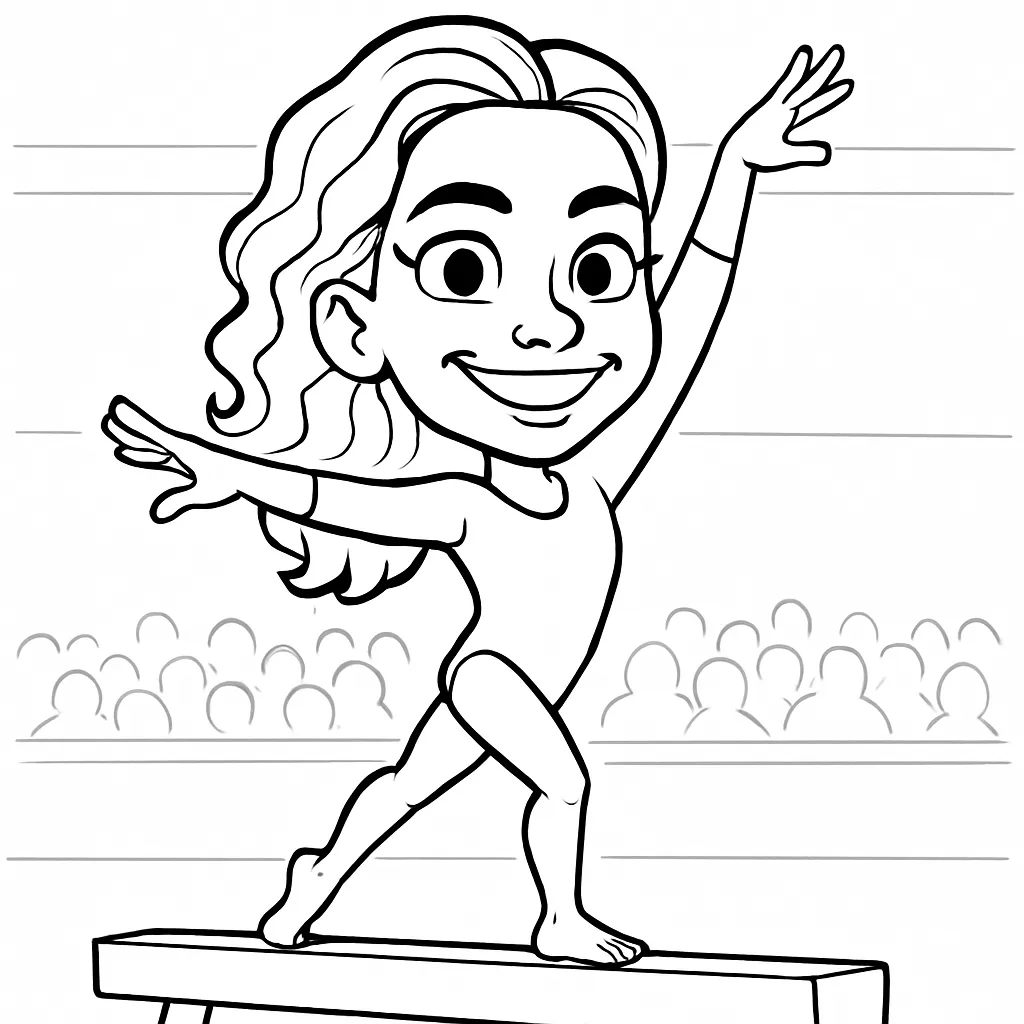
Table of Contents
• Designing The Activation Around Attendee Flow
• Running A Reliable And Responsible Robot Booth
• Key Takeaways
• Frequently Asked Questions
• Sources
Designing The Activation Around Attendee Flow
Start With The Job The Robot Must Do
I recommend choosing an AI drawing activation only after deciding what success looks like. Some exhibitors need more badge scans. Others need senior prospects to stay long enough for a meaningful demo. Others want a visible signal that their company builds or embraces emerging technology.
The core experience is simple: a guest takes a photo, computer vision and generative art software turn it into a sketch or portrait style, and a robotic arm renders the image on paper. Yet the business value comes from what happens around that workflow. A visitor watches the pen move, asks what the robot is doing, receives a print, and has a natural opening to speak with a booth representative.
For a tech brand, the strongest fit is usually a product story involving automation, AI, engineering, design, data, or future focused customer experiences. The visual connection does not need to be literal. A cybersecurity company, for example, could frame the experience around “your digital twin, drawn by automation,” then use the drawing time to introduce a secure identity or data protection conversation.
A robotic portrait artist is less suitable when the booth needs to process a huge volume of visitors with almost no wait time. It is also a weaker choice when the audience needs quiet, private meetings or when the exhibit footprint cannot support a visible queue. In those cases, a fast digital photo experience or a scheduled executive demo may serve the event objective better.
For teams considering a live art activation, Drawmatic AI Drawing Robots offers a useful starting point for understanding how a robot centered experience can support branded events beyond a standard photo moment.

Plan Capacity Before You Promise A Line
Vendor descriptions commonly place a live robot sketch between roughly 30 seconds and two minutes, depending on the portrait style, line density, and drawing size. That range is wide enough to change the entire booth plan.
A one minute drawing does not automatically mean 60 finished guests per hour. Capture time, consent, paper loading, a guest stepping away, a reprint request, and brief robot pauses all reduce real capacity. A safer planning model uses the _total guest cycle_, not only pen on paper time.
Total Guest Cycle | Practical Capacity Per Hour | Best Use Case | Queue Risk |
|---|---|---|---|
60 seconds | About 45 to 55 guests | Simple line art with separate check in | Moderate during peak periods |
90 seconds | About 30 to 40 guests | Branded portrait with a short sales handoff | High if traffic spikes |
120 seconds | About 22 to 30 guests | Detailed artwork or premium experience | High without timed access |
These are planning estimates, not guaranteed performance figures. A show can produce sudden surges when the first few drawings attract onlookers. Consider a booth that gets 100 interested people over 30 minutes after a keynote ends. At a 90 second cycle, one robot cannot serve everyone quickly. A line may become an attraction for a few minutes, then become a reason for prospects to leave.
I would design for that peak rather than the average hour. Useful options include:
• A separate pre capture station where attendees complete consent and take their photo before the robot is ready.
• A host who checks whether a visitor is a priority prospect, a general attendee, or someone who only wants the print.
• A simplified sketch style during busy windows, with detailed portraits reserved for quieter periods or qualified meetings.
• A text message or email delivery option so guests do not need to wait for a physical print.
• A second drawing system when the expected queue is part of the marketing plan rather than an accidental bottleneck.
The most effective sales handoff often happens _during_ the drawing. The robot creates a natural 60 to 120 second pause. Instead of asking, “Can I give you a pitch?” staff can ask, “What brought you to the show?” or “Which part of our platform are you exploring?” That is a much lower pressure transition.

Make The Branded Print Useful, Not Crowded
A print should work as both artwork and a compact piece of brand media. The guest should recognize their portrait first. The logo, event name, and call to action should support the image rather than compete with it.
Reserve a clear margin along the bottom or side of the paper for branding. Dense sketch lines, faces, and fine robot pen strokes can make a QR code hard to scan when it is placed over the art. A clean lower band is usually more reliable than placing a code near the portrait.
A practical print hierarchy looks like this:
- Portrait or caricature as the dominant visual element.
- Brand logo and event name in a clear, high contrast margin.
- One short action prompt, such as “See the demo,” “Get the digital copy,” or “Book a follow up.”
- A QR code only if its destination delivers a real next step, not a generic home page.
The QR destination should match the moment. If the visitor just saw generative art, send them to a product demo related to AI, automation, or personalization. If the campaign is focused on lead qualification, direct them to a short landing page that recognizes the event and offers the digital drawing after a clear opt in.
For more ideas about keeping a printed memento relevant after the event ends, see The Future of Event Keepsakes with AI Drawing Robots.
Choose The Right Format For The Brand
An AI drawing bot, human caricature artist, and static photo booth can all produce memorable visual content. They do not solve the same problem.
Option | Strongest Advantage | Main Trade Off | Choose It When | Avoid It When |
|---|---|---|---|---|
AI drawing bot | Live automation performance plus physical art | Throughput depends on drawing time and equipment uptime | The brand wants visible technology and conversation time | The booth must process a very large walk up crowd quickly |
Human caricature artist | Personal interaction and expressive interpretation | Output quality and speed vary by artist | The event values warmth, humor, and artist guest interaction | The brand needs a strong automation story |
Static photo booth | Fast capture and familiar user flow | Less visual spectacle once the photo is taken | Speed, volume, and easy sharing matter most | The exhibit needs a distinct live attraction |
There is no universal winner. A startup unveiling an AI enabled product may benefit from the visible mechanics of a robotic sketch. A hospitality brand hosting a relaxed lounge might prefer the warmth of a human artist. A packed conference sponsor with a small footprint may need the speed of a traditional photo booth.

Running A Reliable And Responsible Robot Booth
Build Privacy Into The First Screen
A photo used to create AI artwork is still attendee data. The cleanest approach is to tell people what will happen before they take the photo, not after the drawing is complete.
At the capture station, use a short notice written in plain language. It should explain that the photo will be processed to create a sketch, whether the image or artwork will be delivered digitally, whether it will be retained after the event, and how a visitor can decline marketing contact while still receiving a print if that is operationally possible.
NIST’s Privacy Framework guidance on data minimization and retention limits supports collecting only what is necessary for the stated purpose. In practical terms, do not request a phone number, job title, and marketing consent merely because the guest wants a portrait. Separate the art experience from optional lead capture wherever possible.
The FTC also emphasizes the need for clear notice and appropriate safeguards for consumer images. A visible consent prompt, a privacy notice near the kiosk, and a documented deletion schedule are sensible basics. If a vendor processes images in the cloud, ask where the data goes, who can access it, how long it is kept, and whether the system uses attendee images to train models.
Fair warning: a vague line such as “photos may be used for promotional purposes” can create hesitation at a business event. A clearer statement often reduces friction: “Your photo is used to create this on site drawing. We delete the source photo after delivery unless you opt in to receive updates.” The exact wording should match the organizer’s privacy policy and the actual vendor workflow.
Design For Accessibility, Safety, And Aisle Space
An activation should be usable without forcing attendees to stretch, squeeze through a crowd, or stand too close to a moving arm. The U.S. Access Board’s accessibility standards and guidance highlight accessible reach range and clear floor space considerations for public interactive stations. That matters for the photo capture screen, consent controls, print pickup point, and any QR scan area.
The Department of Justice ADA Title III guidance also reinforces the need for reasonable modifications and barrier avoidance in public facing experiences. For a trade show booth, that means planning the whole path: approach, capture, waiting, viewing, pickup, and exit. A queue that spills into the aisle can make the experience harder for everyone, including wheelchair users and attendees using mobility aids.
I would map the booth into clear zones:
• Welcome zone: A host explains the experience and directs traffic before visitors reach the equipment.
• Capture zone: The screen, camera, and consent controls are positioned for accessible use.
• Robot zone: The robotic arm, paper feed, and drawing surface remain separated from the public by a visible boundary or enclosure.
• Conversation zone: Sales staff speak with waiting guests without blocking people who are leaving.
• Pickup zone: Finished prints are collected away from the moving robot and away from the main aisle.
A robotic arm needs more than an attractive pedestal. Public facing robotic systems should have safeguards, risk reduction measures, and emergency stop capability consistent with the principles described in ISO’s overview of ISO/IEC 13849 machine safety expectations. Ask the provider who is authorized to use the emergency stop, how the system prevents visitor contact with moving parts, and what happens after a stop is triggered.
Prepare For Network And Hardware Failures
Internet access can improve digital delivery, cloud rendering, and lead synchronization. It should not be the only thing keeping the experience alive. Expo hall Wi Fi can slow down when thousands of attendees arrive, stream video, and scan exhibitor QR codes at the same time.
Before the show, clarify whether image processing occurs locally, in the cloud, or through a mixed setup. Then ask for a fallback plan. A dependable activation can cache completed portraits locally, queue text or email delivery until a connection returns, and continue producing prints if cloud based delivery is delayed.
Hardware contingencies matter just as much. Paper can misfeed. Pens can dry out. A portrait can be drawn incorrectly if paper shifts or a mechanism needs recalibration. The response plan should be simple enough for event staff to follow under pressure:
- Pause the robot using the approved safety control.
- Move waiting attendees toward a backup interaction, such as a demo, digital gallery, or scheduled return time.
- Have trained staff replace paper or pens only under the provider’s documented process.
- Offer a digital version or a reprint ticket if a guest’s artwork is interrupted.
- Record the issue so the team can identify recurring failures before the next show day.
A short pre show test should include more than a successful sample drawing. Test the consent screen, badge scan, local storage, digital delivery queue, paper loading, emergency stop, and restart procedure. Ask how long a restart takes. A recovery time of a few minutes may be manageable in a quiet booth; it can be damaging during a keynote rush.
For broader planning around AI enabled capture experiences, the AI Photo Booth Rental Planning Guide can help frame staffing, guest flow, and activation goals.
Measure More Than Foot Traffic
A crowd is visible. ROI is not. Raw traffic can be misleading if visitors take a print and leave without learning what the company offers.
Set a baseline before the event. If possible, compare the robot activation against a similar booth period, a previous show, or a neighboring activity in the same exhibit. Then connect operational metrics to business outcomes.
Metric | What It Reveals | How To Collect It |
|---|---|---|
Drawings completed | Demand for the attraction | Robot logs or manual tally |
Average wait time | Whether capacity matches interest | Host timestamp checks |
Dwell time | Whether visitors stay long enough to engage | Badge timestamps or observation sampling |
Qualified conversations | Sales relevance of the audience | Simple rep qualification tags |
Demo requests or meetings | Immediate pipeline value | CRM or booking records |
Post show conversion | Whether leads became opportunities or customers | Campaign and CRM attribution |
One useful test is to compare qualified conversations per hour against drawings completed per hour. If 50 drawings produce only three relevant conversations, the offer or handoff needs adjustment. If 25 drawings produce 15 strong conversations, a slower, more selective experience may be worthwhile.
The robot earns its place when it gives the sales team a better moment to begin a useful conversation, not when it merely produces a longer line.
Key Takeaways
• An AI drawing bot works best when it supports a specific objective: qualified conversations, product storytelling, branded keepsakes, or visible booth differentiation.
• Calculate capacity using the full guest cycle, not only the time the robot spends drawing.
• Use a separate capture and consent station when peak traffic could overwhelm the robot.
• Keep logos and QR codes in a clean margin so the portrait remains readable and codes remain scannable.
• Treat photos as personal data. Use clear consent, minimal collection, safeguards, and a defined retention policy.
• Plan accessible booth circulation, visible robot boundaries, safety controls, offline fallback, and a simple recovery process before show doors open.
• Measure qualified leads, dwell time, meetings, and post show conversion alongside drawing volume.
Frequently Asked Questions
What Is An AI Drawing Bot For Tech Trade Shows?
It is a booth activation that captures an attendee photo, uses AI to create a stylized portrait, and directs a robotic arm to draw the finished image on paper. The appeal is the combination of personalized artwork and a visible automation performance.
How Long Does Each Drawing Take?
Many vendor descriptions place the drawing time between about 30 seconds and two minutes. The actual cycle is longer once photo capture, consent, printing, pickup, and resets are included. Plan around the complete guest journey.
How Many Attendees Can One Robot Serve Per Hour?
A practical estimate is often about 22 to 55 attendees per hour, depending on the full cycle time. A simple style with separate check in can serve more people than a detailed portrait with manual lead capture. Peak periods may require a second station, a simplified style, or a digital delivery option.
Is An AI Drawing Bot Better Than A Human Caricature Artist?
Not always. Choose the robot when visible automation supports the brand story and you want a repeatable, technology centered performance. Choose a human artist when personal interaction and artistic interpretation matter more. Choose a standard photo booth when speed and high volume are the priority.
Does The Robot Need Internet Access During The Event?
It depends on the software. Some systems may need connectivity for cloud processing or delivery, while others can process or store work locally. Ask the provider whether the robot can keep drawing if Wi Fi fails and whether digital files can be sent later from a local queue.
Can The Prints Include Logos And QR Codes?
Yes, but branding should be placed in a reserved blank margin instead of over detailed sketch lines. Use a high contrast logo and test the QR code with actual event lighting, print stock, and phone cameras before the show.
What Happens If The Robot Jams Or Runs Out Of Paper?
The provider should have trained staff, spare pens, extra paper, an approved pause and restart process, and a backup option for affected guests. A digital file, return time, or reprint voucher can preserve the guest experience while the equipment is restored.
Is It Suitable For A Crowded Expo Hall?
Yes, if the booth has enough space for a controlled queue, accessible circulation, a protected robot zone, and staff who can direct traffic. It may not be suitable for a very small booth with no room for waiting attendees or for an exhibitor that cannot support a visible line.
DrawMatic AI Drawing Robots
Robotic Pen & Ink Artistry for Premier Southern California Events
Southern California Event & Venue Activation Guide
Elevate luxury weddings, executive summits, and high-profile conventions across Los Angeles and Orange County. The DrawMatic AI Drawing Robot activation seamlessly bridges artificial intelligence portraiture with physical pen-and-ink mechanical execution.
- Convention Logistics: DrawMatic Activation Los Angeles Convention Center Guide
- Hollywood Luxury: Robotic Art Booth The London West Hollywood
- Coastal Elegance: AI Drawing Robot Pelican Hill Resort
- Cultural Venues: Robotic Sketch Artist Skirball Cultural Center
- Corporate Summits: DrawMatic AI Robot for Corporate Summits
- Luxury Weddings: Robotic Sketch Artist for Luxury Weddings
Key Features of the DrawMatic AI Generative Drawing Artist Suite
DrawMatic turns a guest photo into a one-of-a-kind illustrated keepsake. From the first camera click to the final pen-drawn output, the experience blends interactive photo booth technology, generative AI, and live robotic sketching into a memorable branded activation.
Photo Capture
Guests step up to the DrawMatic station, strike a pose, and have their photo taken. The simple, approachable setup makes it easy to participate at corporate events, trade shows, parties, conventions, and brand activations.
Cloud-Based AI Processing
Each image is securely sent to cloud-based AI for immediate processing. Powered by a neural network trained on millions of data points, the system analyzes and interprets each guest’s photo before creating their custom illustration.
Custom Characters & Styles
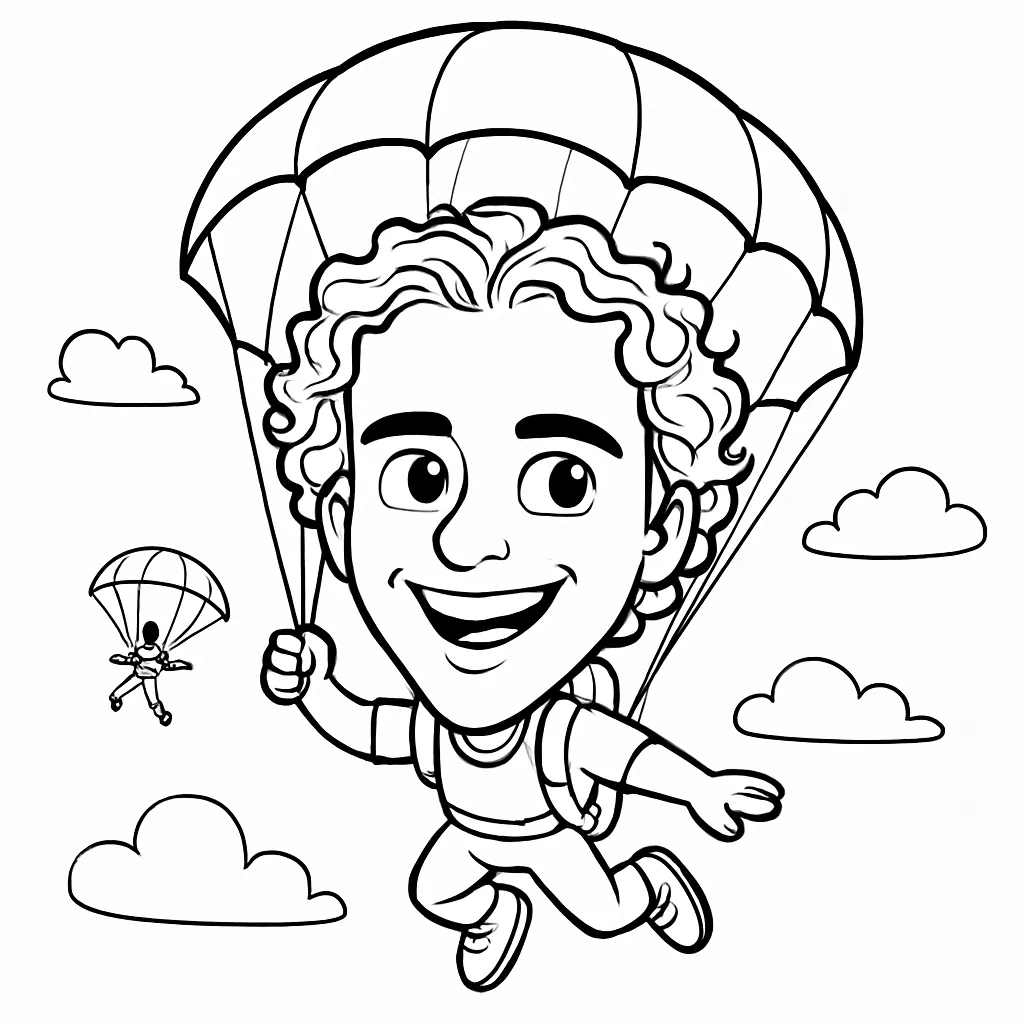
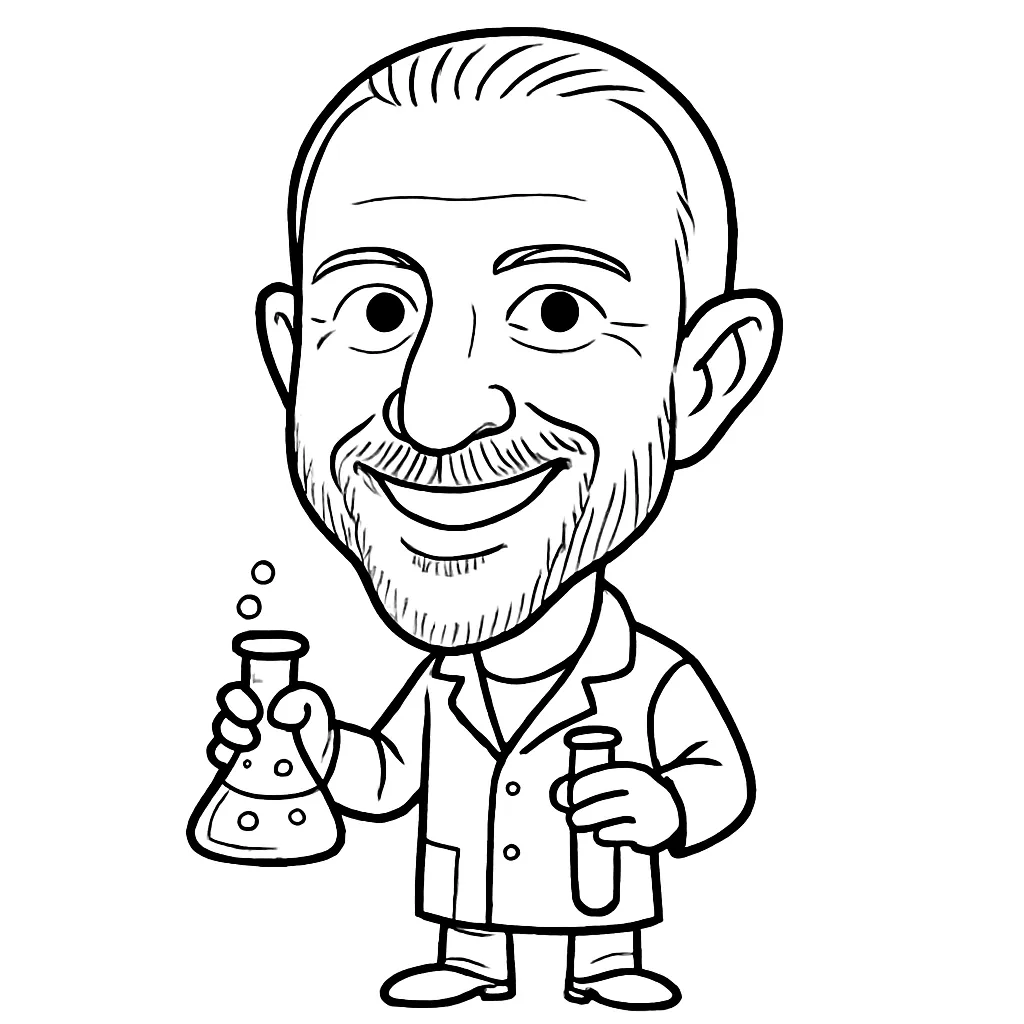
Guests choose from a curated collection of AI characters, mini-body options, and artistic looks. Transform into a superhero, pirate, scientist, fairy, robot, or another themed character in a detailed sketch, cartoon, or anime-inspired style.
Generative Drawing Art
This is more than a photo filter. The AI combines the guest’s likeness with the selected prompt and art direction to generate a new, original work of art based on its understanding of both the person and the chosen style.
Robotic Sketch Output
Once the artwork is generated, it is sent to the DrawMatic Bots to be sketched onto 4 x 6 paper. Guests can watch their AI portrait become a physical drawing, creating a satisfying reveal and a tangible event memento.
Fully Branded Experience
Customize the artwork and experience for your event. Add a company logo, tailor the available character styles, and build mini-body choices around your campaign, audience, venue, or event theme.
A Personalized AI Drawing Guests Can Take Home
The DrawMatic AI Generative Drawing Artist Suite brings together the excitement of a modern photo booth, the surprise of AI transformation, and the charm of a real pen-drawn keepsake. The result is a high-tech, interactive experience that gives every guest a unique piece of art—and gives brands a memorable way to connect.
Learn more about the original robotic sketch technology directly on the DrawMatic AI Drawing Robots official page, or browse all Southern California packages at Lucky Frog Photo Booth SoCal.
Integrating an AI drawing bot for trade shows requires more than just hardware; it demands a strategic alignment with your overall event goals. When you deploy an AI drawing bot for trade shows, you transform passive foot traffic into active engagement, provided you manage the AI drawing bot for trade shows workflow with precision. Every AI drawing bot for trade shows installation should prioritize attendee experience, ensuring that your AI drawing bot for trade shows serves as a bridge to meaningful sales conversations. By selecting the right AI drawing bot for trade shows, you elevate your brand presence. Remember, an AI drawing bot for trade shows is a tool, not a solution, so your AI drawing bot for trade shows strategy must include staff training. Whether your AI drawing bot for trade shows is for lead gen or brand awareness, the AI drawing bot for trade shows must be reliable. A well-placed AI drawing bot for trade shows creates buzz, while a poorly managed AI drawing bot for trade shows creates frustration. Always test your AI drawing bot for trade shows before the doors open. An AI drawing bot for trade shows can be the star of your booth if the AI drawing bot for trade shows is integrated into your CRM. Consider how an AI drawing bot for trade shows impacts your floor plan. The best AI drawing bot for trade shows setups are those that invite interaction. If you choose an AI drawing bot for trade shows, ensure the AI drawing bot for trade shows branding is clear. Ultimately, an AI drawing bot for trade shows is an investment in your booth’s future. Your AI drawing bot for trade shows will define your success. Choose your AI drawing bot for trade shows wisely, maintain your AI drawing bot for trade shows carefully, and let your AI drawing bot for trade shows drive results. An AI drawing bot for trade shows is the future of experiential marketing.