Generative AI Event Activation With Custom Branded Overlays
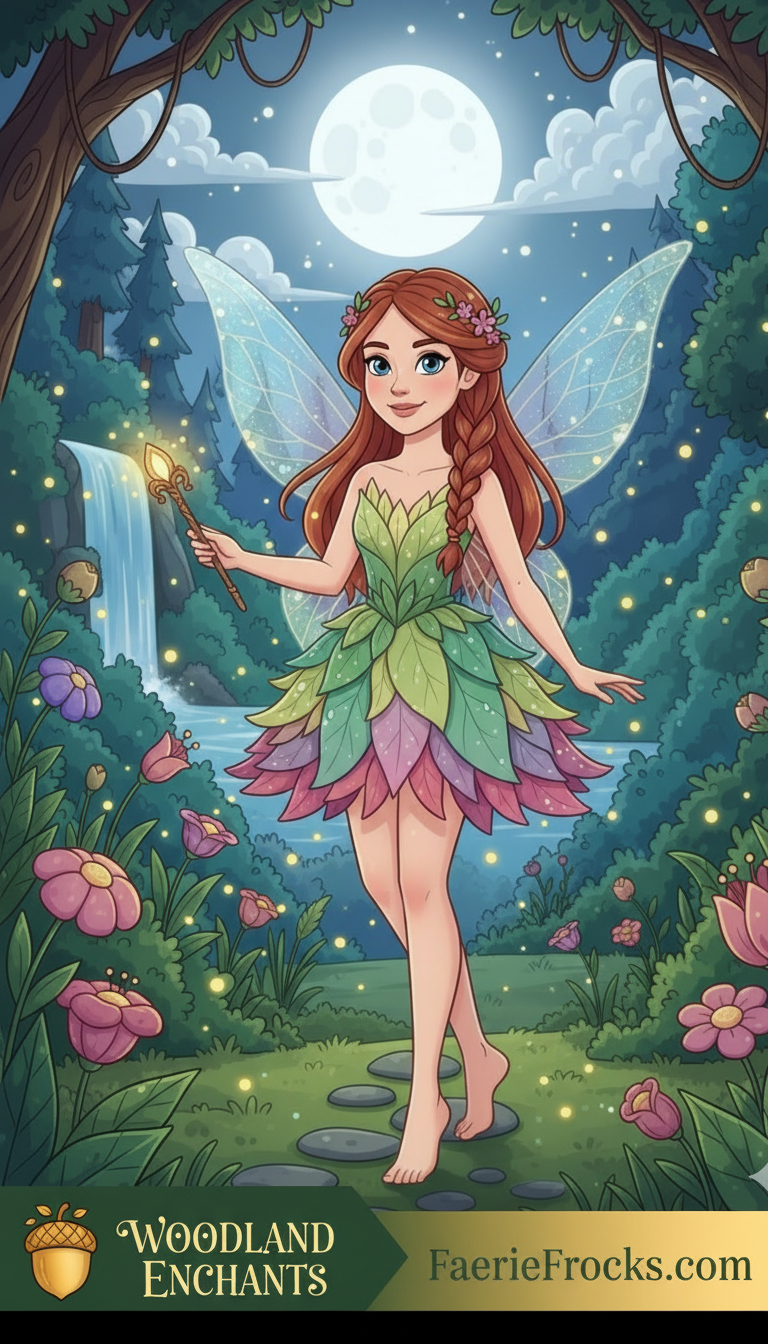
A brand activation turns your brand into something people can see, touch and share. That simple test explains why generative AI photo experiences have moved from novelty to planning line item. A guest steps up to a screen, the AI renders them into a styled scene, and seconds later they hold a printed portrait plus a file they can post. The brand travels with the image instead of sitting on a banner in the corner.
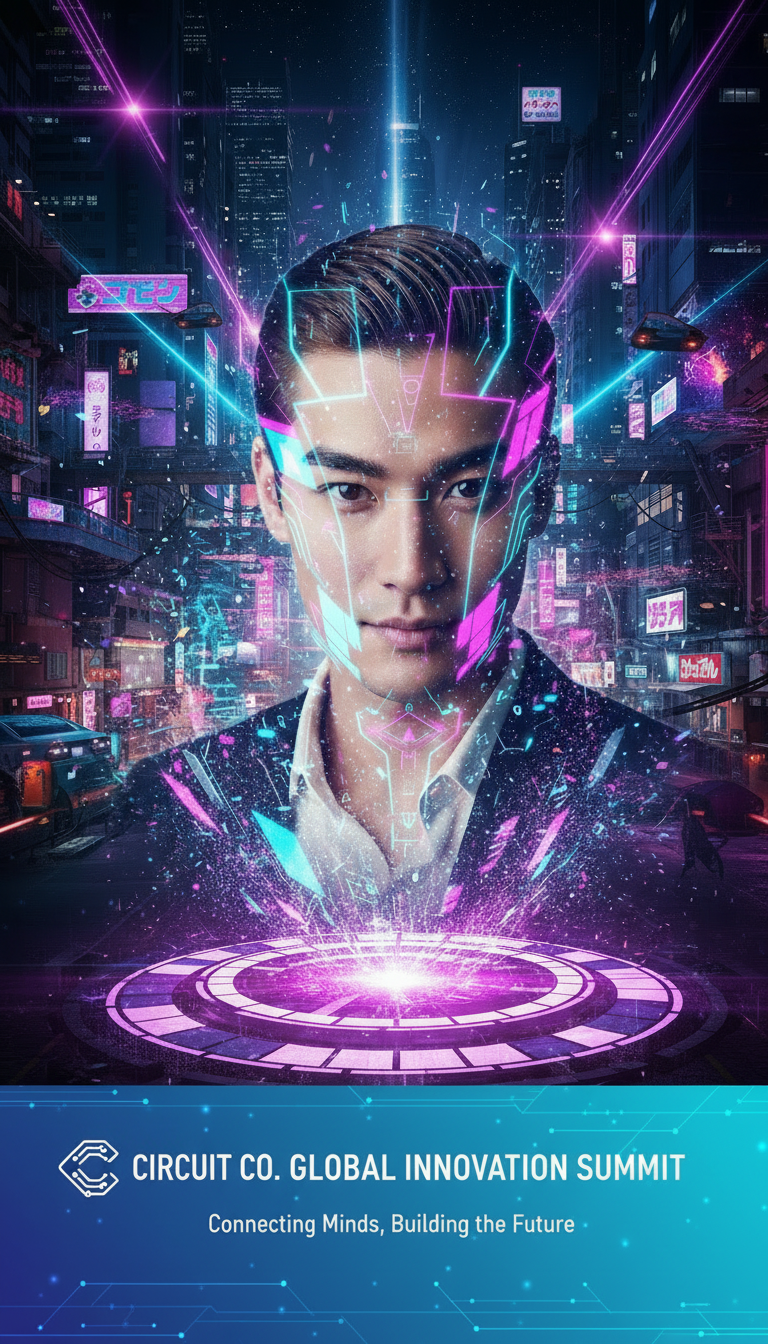
For events in Los Angeles and Orange County, the activation usually carries an extra requirement: it has to look correct in a very specific setting. An oceanfront destination wedding at Terranea Resort, an executive retreat above the Palos Verdes coastline, and a corporate conference ballroom each impose different constraints on lighting, guest flow, and output. Custom branded AI photo overlays are the piece that keeps the experience visually consistent across all of them.
What Generative AI Event Activation Actually Involves
AI-powered event technology uses intelligent software and automation to personalize, simplify, and enhance interactions. In a photo activation, that shows up as a small stack of components working together rather than one piece of hardware.
A capture station where guests stand, pose, or scan in.
A generative model that produces the styled image, scene, or avatar.
A branded overlay layer that frames the result with your logo, palette, campaign line, and event details.
A delivery path, which may include live printing, text or email sharing, or a gallery link.
Optional extras such as 360-degree video capture or high-throughput live event printing when the guest count is high.
The overlay is what most planners underestimate. It is also the part that determines whether the images look like a branded asset or a random AI picture with a logo dropped on top. Done well, the overlay carries the campaign identity, the host names, the venue name, and the sponsor credit in a single frame that guests actually want to keep.
Why Custom Branded AI Photo Overlays Matter More Than the Model
Personalization is the reason AI photo stations hold attention. When attendees feel recognized and valued, their perception of an event’s importance rises, and AI has made it practical to move events away from one-size-fits-all gatherings toward experiences tailored to the individual. A generative photo station delivers that personalization in under a minute, which is why it works as a guest touchpoint rather than just a queue.
The brand layer is what converts the personal moment into a marketing asset. A generic AI portrait gets posted once and forgotten. A portrait wrapped in a hotel’s color palette, a product launch’s key visual, or a couple’s monogram keeps the identity attached to every share. That is the difference between renting a gadget and running an activation.
Matching the Activation to the Event Format
Guest flow, lighting, and the desired output all shift by event type. The table below maps common Southern California formats to the overlay and delivery strategy that tends to fit them.
Event format | Typical guest flow | Overlay strategy | Output priority |
|---|---|---|---|
Oceanfront destination wedding | Arrival, cocktail hour, reception lulls | Monogram, coastline motif, date and venue line | Print plus instant digital share |
Executive retreat | Scheduled breaks and evening reception | Minimal corporate lockup, no consumer styling | Digital delivery and internal gallery |
Corporate conference | Peak traffic during breaks and lunch | Sponsor credits, session theme, speaker campaign art | High-volume print with fast turnaround |
Annual gala | Arrival hour, then post-program mingling | Formal frame, gala title treatment, tiered sponsor bar | Print and posed group sets |
Luxury brand activation | Continuous browsing traffic | Campaign art direction, product placement, seasonal styling | Share-first with optional print |
Oceanfront destination weddings at Terranea Resort
An oceanfront setting introduces bright, shifting light that no indoor booth has to handle. Overlay design should account for that: heavier type weights, stronger contrast, and a frame that still reads against a bright render. Overlays that carry the couple’s monogram, the date, and a subtle coastline reference tend to age better than trend-driven graphics, because the images are being kept rather than scrolled past. Guest flow also matters. If the station sits near cocktail hour traffic, expect a steady trickle. If it runs during dinner, expect a rush when the floor opens.
Executive retreats and corporate conferences in Palos Verdes
Executive audiences respond to restraint. Overlays here should feel closer to a corporate identity system than a party frame, with a clean lockup and no decorative clutter. Conferences add a volume problem: breaks compress most of the traffic into short windows, so throughput planning and a print workflow that keeps pace matter more than elaborate scene variety. Sponsor credits can be built into the overlay itself, which gives sponsorship packages a visible deliverable instead of a logo on a step-and-repeat.
Annual galas and luxury brand activations
Galas reward a formal frame with the event title and sponsor tiers integrated into the design. Luxury activations are the opposite: the overlay should feel like campaign art direction, close enough to the brand’s seasonal visuals that the images could sit in a paid social set. In both cases, agree on the visual language before event day, because overlay revisions are cheap in the design phase and expensive on site.
Building the Overlay Set: A Planning Sequence
Define the single image you want guests to share. Everything else supports that image.
Collect brand assets: logo files, exact color values, approved typefaces, and any campaign visuals already in market.
Write the prompt library. Decide how many scenes, avatars, or styles guests choose from, and cap the list so the interface stays fast.
Test renders before event day using real venue lighting and real guest photos, not stock images.
Choose the delivery path: live printing, text or email sharing, gallery link, or a mix.
Staff the station. A host who explains the process and manages the queue keeps throughput stable.
Two or three well-built overlays usually outperform eight rushed ones. Guests make decisions faster when the choice set is small, and staff can guide selection without long explanations.
On-Site Logistics at a Venue Like Terranea
Venue coordination is where most activations either run smoothly or stall. Before signing off on placement, confirm the load-in window, power availability, table and footprint dimensions, and whether the location is indoors, outdoors, or covered. Ask about network connectivity if the station depends on uploading images, and ask about noise restrictions if the event runs late. Outdoor coastal locations also raise wind and glare questions that affect both the screen and any printed output.
Guest flow deserves a separate conversation. Placing the station at the edge of the cocktail hour footprint captures people while they are standing and mingling. Placing it in a corridor that doubles as the only path to the restrooms creates a bottleneck nobody enjoys. Walk the route with the venue contact and mark the spot before the day arrives.
Personalization Beyond the Photo
The same AI systems that generate images can support the broader event program. Real-time personalization engines already drive signage, schedules, and networking suggestions, and AI-powered registration tools capture and analyze attendee preferences. If your registration form collects a job function or a session interest, that data can shape what a guest sees at the photo station, from the recommended overlay style to a printed card with a relevant session reminder.
Sponsorship is another practical use. The recommended approach is to use AI analytics to match sponsor objectives with event audiences and activations, then build packages around that match. A photo activation gives sponsors something concrete: a branded overlay they own, a gallery credit, and a measurable number of images produced with their name attached.
For lighter-touch engagement, a prompt-driven quiz works well. Ask the AI to generate ten questions around the theme of your event and have guests answer them, with the results feeding into a personalized portrait or a scored result they compare with friends.
Consent, Brand Safety, and Data Handling
Generative imagery raises questions that traditional photo booths do not. Guests should understand what happens to their image and where it may be published, and a simple printed card or screen notice handles most of that. If minors are likely to be present, agree on a policy in advance with the host.
Brand safety is the other side. Decide whether guests can enter free-form prompts or choose only from a curated set. Curated prompts protect the brand and keep the queue moving. Free-form prompts produce surprises. Most corporate and luxury activations land on curated options with a host guiding the interaction. On data, ask your vendor how images are stored, how long they are retained, and who owns the gallery, then confirm that against your organization’s own requirements and, where relevant, your legal team’s guidance.
Measuring Whether the Activation Worked
Track the numbers that connect to your objective rather than the ones that are easy to count. Useful measures include total images generated, print volume, digital share rate, dwell time per guest, and the number of branded images produced with a sponsor overlay. If the goal is lead capture, count opt-ins to the gallery rather than raw scans. If the goal is awareness, look at shares and hashtag use.
Generative AI can also support the promotion around the event itself, producing social posts and email messages that highlight key features and benefits for attendees. Pairing the pre-event content with post-event image volume gives you a full picture of what the activation contributed.
Frequently Asked Questions
What is a generative AI photo booth?
It is a capture station paired with a generative AI model that produces a styled portrait, scene, or avatar of each guest. Rather than applying a filter, the system generates a new image based on a prompt or preset. A branded overlay is then applied so the finished result carries the host or sponsor identity, and the output can be printed, shared digitally, or both.
Can the AI match our exact brand colors and logo?
Yes, provided the overlay is built in the design phase. Send vector logo files, exact color values, and approved typefaces to your vendor before the event. The overlay layer is separate from the AI generation step, which means brand assets render cleanly while the AI handles the scene. Rushed overlay work on event day is where brand accuracy usually suffers.
How many branded overlay options should we plan?
Two to three well-tested overlays cover most events without slowing the queue. Larger conferences may need a sponsor variant plus a general event frame. Luxury activations sometimes run a single art-directed look to keep every shared image consistent. Build fewer options and test them thoroughly rather than offering a long menu guests take minutes to choose from.
How far in advance should we book an AI activation?
Timelines vary by vendor and season, so confirm directly with the company you are considering. As a planning rule, the overlay design, prompt library, and venue walkthrough all need lead time before the event date, and peak wedding and corporate seasons fill earlier. Locking the date first gives you room to develop the creative properly.