How Fast Does an AI Photo Booth Process Custom Photos Live?
Lucky Frog Photo Booth
Southern California & Beverly Hills
AI Photo Booth Guide for Beverly Hills Events & Weddings
How fast does an AI photo booth process and render custom photos during a live event?
Modern AI photo booths compute and deliver final photos in about 10 to 20 seconds. Learn more on our Lucky Frog Photo Booth Blog.
Can an AI photo booth generate custom backgrounds and thematic styling tailored to a Beverly Hills luxury event?
Yes, AI setups transform real-time guest portraits into custom themes or backgrounds matching high-end Beverly Hills aesthetics. Discover our customized event experiences at Lucky Frog Photo Booth SoCal.
How does an AI photo booth differ from a traditional 360 or digital selfie booth?
Unlike standard 360 videobooths or static digital kiosks, an AI booth uses generative algorithms to alter the artwork, lighting, and environment in real-time. Compare features on our Drop Off & Selfie Kiosk Rental Page.
Can we brand the AI photo outputs with custom logos, monograms, or event watermarks?
Yes. Custom monograms, corporate logos, and date watermarks can be integrated onto every digital share and print. Read about customization details on the Lucky Frog Main Blog Hub.
What are the power, spatial, and Wi-Fi requirements for setting up an AI photo booth at a Beverly Hills venue?
We require a dedicated 120V power outlet, a clean 10′ x 10′ footprint, and a strong internet connection for live cloud image processing. Explore venue setups at Lucky Frog Booth SoCal.
Do photo booth vendors provide a Certificate of Insurance (COI) required by luxury venues in Beverly Hills?
Yes, Lucky Frog Photo Booth provides full General Liability Certificate of Insurance (COI) documentation tailored for luxury venue standards. Contact us through Lucky Frog Photo Booth to request venue certificates.
How early does an AI photo booth team need access to high-end venues like The Beverly Hills Hotel or Waldorf Astoria for setup?
Our team arrives 90 minutes to 2 hours before the event start time for calibration, testing, and lighting adjustments. Read setup timelines on the Lucky Frog Blog.
What backup connectivity options do vendors use if venue Wi-Fi fails during live processing?
We carry dedicated 5G cellular hot spots to ensure real-time AI processing remains uninterrupted if venue internet drops. Learn more at Lucky Frog Booth SoCal.
How do guests instantly receive and share their AI-generated photos via QR code?
Guests scan a generated QR code on the booth display screen to download high-resolution photos straight to their smartphones. See how digital sharing works on our Selfie & Digital Kiosk Rental Page.
Can an AI photo booth collect guest emails or opt-ins for corporate brand activations in Los Angeles?
Yes, sharing workflows support lead collection fields, email capture, and opt-in surveys for corporate events. Read full corporate activation features on the Lucky Frog Photo Booth Blog Page.
Do guests have the option to keep a standard portrait if they prefer not to use the AI transformation?
Yes. Guests can choose between standard studio portraits or AI transformations right on the touchscreen. Learn about options on Lucky Frog Photo Booth SoCal.
Are physical prints available for AI-generated photos, or is the experience strictly digital?
We offer both live high-speed physical prints and instant digital delivery via QR codes or text messages. View rental setups at Lucky Frog Photo Booth Services.
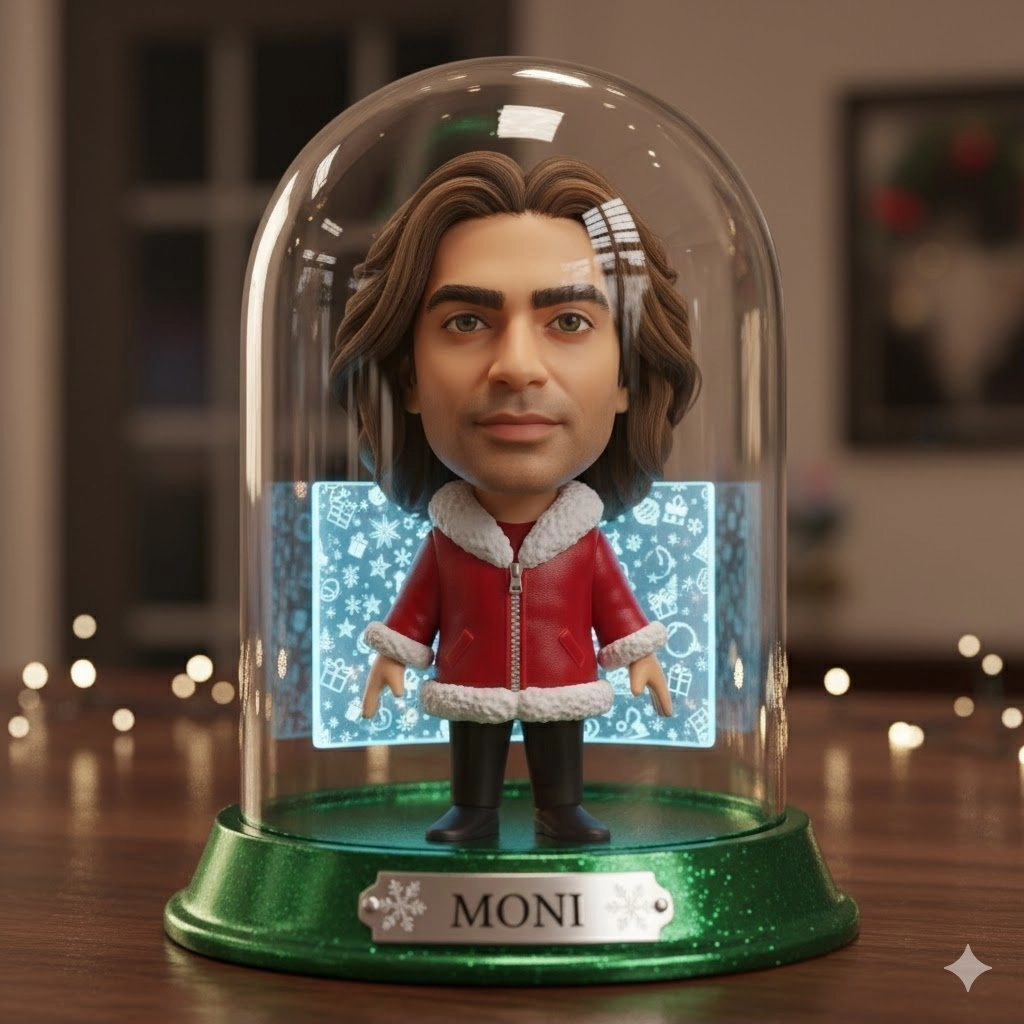
Event planners ask about speed first, because speed is the part guests actually feel. An AI photo booth can look impressive in a vendor demo, but the experience collapses the moment a line stalls and people start checking their phones. The practical answer is that per-image AI rendering is fast enough to keep a room moving, and the total guest experience depends far more on how the booth is staffed, staged, and connected than on raw processing power.
Published vendor figures cluster in a tight window. Several live event operators describe per-image AI processing in the range of roughly thirty to sixty seconds, with some setups reporting delivery in under thirty seconds. One Los Angeles focused vendor guide puts generative AI output at under sixty seconds per guest. Here is how the numbers line up.
Reported processing time | What the source describes |
|---|---|
About 30 to 60 seconds per image | AI processing time for a single guest image, with the guest not required to stand and wait for the result |
Under 30 seconds | Modern AI photo booth setups that process and deliver images in under half a minute |
Under 60 seconds per guest | Generative AI processing delivering a finished output to the guest |
Read those numbers as rendering time for one image, not as the total time a guest spends at the booth. Those are two different measurements, and confusing them is the most common reason planners overestimate or underestimate how an activation will flow.
The Short Answer on AI Photo Booth Processing Speed
Plan on roughly thirty to sixty seconds for the AI to transform a captured photo into a finished, thematic portrait. That is the window vendors consistently describe for live generative processing. A faster band exists: some platforms advertise delivery in under thirty seconds for the completed image.
What matters for throughput is that the wait is decoupled from the guest’s presence. A guest does not have to stand at the booth watching a progress bar. The capture happens, the processing runs, and the finished portrait arrives through a delivery channel such as email or a link. That separation is what allows a booth to keep accepting new guests while earlier images finish rendering.
Why Guests Rarely Stand Around Waiting
The user experience design of a modern AI booth is built around not holding anyone in place. Capture is quick. Processing runs in the background. Delivery is pushed to the guest rather than handed over at the counter.
That structure changes how you plan the floor. Instead of measuring a line by how long each guest occupies the booth, you measure it by how long the capture step takes. If capture is fast and processing is asynchronous, a busy room can cycle through guests steadily while renders complete behind the scenes. For planners, the practical takeaway is to ask the vendor to separate those two numbers explicitly: capture time per guest, and render time per image.
What Happens Between the Shutter Click and the Finished Portrait
The pipeline is straightforward in principle, even when the models behind it are not.
-
The booth captures the guest’s photo.
-
The image is run through a custom prompt and a curated generative model.
-
The model applies the transformation the event has chosen, which can range from a background swap to a full stylistic reimagining.
-
The finished portrait is branded and delivered to the guest, commonly by email, and often accessible through a QR code or a shared link as well.
Every one of those steps can be tuned before the event. The prompt is where an event’s theme actually lives, and it is the single most important thing to review with your vendor ahead of time.
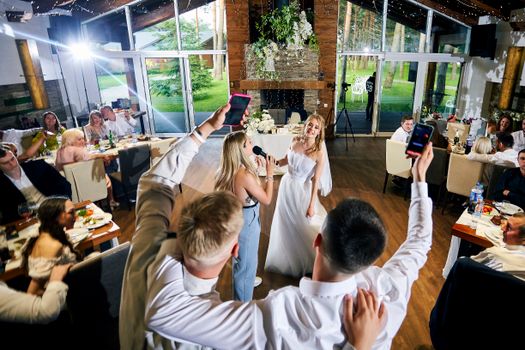
How AI Photo Booths Differ From 360 and Digital Selfie Booths
The distinction sits in where the creative work happens. A 360 booth is built around a rotating video moment, so its value is in the motion and the reveal. A digital selfie booth is built around a still image and immediate sharing, so its value is in speed and volume. An AI booth inserts a generative processing layer between capture and delivery, which is what allows the output to be something the guest never physically stood in front of.
That layer is also what makes an AI booth slower per image than a straight still capture, and it is why the delivery model matters so much. The trade is creative output for a short render window.
AI Capabilities That Shape the Creative Output
The transformations available in live AI booth platforms cover a defined set of effects. Knowing which ones your event needs shapes both the prompt design and the staffing plan.
Capability | What it does |
|---|---|
Face swap | Replaces the guest’s face with another face while keeping the body and background intact |
Clothing change or virtual try-on | Swaps or overlays new clothing styles onto the guest’s body, such as formalwear, costumes, or fantasy outfits |
Background removal or replacement | Cuts the guest out of the original photo and replaces the setting with branded backdrops, fantasy worlds, or stylized scenery |
Image to video or animation | Animates a still photo with motion such as blinking, talking, or dancing |
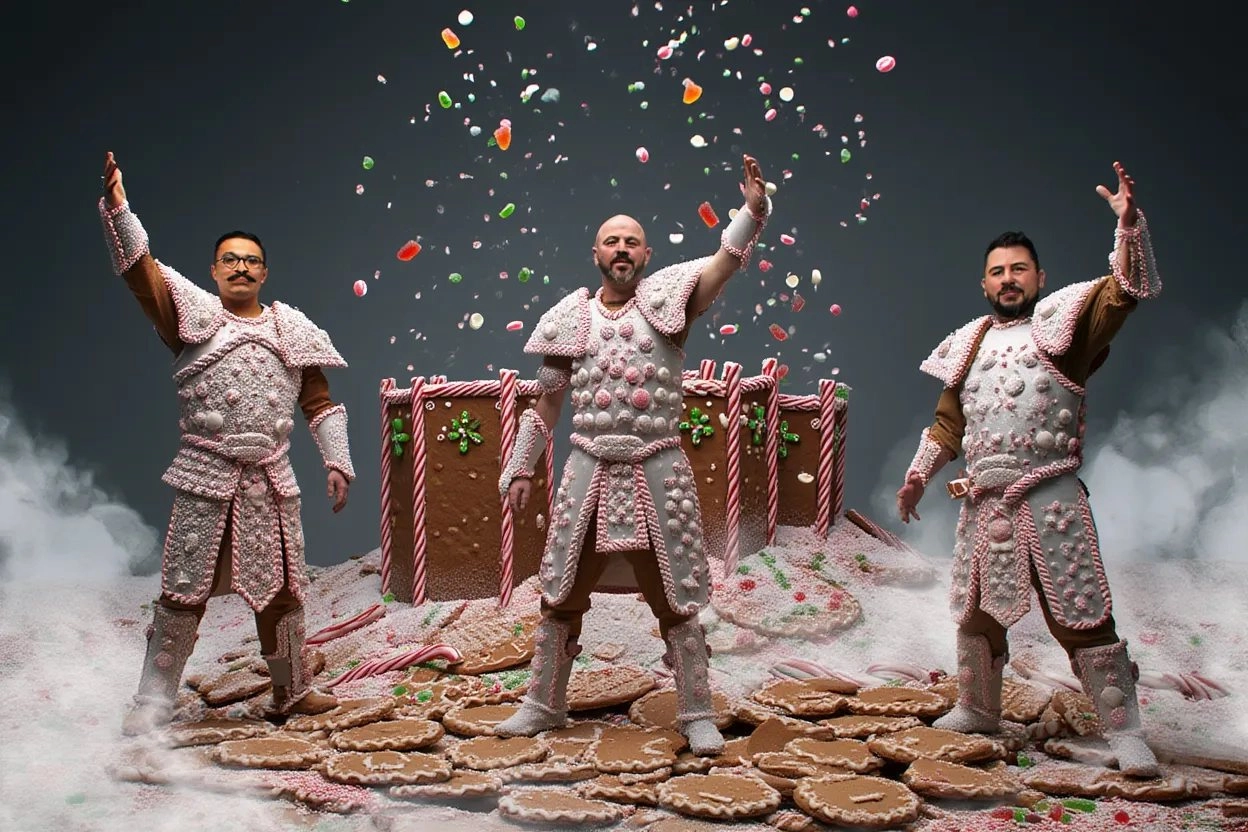
Can AI Photo Booths Generate Custom Backgrounds for a Luxury Event?
Yes, and this is the capability that makes an AI booth relevant for a high end celebration rather than just a novelty. Background removal and replacement is a core function, and vendors describe output that includes branded backdrops and stylized scenery. Because the look is driven by a custom prompt and a curated model rather than a physical backdrop, the creative direction can be matched to an event’s palette, theme, or brand world.
For a Beverly Hills style event, the practical work happens in the briefing. Bring reference imagery, the event’s color direction, and any brand guidelines to your vendor and ask to see how the prompt performs with those inputs. Ask specifically what the fallback looks like if a particular transformation produces an inconsistent result on a guest who wears glasses, a hat, or a very dark outfit. Uniformity across a few hundred guests is the real test of a themed output.
Branding AI Outputs With Logos, Monograms, and Event Watermarks
Branding is supported at the delivery stage. Vendors describe a branded portrait delivered to the guest, and custom brand integration is a standard part of the offering for corporate activations.
Before you commit, put these questions in writing to your vendor: where exactly does the logo or monogram appear on the finished image, does it sit on every transformation style or only some, what file format and resolution does the guest receive, and can the same branding carry through to any physical output. If a monogram watermark must appear on every single frame, confirm that as a hard requirement rather than an assumption.
Beverly Hills Venue Logistics and Compliance
Venue logistics vary by property, and the research available here does not include property specific power, space, or connectivity specifications for Beverly Hills venues. Treat the sections below as the questions to put to both your vendor and the venue’s event contact, in writing, during the planning stage.
Power, Space, and Connectivity
Ask your vendor for a written specification sheet covering electrical draw, circuit requirements, footprint dimensions, and network requirements. Send that sheet to the venue’s event contact and get a confirmation that the assigned space meets it. For AI booths specifically, network quality is not a nice to have. Live generative processing depends on it, so the venue should confirm the strength and reliability of connectivity at the exact location where the booth will stand, not just somewhere in the building.
Certificates of Insurance and Venue Paperwork
Luxury venues commonly require vendors to carry insurance and to submit documentation before load-in. Requirements differ from property to property, so ask the venue directly which certificates, endorsements, and vendor forms it requires, and how far in advance they must be filed. Then confirm your photo booth vendor can supply them within that window. A certificate of insurance is a routine request for professional event vendors, but the lead time is what catches planners off guard.
Setup Access and Load-In Timing
Access windows are venue specific. Ask your venue contact what time vendors are permitted to load in, whether loading dock access is assigned in a specific order, and whether any other vendor shares your window. Build buffer into the schedule for elevator access, hallway protection, and any setup restrictions the property imposes. Confirm the load-in time in writing and share it with your booth vendor so the crew is not waiting in a lobby during a narrow window.
Backup Connectivity If Venue Wi-Fi Fails
This is the single most important contingency for an AI booth. Ask your vendor what their fallback is when venue Wi-Fi drops mid-event. Options typically revolve around a dedicated cellular hotspot or a bonded connection, but you should not assume. Ask how the booth behaves if rendering is interrupted, whether queued images resume automatically, and whether any function runs locally without a network. Get the answer in writing and confirm the backup plan is tested during setup rather than discovered during the reception.
Guest Experience and Corporate Activations in Los Angeles
How Guests Receive and Share AI Photos
Documented delivery methods include a QR code or a shared link, which lets guests access, download, and share the image on the spot. Email delivery of a branded portrait is also described as standard. SMS and AirDrop style handoffs are worth asking about, but confirm them with your vendor rather than assuming, since delivery options vary by platform.
Email Capture and Opt-Ins for Brand Activations
Email delivery of a branded portrait inherently creates a contact point, which is part of why AI booths appeal to brand teams. Marketers report that experiential activations drive more brand awareness than traditional digital advertising, and an AI booth sits squarely in that category. Ask your vendor exactly how guest information is collected, what the consent flow looks like on screen, and how data is stored and exported after the event.
Standard Portraits and Guest Choice
Some guests prefer an untouched photo. Whether your booth can offer a standard portrait alongside the AI transformation is a platform question, and the research here does not settle it. Ask your vendor directly, and if guest choice matters to your event, make it a stated configuration requirement rather than an optional feature.
Prints Versus Digital Delivery
AI photo outputs are often described as digital first, delivered by email or link. Whether a platform also supports physical prints is vendor specific and not established in the source material here. If printed keepsakes are part of your event plan, raise it early in the quoting process.
Frequently Asked Questions
How long does an AI photo booth take per guest?
Plan on roughly thirty to sixty seconds for the AI to process and render a single image. Some live platforms report delivery in under thirty seconds, and one Los Angeles vendor guide cites under sixty seconds per guest. Those numbers describe rendering time, not the time a guest spends standing at the booth.
Do guests have to wait at the booth for the AI result?
No. The processing runs in the background while the guest steps away, and the finished portrait is delivered afterward, commonly by email or through a QR code or shared link. That separation is what keeps a busy room moving during peak periods instead of forming a slow, single file line.
Can we brand the AI photo output with a logo or monogram?
Branding is part of the offering. Vendors describe branded portraits delivered to guests and custom brand integration for corporate activations. Confirm placement, resolution, and whether the branding applies to every transformation style, and ask for a sample before the event date so there are no surprises.
What happens if venue Wi-Fi fails during the event?
Live AI rendering depends on connectivity, so a backup plan is essential. Ask your vendor how they handle a dropped connection, whether a dedicated cellular hotspot or bonded connection is part of their standard setup, and whether queued images resume automatically. Get that plan confirmed in writing and tested during setup.
Can the AI booth match our event theme?
Yes. Background removal and replacement allows branded backdrops, fantasy settings, and stylized scenery, and the look is driven by a custom prompt and curated model. Share reference imagery and color direction with your vendor in advance, then review test renders to confirm the output stays consistent across a large guest count.