AI Photo Booth With Instant Digital Sharing in Anaheim
Introduction
An AI photo booth with instant digital sharing Anaheim event planners can rely on is more than a camera on a stand. It is a guest experience system: capture, AI transformation, delivery, branding, privacy, and on-site support all need to work together. When they do, a guest can pose, choose a themed look, receive a shareable image on their phone, and return to the event in minutes.
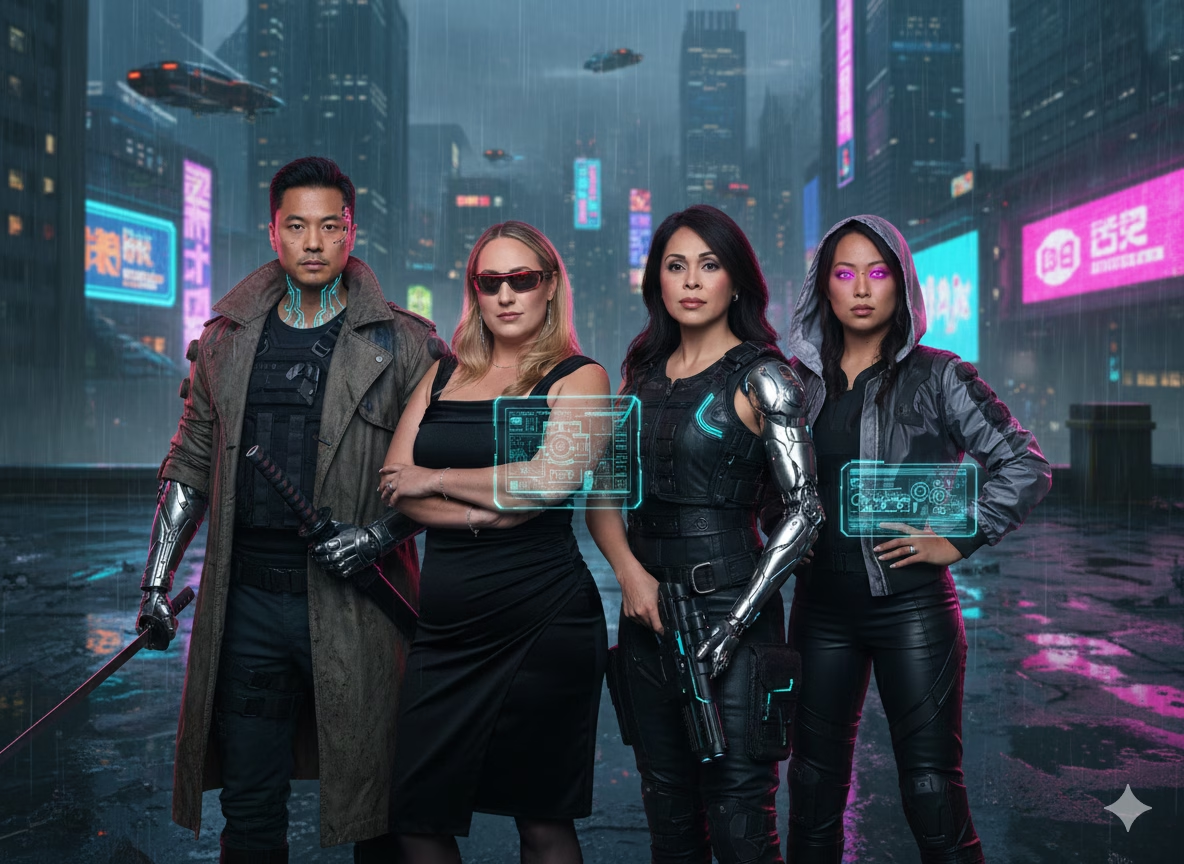
That sounds simple. The practical details are where a great activation separates itself from a frustrating line of guests waiting on a loading screen. Whether you are planning a convention-floor activation, a wedding near the resort district, a quinceañera, or a company celebration, the right questions will help you choose a format that fits your audience, venue, and event goals.
TL;DR
Choose an AI booth based on the _complete_ guest journey, not the word “instant.” Confirm AI rendering time, delivery method, venue connectivity, attendee throughput, privacy terms, and who handles problems on-site. For high-volume Anaheim events, an attended setup with a tested fallback plan is usually the safer choice.
Table Of Contents
• How AI Photo Booth Sharing Actually Works
• Planning For Anaheim Venues And Guest Flow
• Choosing The Right Booth Service And Budget
Key Takeaways
• AI effects and digital sharing are separate systems. A booth may capture quickly while its AI portrait generator, gallery host, SMS provider, or venue network creates a delay.
• “Instant” should mean a tested workflow. Ask how long it takes from final capture to a guest successfully opening the file, not simply when the booth sends it.
• Staffing matters most when stakes and traffic are high. A self-service kiosk can suit a relaxed private party, while a staffed booth is generally stronger for conventions, brand activations, and large receptions.
• Pricing needs normalization. Compare hours, attendant coverage, setup, travel, custom artwork, prints, gallery access, taxes, and AI effects before comparing headline prices.
• Privacy deserves a direct conversation. Ask who can access images, whether third-party AI tools process them, how long files are retained, and how deletion requests work.

How AI Photo Booth Sharing Actually Works
An AI photo booth starts with a normal capture, often using a camera, lighting, touchscreen, and guest-facing preview. The system then applies an effect such as an AI portrait style, face swap, background replacement, or themed transformation. Finally, it creates a delivery path through a QR code, text message, email, direct download, or a hosted gallery.
The distinction matters because a beautiful image effect does not automatically guarantee rapid delivery. Think of the process as a relay race. The photo capture is one runner. AI rendering is another. Uploading the finished file is another. The guest scanning a code, receiving a message, and opening the gallery is the final leg.
What “Instant” Usually Means
In most event marketing, _instant_ means the system makes a digital file available shortly after the session. It does not always mean every attendee will have the image visibly open on their phone in the same number of seconds.
For example, a QR workflow may display a code immediately after the image is processed. The guest still needs mobile connectivity, a camera app, and enough time to load the gallery page. An SMS workflow may trigger quickly but can be delayed by carrier filtering, incorrect phone numbers, consent screens, or congested cellular service. Email can avoid a text-message opt-in issue, but it can land in a promotions tab or arrive after the guest has moved on.
AI Effects Have Different Processing Demands
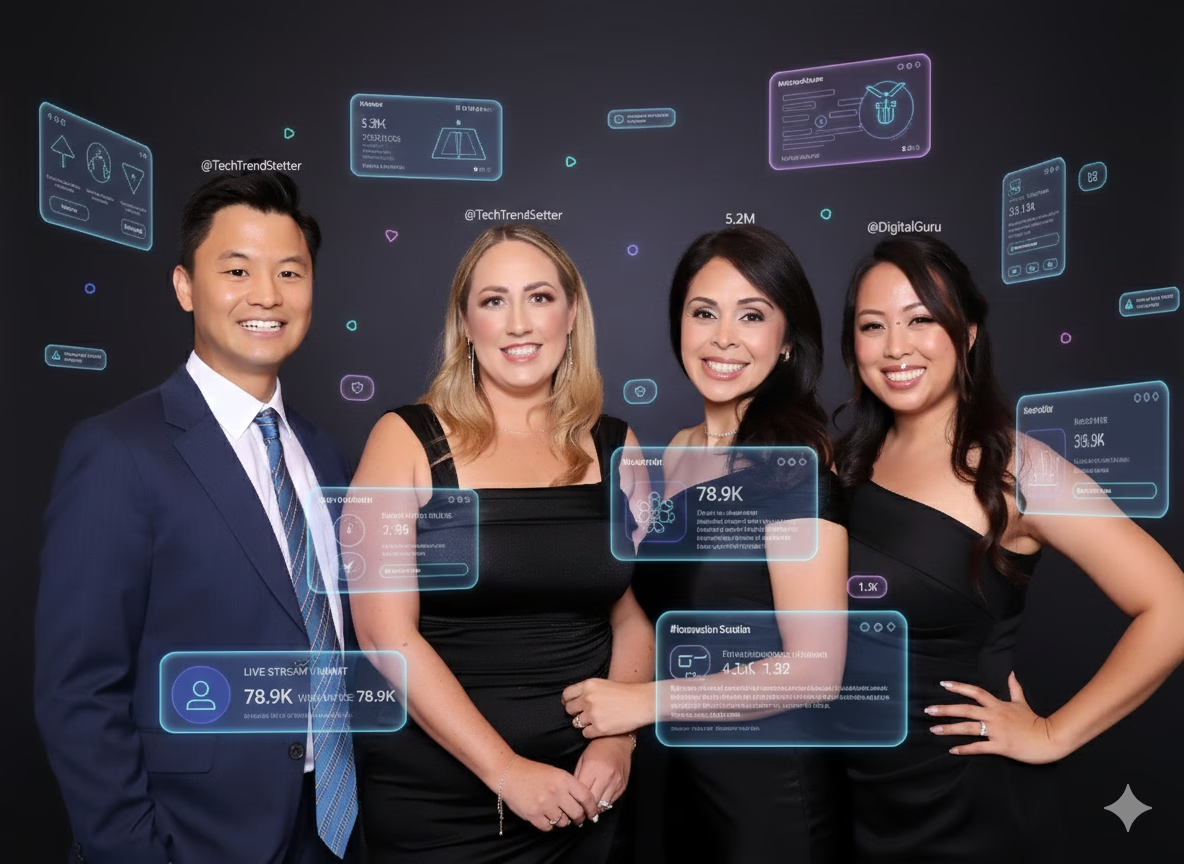
Not all effects behave alike. A branded filter or digital overlay can often appear quickly because it places graphics over a standard image. AI background replacement may take longer because the system must identify the subject, separate foreground from background, and render the replacement environment. A detailed AI portrait can require additional processing, especially if the system creates a new stylized image rather than applying a lightweight visual treatment.
Lucky Frog Photo Marketing describes Anaheim offerings that include AI portraits, face swaps, background changes, and AI Toybox-style formats, with delivery options through downloads, email, messaging, and social platforms on its Anaheim photo booth formats page. That range illustrates why you should request a demonstration of the exact effect you intend to book. “AI” is a category, not a single speed standard.

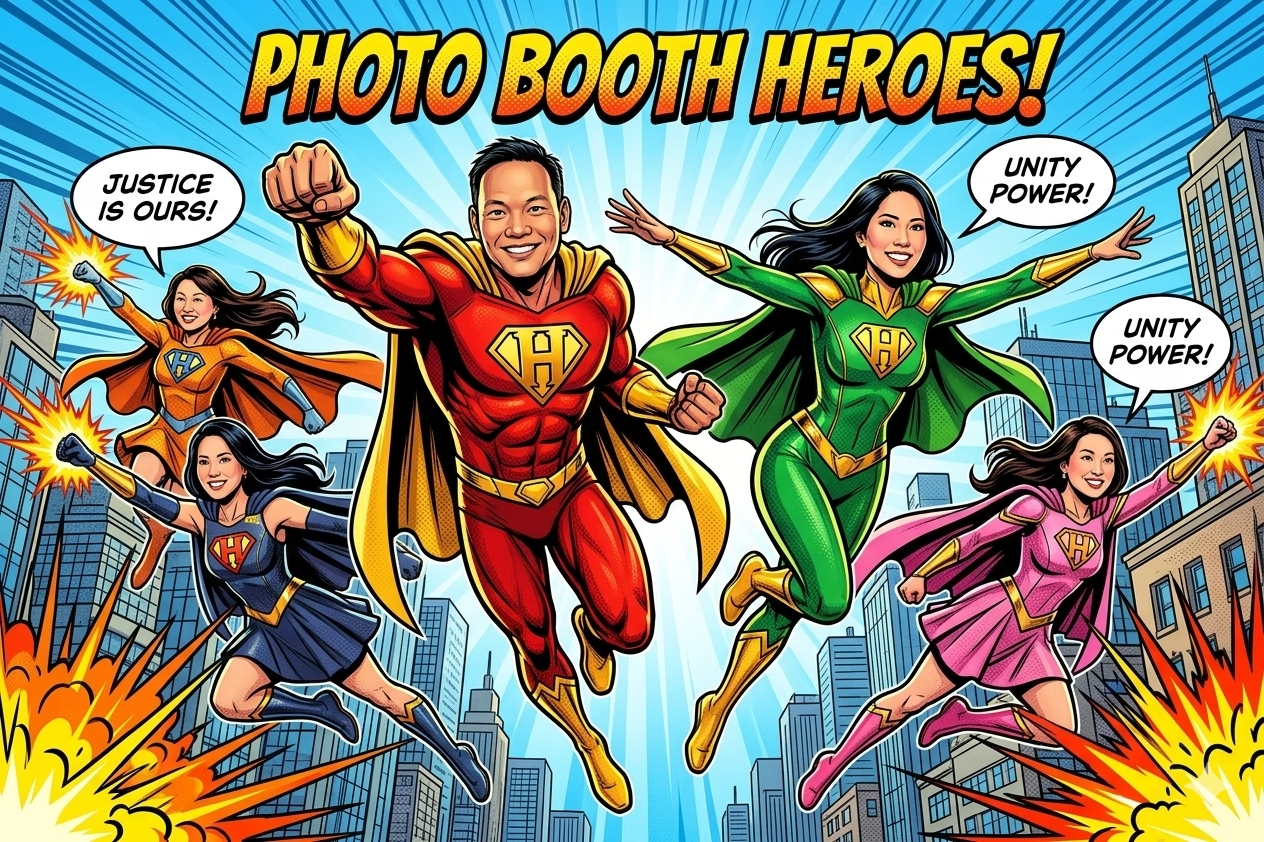
A practical event example: a comic-book portrait effect may be perfect for a sponsor lounge where guests are happy to spend a few extra moments choosing a pose. It may be less suitable at a convention entrance where hundreds of attendees arrive within a short window and need to move through quickly.
Social Sharing Is Not Always Direct Posting
“Social sharing” can mean different things. In some setups, guests receive a downloadable image that they manually post to Instagram, TikTok, LinkedIn, or another platform. In others, a kiosk may offer a direct-posting option. Those are not the same guest experience, and platform permissions can change over time.
Ask the provider to specify which of these applies:
• QR access to a hosted image or gallery
• SMS or email delivery of a link or file
• Download to the guest’s device
• A direct-posting workflow through a supported social platform
• A post-event gallery shared with the host or attendees
For brand teams, manual downloads may actually be preferable because they let guests choose the caption, platform, and timing. For a fast-moving party, QR delivery may be simpler because it avoids collecting phone numbers. The best method depends on your audience, not just the feature list.
Planning For Anaheim Venues And Guest Flow
Anaheim events can range from intimate hotel celebrations to high-traffic conference programs near the Anaheim Convention Center. A booth that works beautifully for a 75-person reception can struggle at an exhibit hall activation if the planner does not account for queueing, power, internet, and physical placement.
Design Around Throughput, Not “Unlimited Sessions”
“Unlimited sessions” generally means the vendor will not charge per photo session during the booked period. It does not mean unlimited people can complete a session at the same time.
Throughput depends on several moving parts:
Factor | How It Affects Guest Flow | What To Confirm |
|---|---|---|
Capture time | Longer prompts and group posing slow each session | Average time from start screen to final capture |
AI processing | Complex effects can add waiting time | Whether processing occurs while the next guest starts |
Sharing step | QR scanning and data entry can form a second line | Whether guests can retrieve images later from a gallery |
Group size | Large groups create memorable content but require more posing time | Recommended maximum people per frame |
Attendant support | Guidance reduces abandoned sessions and missteps | Whether staff actively manage the queue |
If a booth is placed at the center of a corporate reception, estimate demand honestly. A 300-person event does not mean all 300 guests will use the booth, but a popular AI effect can create bursts of interest after opening remarks, dinner, or a giveaway announcement. Ask the vendor for its expected completed sessions per hour using your selected effect and group size. There is no independent Anaheim-wide benchmark establishing a standard output rate, so a provider should explain its own assumptions rather than rely on vague capacity language.
For a closer look at queue planning, Turnaround time per guest in an AI photo booth can help you frame the right operational questions before signing a contract.

Build A Connectivity And Failure Plan
Fair warning: venue Wi-Fi is not automatically event-ready Wi-Fi. A ballroom network may require a captive portal login. An exhibit hall can experience heavy device traffic. Cellular service can also slow down when a crowd arrives, even if the building usually has solid coverage.
Your provider should explain the connection chain. Does the booth use venue Wi-Fi, a dedicated hotspot, wired internet, cellular backup, or some combination? Can it continue taking photos if the connection drops? Does it store images locally and send them later? Who confirms that the network works before doors open?
A useful recovery plan includes these layers:
- Primary connection: The preferred internet path for rendering, upload, and delivery.
- Backup connection: A hotspot or secondary service where practical.
- Local capture: The booth continues collecting images during a short outage instead of losing sessions.
- Delayed delivery: Guests receive access later through SMS, email, or a gallery if immediate sharing fails.
- Guest communication: A simple on-screen message tells guests that their image is safe and will be delivered when service resumes.
Consider a convention sponsor booth where dozens of guests scan QR codes during a busy break. If the gallery page loads slowly, an attendant can direct attendees to continue the event and retrieve their files later. Without that plan, people may stand in front of the booth repeatedly refreshing a browser, blocking the next group.

Confirm Space, Power, And Placement Before Booking
A booth needs more than a backdrop-sized footprint. You may need room for the equipment, an attendant, a short queue, stanchions, power access, and guests who want to watch. If the setup includes physical prints, it may also need space for printer hardware, paper loading, and output handling.
Ask your venue and provider to confirm:
• The booth footprint and recommended clear space
• Standard power requirements and outlet placement
• Load-in route, elevator access, and venue delivery restrictions
• Setup and teardown windows
• Rules for backdrops, freestanding signage, and branded structures
• Whether wireless service requires approval or credentials
For corporate planners, AI photo booth rentals for brand activations in Anaheim can help align booth placement, branding, and lead-generation goals with the actual event floor plan.

Choosing The Right Booth Service And Budget
The strongest choice is rarely the cheapest headline package or the flashiest effect. It is the option that delivers the experience you promised without putting technical troubleshooting on your event team.
Compare Quotes On A Like-For-Like Basis
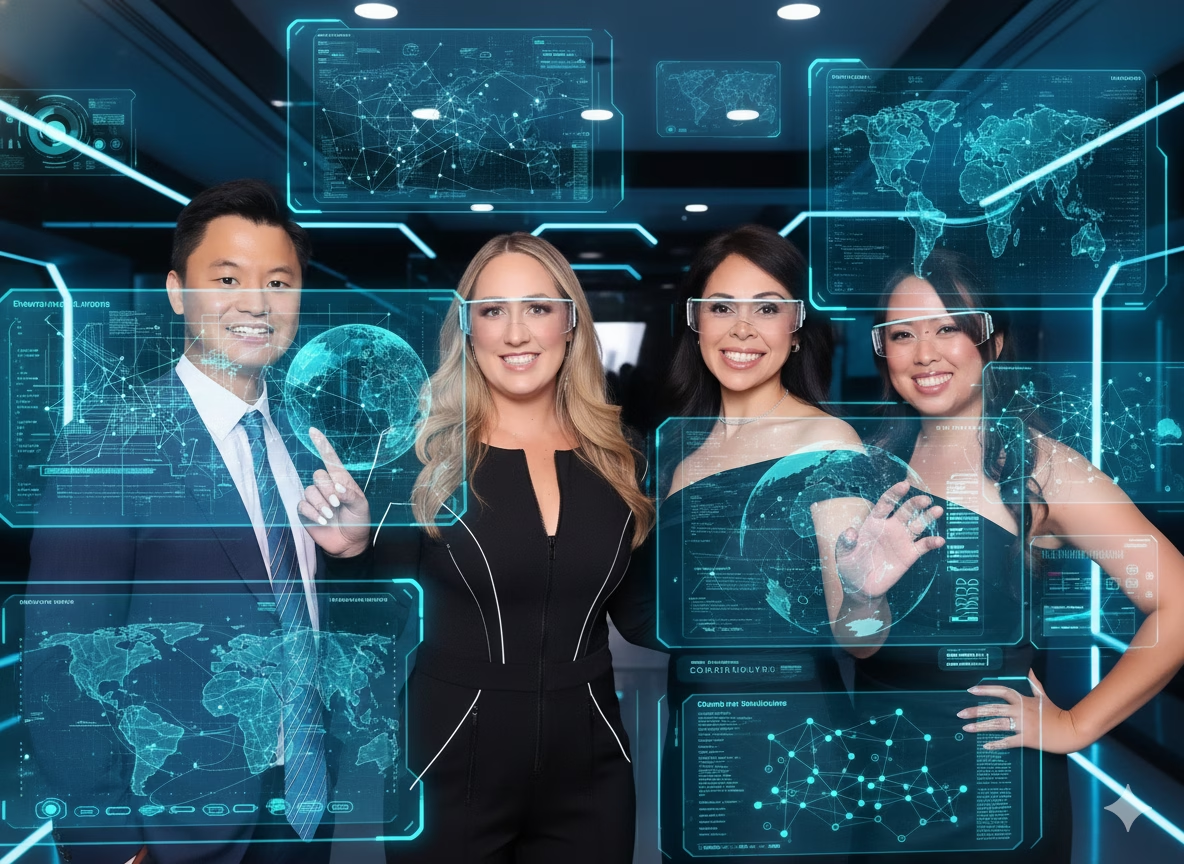
Use this comparison framework before judging value:
Quote Component | Why It Changes Cost | Decision Question |
|---|---|---|
Rental duration | More guest access and staffing hours | Does the time include setup and teardown? |
Attendant | Adds support and flow management | Is an attendant present for the full guest period? |
AI effect | More complex output may require different software or processing | Is the named effect included or an upgrade? |
Branding | Custom overlays, interface screens, and galleries need design work | How many revision rounds are included? |
Printing | Requires equipment, paper, ink, and maintenance | Are prints unlimited, and what size are they? |
Travel and venue logistics | Parking, load-in, and distance can add charges | Are all venue-related fees included? |
Data collection | Optional lead forms can add setup and compliance needs | What data is collected and who receives it? |
Do not assume “starting at” is your final number. Request a written quote that states all included services, event hours, arrival time, overtime rate, travel, taxes, and any venue-specific costs.
Attended Booth Or Self-Service Kiosk?
A self-service drop-off setup can be a smart fit for casual events with a predictable guest count, a simple digital workflow, and a host willing to serve as the point person. Lucky Frog’s Anaheim self-service kiosk description promotes AI effects and instant sharing for weddings, quinceañeras, parties, and corporate events. It can offer a lower-touch format, but it changes who manages the hard moments.
Choose an attended booth when you need:
• Queue management during high traffic
• Fast troubleshooting for sharing, lighting, or guest questions
• A polished brand ambassador presence
• Support for VIPs, large groups, or guests unfamiliar with QR workflows
Choose a self-service kiosk when you have:
• A smaller or more relaxed guest flow
• A straightforward effect and sharing sequence
• Reliable placement, power, and connectivity
• A designated event contact who can respond if something needs attention
If your corporate program includes branded graphics, data capture, or sponsor messaging, What to expect from AI photo booth rentals for Anaheim corporate events offers useful context for setting expectations with internal stakeholders.
Privacy, Consent, And Image Retention
AI image tools can be fun, but they also introduce choices that deserve clarity. A face swap, for instance, may be inappropriate if guests do not understand how their likeness will be used or if images will be displayed publicly. A branded gallery could be useful for a product launch but less comfortable for an internal employee event.
Before booking, request direct answers to these questions:
• Is guest consent shown on the booth screen before capture or sharing?
• Does the vendor or a third-party platform retain original images, AI outputs, phone numbers, or email addresses?
• How long are files retained, and can the host request earlier deletion?
• Who can view the gallery during and after the event?
• Can guests opt out of public display while still receiving a private copy?
• Are face-swap source images supplied by the event, and are they licensed for that purpose?
A clear policy is not just paperwork. It lets you tell guests exactly what happens after they smile for the camera.

Frequently Asked Questions
How Quickly Do Guests Receive AI Photos?
It depends on the capture workflow, AI effect, internet connection, and delivery method. A booth may generate a QR code quickly while the guest still needs time to open the file. Ask for expected timing from final capture through successful access, plus the fallback method if delivery fails.
Do Guests Need Wi-Fi, A Phone Number, Or An Email Address?
QR delivery generally requires guests to use their own phone connectivity or venue Wi-Fi to open the link. SMS requires a phone number, while email requires an address. A provider may offer multiple options, but you should confirm which are included and whether guests can skip personal-data entry.
Does Instant Sharing Mean Direct Posting To Instagram?
Not necessarily. It may mean a guest receives a file or gallery link and posts it manually. Ask whether any direct social-posting function is currently supported, what platforms are included, and whether guests must log in through their own accounts.
Can An AI Booth Provide Prints Too?
Often, yes, but prints can add cost, equipment needs, and queue time. They make sense when guests value a physical keepsake, such as at weddings or milestone celebrations. For a crowded convention activation focused on fast lead capture, digital-only delivery may keep traffic moving better.
How Much Does An AI Photo Booth Cost In Anaheim?
There is no single reliable price because package scope varies. Advertised examples range from a $795 AI booth listing to three-hour Anaheim packages advertised from $1,995, but those offers may include very different hours, staffing, printing, branding, and logistics. Compare complete written quotes rather than headline pricing.
Is An Attendant Worth Paying For?
Usually, yes, when your event has a packed schedule, a large guest count, custom branding, or a high visibility sponsor presence. An attendant can keep sessions moving, resolve sharing problems, and protect the guest experience. For a small private gathering with a basic kiosk, self-service may be enough.
What Happens If Venue Wi-Fi Fails?
The answer should be part of the booking conversation. Ask whether the booth can use a backup hotspot, save images locally, and deliver them later through a gallery, email, or text. Do not assume a venue network will be suitable without a pre-event test.
Conclusion
An AI photo booth can turn a quick pose into a branded, shareable event moment. To make that moment feel truly instant, choose a provider and workflow that account for rendering, network conditions, guest flow, privacy, and real on-site support.
Before you book, ask for a demonstration of the exact AI effect, a complete quote, a venue-readiness plan, and a written backup process for delivery failures. That preparation keeps the spotlight where it belongs: on your guests, your brand, and the event itself.