SunSational Events Center Anaheim AI Booth Planning Guide
Introduction
A SunSational Events Center Anaheim AI booth may be a strong fit for a wedding, corporate gathering, product launch, or private celebration, but one key detail needs to be confirmed before you build it into the event plan: publicly available information does not verify that the venue itself offers, hosts, or has an approved in house AI booth program.

That does not mean an AI booth is off the table. It means you should treat it as a managed event activation that requires venue approval, vendor coordination, and a clear technical plan. For decision makers, that distinction matters. A visually impressive booth can still create long lines, weak output, or setup delays if the room layout, lighting, electrical access, and internet connection are not confirmed early.
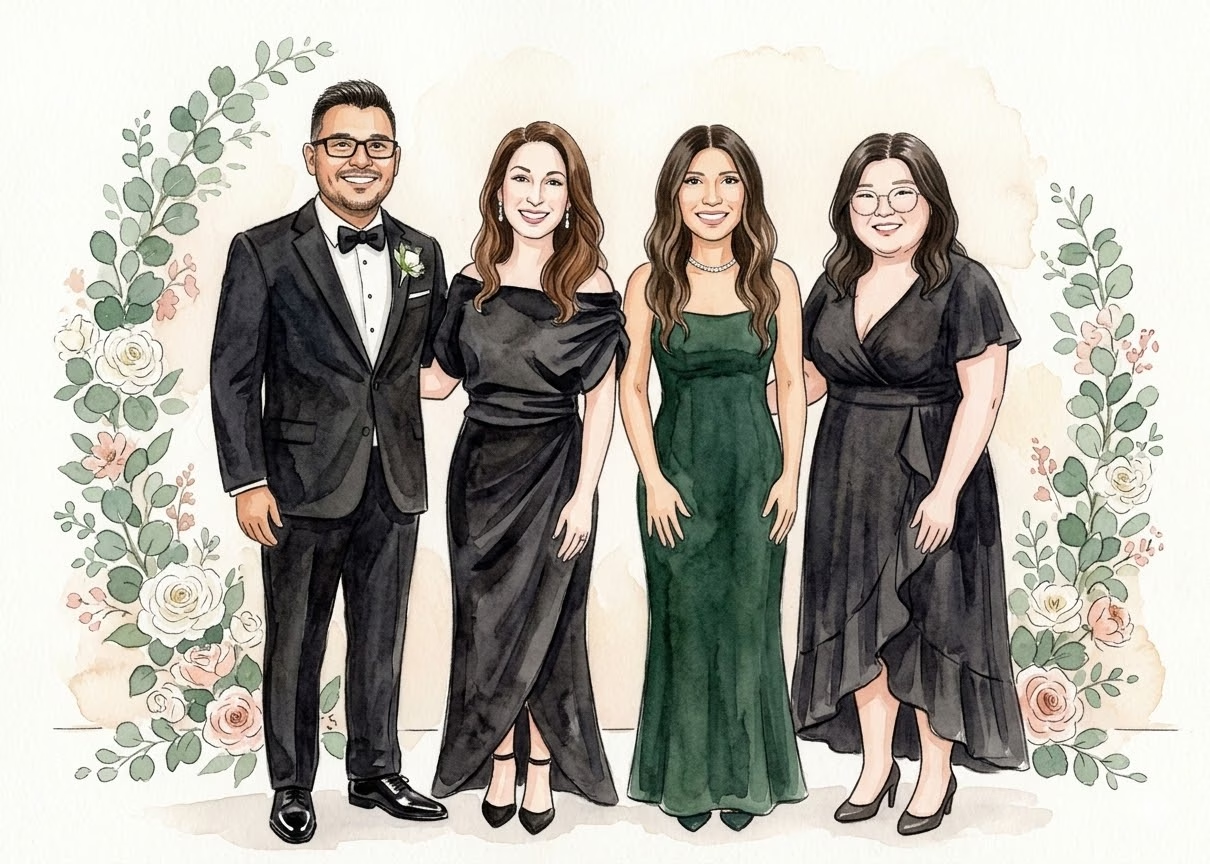
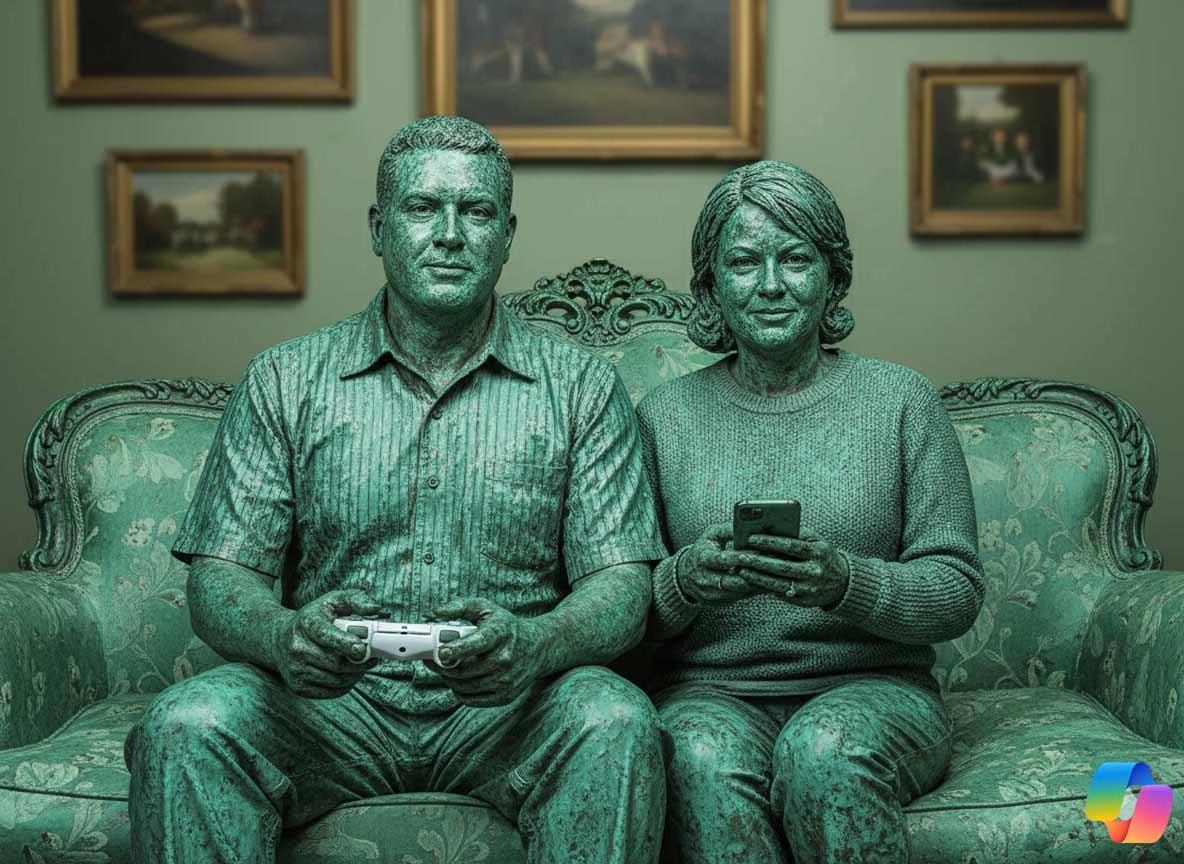
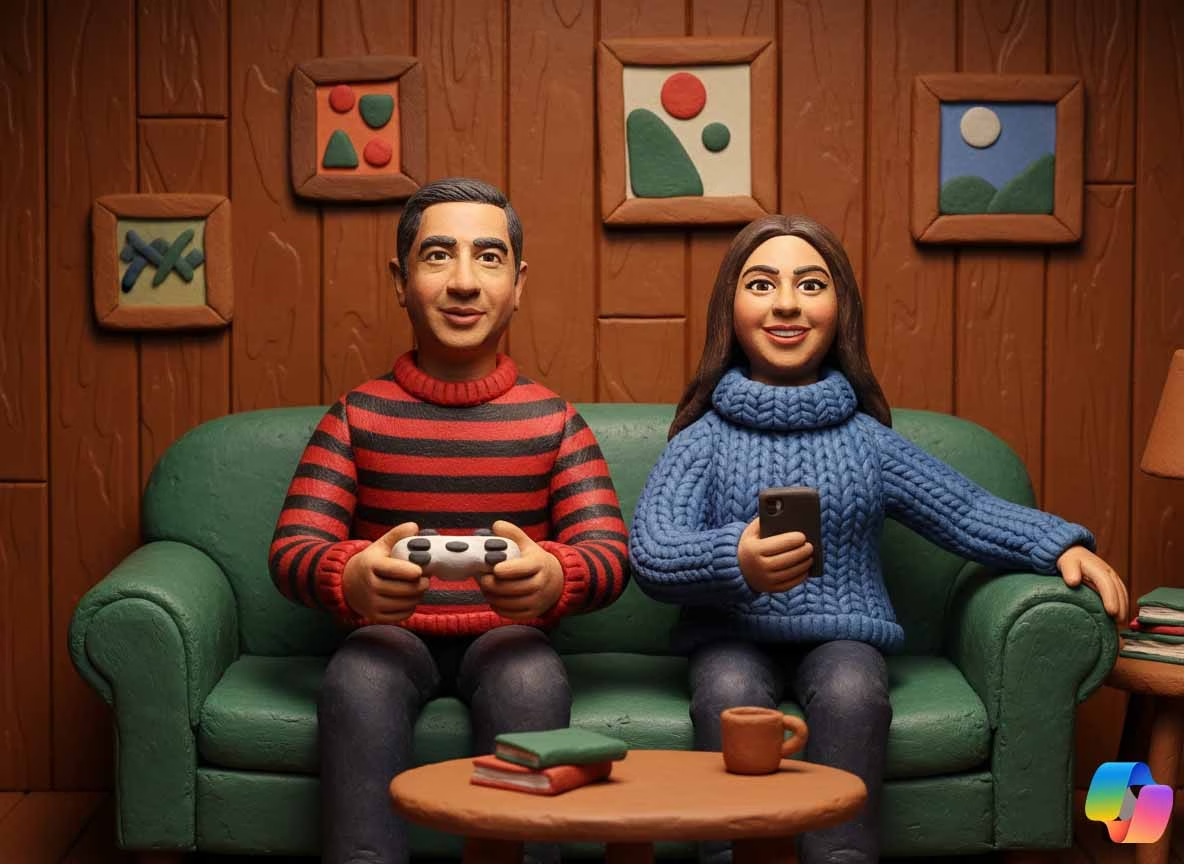
An AI photo booth generally captures a guest portrait, applies an artificial intelligence generated visual style, and sends the finished image digitally through QR delivery, text message, or an online gallery. Some packages also offer printed keepsakes. The result can range from a polished editorial portrait to a themed fantasy image, branded campaign creative, or event specific visual concept.
TL;DR
A SunSational Events Center Anaheim AI booth should be planned as a vendor supported activation, not assumed to be a venue supplied feature. Confirm the room, load in window, power, connectivity, image consent process, and branding approvals before booking. The best booth experience balances visual impact with fast guest flow and a credible backup plan.
Table Of Contents
• Start With Venue Confirmation
• Design The Right Guest Experience
• Build A Reliable Operations Plan
Start With Venue Confirmation
Confirm What Is Actually Available
The first question is simple: Is an AI booth already available at SunSational Events Center Anaheim, or are you bringing in a third party provider? Do not rely on a general event listing, an old social post, or a vendor’s generic Anaheim service area page as confirmation. Ask the venue contact directly whether outside interactive technology vendors are permitted and whether there are any preferred vendor, insurance, electrical, noise, or load in requirements.
This conversation should happen before you promise an activation in a sponsorship deck, event invitation, or client presentation. A booth may be physically possible but operationally impractical if it must be installed immediately before doors open or removed during a restricted window.
Use a short written confirmation request that covers these decisions:
• Is an outside AI photo booth vendor permitted?
• Which rooms, patios, side areas, or pre function spaces can support the activation?
• What time can the vendor arrive for load in and testing?
• Is standard wall power available near the booth location?
• Can the vendor use venue Wi Fi, a dedicated connection, or a cellular backup?
• Are there insurance certificates, vendor forms, or security procedures required?
• Are physical prints, signage, stanchions, or branded backdrops allowed?
• Does the venue have restrictions on noise, lighting, queues, or guest data collection?
The point is not paperwork for its own sake. Each answer affects cost, guest experience, and risk. For example, an activation placed in a narrow cocktail corridor may look attractive on a floor plan, yet create a bottleneck when guests pause to watch AI portraits appear on screen.
Evaluate The Booth Footprint Before Choosing A Package
A booth footprint includes more than the camera station. It may need a backdrop, lighting, printer, attendant workspace, queue area, power cables, signage, and room for guests to enter and exit without crossing traffic flow.
Because no venue specific dimensions were verified for SunSational Events Center, you should request the exact room plan and measure the intended activation zone with the booth provider. A compact digital station may need only a modest footprint, while a premium experience with a backdrop, studio lighting, print station, and branded queue can require considerably more space.
Booth Approach | Best When You Need | Planning Tradeoff |
|---|---|---|
Compact digital AI station | A lighter footprint and rapid QR sharing | Less visual presence and limited room for a large queue |
Studio style AI portrait booth | Higher quality lighting and more polished portraits | More floor space, setup time, and lighting control |
Print inclusive AI booth | A physical takeaway for guests | Printer supplies, extra power needs, and slower guest flow |
Branded activation build | Sponsor visibility and campaign content | More approvals, design work, and installation complexity |
A useful rule: reserve room for the _line_, not just the equipment. If 150 guests arrive during a one hour cocktail period, even a fast experience can become crowded if everyone wants a portrait before dinner. Positioning the booth where the line can expand without blocking bar service, exits, restrooms, or catering routes is usually more valuable than placing it in the most decorative corner.
Decide Whether The Event Format Supports AI Interaction
AI booths can work across private and business events, but the format changes the best design.
For a wedding or milestone celebration, you may prioritize themed portraits, print keepsakes, and images that guests can share after the event. For a corporate activation, you may care more about brand integration, lead capture permissions, campaign reporting, and a consistent guest journey. For an expo style event, throughput is often the main constraint. A slower, elaborate transformation may be memorable, but it can be the wrong choice when attendees only have a few minutes between sessions.
If your stakeholders need a basic explanation before selecting a format, What is an AI photo booth? provides a useful foundation for understanding the experience and its common outputs.
Design The Right Guest Experience
Choose The Transformation With The Event Objective In Mind
The best AI output is not necessarily the most dramatic one. It is the one guests understand quickly and feel comfortable sharing.
For a consumer brand event, that may mean a custom visual world that incorporates campaign colors, product shapes, or a recognizable setting. For a professional association event, a clean editorial portrait with a subtle logo may deliver stronger shareability than a highly stylized fantasy treatment. For a birthday or wedding, imaginative costumes and storybook scenes may fit the celebration perfectly.
Think of the experience as a three part system:
- Capture: The booth takes a clear portrait using its camera and lighting setup.
- Transformation: The AI system applies the selected visual treatment to the image.
- Delivery: The guest receives the result through QR code, text message, email, print, or a gallery.
Every step creates a decision. If guests must choose from twelve visual styles, the interaction becomes slower. If the style is too subtle, the experience may not feel distinctive. If delivery requires too many screens or consent fields, guests may abandon the process before sharing.
The strongest approach usually gives guests one clear choice or a small set of carefully designed options. Consider a corporate launch with two branded themes: one futuristic product world and one polished magazine cover portrait. That preserves creative variety while keeping queue times predictable.
For a fuller breakdown of the workflow, see How an AI photo booth works for events. The important planning lesson is that the visible portrait is only the final step. The camera, lighting, processing, delivery, and attendant support all affect whether guests perceive the interaction as seamless.
Build Branding Into The Experience, Not Just The Frame
A branded overlay is the graphic layer added around or over an image. It can include a logo, event title, hashtag, sponsor mark, date, or campaign message. It is useful, but it should not carry the entire branding burden.
A stronger activation uses branding at several points:
• The welcome screen explains the experience in the event’s visual language.
• The AI style reflects the campaign, theme, or destination.
• The overlay identifies the event without covering the guest portrait.
• The delivery page includes a clear next action, such as sharing, visiting a sponsor page, or viewing a gallery.
• The physical environment, such as a backdrop or sign, makes the booth recognizable from across the room.
Fair warning: excessive branding can lower the perceived value of the guest image. If the logo dominates the portrait, guests may treat it like an advertisement rather than a keepsake. In a business setting, that may still be acceptable if lead generation is the primary objective. In a wedding or social event, a lighter touch often produces more images that guests voluntarily keep and share.
Plan For Portrait Quality And Guest Comfort
AI transformation cannot fully rescue a poor original photo. Low light, strong colored uplighting, reflective walls, crowded backgrounds, and mixed light sources can make facial details less consistent. The booth should ideally use controlled lighting and a background that separates guests from visual clutter.
Ask the provider to explain how the system handles:
• Guests wearing glasses, hats, or reflective accessories
• Multiple people standing in one frame
• Wheelchair access and varying guest heights
• Children, older adults, and guests unfamiliar with QR delivery
• Dark rooms with colored dance floor lighting
• Guests who prefer not to provide a phone number or email address
A practical scenario illustrates why this matters. Imagine placing the booth beside a DJ setup after the room lights dim. The booth may still operate, but the colored lighting can shift skin tones, while loud music makes attendant instructions harder to hear. Moving the booth to a quieter side room or well lit pre function area can improve both image quality and guest comfort.
Build A Reliable Operations Plan
Treat Internet As A Requirement With A Backup
Many AI booth workflows depend on internet connectivity for image processing, cloud delivery, galleries, or software updates. However, the exact technical requirements vary by provider. Some systems can capture images locally and process later, while others need a stable live connection for near immediate results.
For a SunSational Events Center Anaheim AI booth, do not assume venue Wi Fi is sufficient simply because guests can browse on their phones. A crowded event can strain shared networks, and an activation may need more consistent connectivity than casual browsing.
Ask the vendor which of these operating models applies:
Connection Model | What It Supports | Best Backup Plan |
|---|---|---|
Cloud dependent processing | Fast AI generation when stable internet is available | Dedicated hotspot or hardwired connection if permitted |
Local capture with cloud delivery | Photos can be taken during an outage | Queue delivery for later when service returns |
Local processing and delivery | Greater resilience during weak connectivity | Test software and device capacity before doors open |
Hybrid workflow | Flexible processing and sharing options | Confirm exactly which features fail offline |
A clear contingency plan prevents awkward surprises. If internet fails, can the booth continue taking portraits? Can guests receive their images later? Will physical prints still work? Who communicates the delay to guests? These are not minor technical questions. They protect the event’s reputation when conditions change.
Set Up Earlier Than The Minimum Window
Some Anaheim vendors advertise setup and breakdown windows of around 30 minutes for simpler AI photo booth packages. That is a general market estimate, not a verified requirement for SunSational Events Center. A polished event should allow more time than the bare minimum, especially when custom lighting, printing, branded assets, or a complex room layout are involved.
Build setup into four stages:
- Load In: Equipment arrives and moves through the approved access route.
- Installation: The booth, lighting, backdrop, cables, printer, and signage are placed safely.
- Calibration: The team tests camera framing, exposure, AI styles, delivery methods, and print templates.
- Soft Launch: Staff take test images and confirm the attendee flow before guests arrive.
The calibration stage is where many issues appear. A custom branded overlay may have the wrong logo version. A cellular hotspot may be slower inside the room. A print template may look good on screen but crop poorly on paper. Allowing time to correct these problems is far less stressful than troubleshooting while a line of guests waits.
Manage Throughput Instead Of Promising “Instant” Results
Some AI booth vendors market personalized images in under a minute under favorable conditions. That may be achievable, but it should not be treated as a guaranteed guest throughput number at a specific venue. Processing time can change based on the selected effect, internet speed, number of people in each image, retakes, and how long guests spend reviewing choices.
The more useful measure is _complete guest cycle time_: from joining the line to receiving the image. An experience that generates the picture quickly can still move slowly if guests stop to pose repeatedly, enter contact details, or wait for prints.
To protect flow, consider these operational choices:
• Use one or two polished AI styles instead of a large menu.
• Assign an on site attendant to explain the experience and reset the screen.
• Place a sign near the line showing guests what to expect.
• Offer digital delivery first, then let guests revisit a gallery later.
• Add a second station for high attendance events when budget and space allow.
• Schedule the booth for the longest high traffic period instead of only during arrival.
For convention adjacent activations where traffic patterns and exhibitor schedules matter, an AI photo booth planning guide for Anaheim Convention Center can help frame the broader planning questions, even though its venue conditions should not be assumed to apply at SunSational Events Center.
Protect Privacy, Consent, And Brand Trust
An AI portrait booth captures personal images. If the activation involves text messages, email collection, lead capture, social sharing, or post event galleries, you need a clear consent process.
At minimum, decide:
• What information is collected beyond the image itself
• Whether guests can receive images without providing marketing consent
• How long images and contact details are retained
• Who can access the gallery
• Whether minors can participate and what permission is needed
• Whether the client, venue, or booth vendor controls the data
Do not bury these decisions in a last minute sign. For a corporate event, a concise on screen notice can separate image delivery consent from optional marketing opt in. For a private event, a visible notice can explain that photos may appear in a gallery shared with attendees. Clear language lowers friction and avoids the uncomfortable moment when a guest asks where their image will go and no one has an answer.
Key Takeaways And FAQ
Key Takeaways
• Confirm that an outside AI booth is permitted before presenting it as an event feature.
• Request the room layout, load in rules, power access, connectivity details, and vendor requirements in writing.
• Reserve space for the queue, attendant, lighting, signage, and guest exit path, not just the booth hardware.
• Match the AI style to the event objective: shareable celebration images, branded campaign content, or fast trade show engagement.
• Plan for weak connectivity, poor lighting, and slower than expected guest cycles before the event begins.
• Make consent and data handling understandable for guests, especially when contact information or marketing follow up is involved.
Is There Actually An AI Booth At SunSational Events Center Anaheim?
Publicly available information does not confirm that SunSational Events Center Anaheim has a permanent or venue supplied AI booth. Contact the venue directly to ask whether an approved provider is available or whether you may bring in an outside vendor.
How Much Space Does An AI Booth Need?
The required space depends on the booth format. A compact digital station may fit into a smaller area, while a studio lighting setup with a backdrop, printer, attendant table, and queue needs more room. Ask your provider for a footprint diagram and compare it against the venue floor plan before contracting.
Does The Booth Need Wi Fi Or A Hardwired Connection?
Many AI booth systems benefit from reliable internet for processing and delivery. The vendor should specify whether venue Wi Fi, a dedicated connection, or a cellular hotspot is required. Always ask what features remain available if the connection drops.
Can The Booth Work In A Ballroom, Patio, Or Side Room?
Potentially, but each location changes the technical conditions. Ballrooms may offer better climate control but dim lighting. Patios can introduce glare, wind, and unstable cellular service. Side rooms can improve queue control but reduce visibility. Choose the placement based on guest flow and infrastructure, not appearance alone.
How Long Does Setup Take?
Simple booths may be installed relatively quickly, but the actual schedule depends on venue access, distance from loading areas, lighting, branding, printing, and internet testing. Build in extra time for calibration and a full test before guests arrive.
Is Printing Included Or Is It Digital Only?
Both formats are commonly available in the Anaheim market, but package inclusions vary. Digital delivery is usually faster and simpler. Printing adds a tactile takeaway but can increase cost, space needs, supplies, and service complexity. Confirm the exact package details rather than assuming prints are included.
What Happens If Lighting Or Internet Is Poor?
Poor lighting can reduce portrait quality, while weak internet can slow AI processing or digital delivery. A strong plan includes controlled booth lighting, a pre event test, an internet backup, and a defined fallback workflow such as collecting images for later delivery.
How Much Does A SunSational Events Center Anaheim AI Booth Cost?
Venue specific pricing is not publicly verified. Costs can change based on event duration, attendant staffing, custom AI styles, branded screens, printing, travel, load in complexity, insurance requirements, and connectivity needs. Request an itemized quote so you can compare the base package with the real operational cost.
Conclusion
A successful SunSational Events Center Anaheim AI booth is less about choosing the flashiest filter and more about coordinating the full experience. Confirm venue approval, design for the actual room, protect guest privacy, and test the technical workflow before the first attendee arrives.
When you treat the booth as part of event management rather than a last minute add on, it can become a polished interactive moment that supports your event theme, brand goals, and guest experience. Start by getting written venue details, then build the activation around what the space can reliably support.
Professional AI Photo Booth Anaheim
Blending classic event charm with cutting-edge artificial intelligence. Step into the premier AI Photo Lounge experience tailored for corporate activations and social gatherings across Southern California.
Explore Anaheim Booth ServicesAI Experiences & Solutions
Tech Conference AI Booth Anaheim
Elevate your high-tech event with an interactive tech conference AI booth Anaheim attendees will line up for. Generate futuristic digital avatars or thematic portraits on the fly.
AI Trade Show Booth Anaheim
Drive foot traffic to your exhibit with our high-engagement AI trade show booth Anaheim setup. Deliver instant branded photos straight to visitor smartphones.
AI Conference Headshot Booth Anaheim
Upgrade classic executive headshots using smart processing. Our AI conference headshot booth Anaheim gives attendees polished, professional-grade visual assets in real time.
Corporate & Event Activations
From an interactive Anaheim business park photo booth setup to an expansive corporate gala, our AI Photo Lounge easily adapts to any venue footprint. Host unforgettable team celebrations with a personalized Anaheim company event photo booth or captivate customers using an immersive Anaheim marketing activation booth design.
Successfully integrating a SunSational Events Center Anaheim AI booth requires proactive coordination, as a SunSational Events Center Anaheim AI booth is not a standard amenity. When planning your SunSational Events Center Anaheim AI booth, prioritize vendor vetting, as a SunSational Events Center Anaheim AI booth demands stable power. A SunSational Events Center Anaheim AI booth creates lasting memories, but a SunSational Events Center Anaheim AI booth must align with venue logistics. Always verify if a SunSational Events Center Anaheim AI booth fits your floor plan, ensuring your SunSational Events Center Anaheim AI booth does not obstruct traffic. Whether your SunSational Events Center Anaheim AI booth is for a gala or a SunSational Events Center Anaheim AI booth for a corporate mixer, technical reliability is key. A SunSational Events Center Anaheim AI booth requires clear Wi-Fi, and a SunSational Events Center Anaheim AI booth needs a dedicated load-in window. If you want a SunSational Events Center Anaheim AI booth that impresses, confirm your SunSational Events Center Anaheim AI booth insurance early. A SunSational Events Center Anaheim AI booth can elevate branding, provided the SunSational Events Center Anaheim AI booth is positioned correctly. Every SunSational Events Center Anaheim AI booth needs a backup plan, and every SunSational Events Center Anaheim AI booth needs a clear queue. By treating your SunSational Events Center Anaheim AI booth as a professional activation, your SunSational Events Center Anaheim AI booth will be a success. Ultimately, a well-managed SunSational Events Center Anaheim AI booth is the highlight of any modern event.