Interactive GIF Booth Rental Anaheim: A Smart Booking Guide
Introduction
An Interactive GIF booth rental Anaheim can turn a standard event photo moment into a short, branded, shareable animation. Instead of receiving only a still image, guests create looping GIFs, Boomerangs, short videos, or enhanced effects they can save and share after stepping away from the booth.
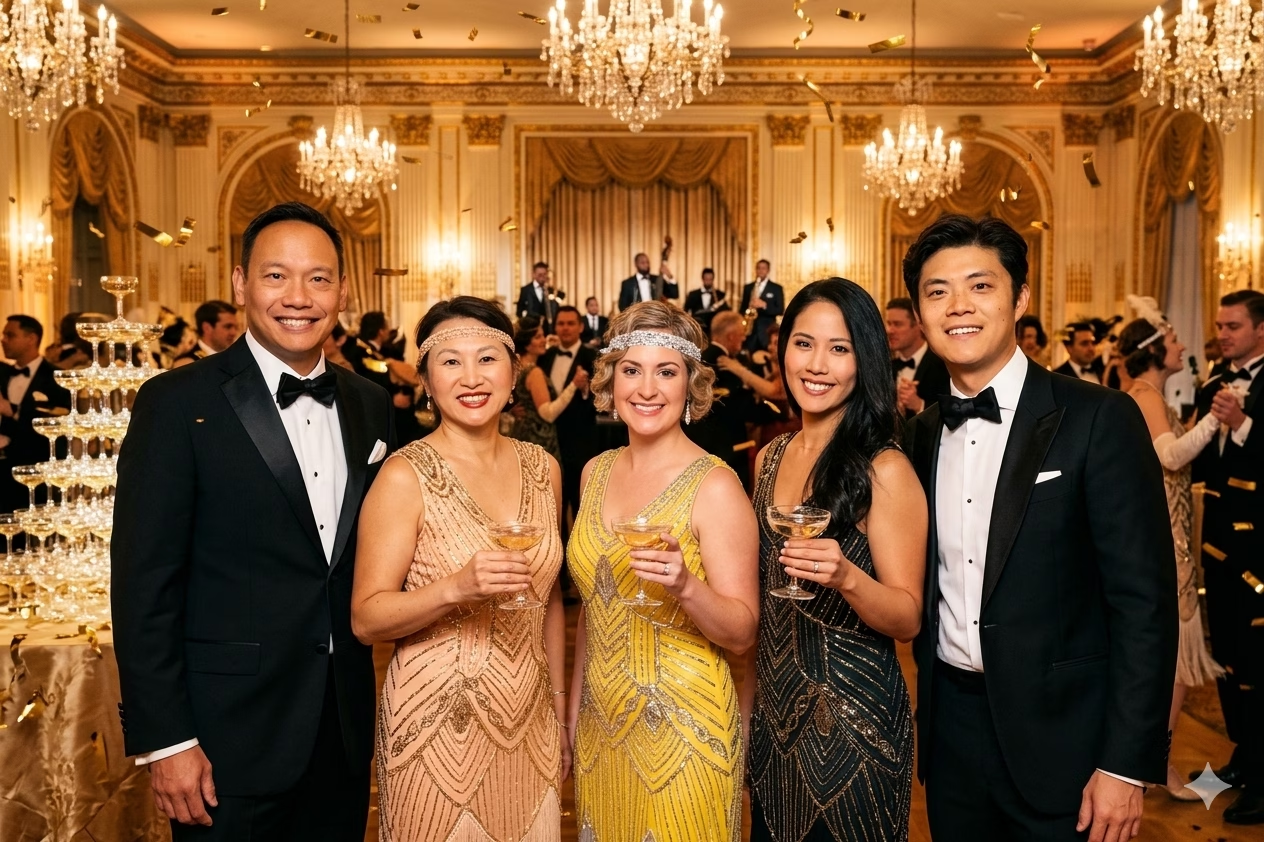
That sounds simple, but the right rental decision depends on more than choosing a backdrop and props. You need to match the output to your event goals, confirm venue readiness, understand what the quoted price includes, and ask how digital delivery works when Wi Fi or cellular service is weak.
TL;DR
Choose a GIF booth when you want fast, social ready content and high guest participation in a compact footprint. Compare vendors by operating hours, delivery method, staffing, customization, printing, venue requirements, and privacy terms, not by a starting price alone.
Table Of Contents
Key Takeaways
• A GIF booth is best for quick participation, repeat use, and social media sharing.
• A Boomerang, short video, 360 experience, and AI photo activation may all be marketed as interactive, but they create different guest behavior and different files.
• Venue access, power, queue space, lighting, and connectivity can affect the guest experience as much as the booth itself.
• “Unlimited sessions” should be clarified in writing. It may describe captures during booked operating hours, not unlimited prints, custom assets, or coverage beyond the rental period.
• A lower advertised starting price is not necessarily a lower total cost once overtime, printing, staffing, delivery, travel, taxes, and custom design are considered.
Choose The Right Interactive Output
A GIF booth generally captures a short sequence of frames and assembles them into a looping animation. The guest sees movement rather than a single frozen pose: a toast, a wave, a confetti toss, a synchronized dance step, or a playful entrance from a group of coworkers. The result is designed for digital delivery, often through text, email, QR code, AirDrop, or a post event gallery.
The key is to define the desired _guest action_ before choosing technology. Do you want a fast, repeatable interaction that works for hundreds of attendees? Do you want cinematic movement for a smaller group? Or do you want a branded visual that asks guests to pause and participate more deliberately?
GIF, Boomerang, Video, 360, And AI Compared
These formats are related, but they are not interchangeable. A quote that says “interactive photo booth” may cover very different equipment, staffing needs, outputs, and setup footprints.
Format | What Guests Do | Typical Output | Best Fit | Watch For |
|---|---|---|---|---|
GIF booth | Pose through a sequence of still frames | Looping animated GIF | Weddings, receptions, parties, sponsor activations | Confirm how guests receive the file |
Boomerang booth | Perform one short movement | Forward and reverse loop | Quick, casual guest engagement | Motion can look awkward in crowded scenes |
Short video booth | Speak, move, or record a message | Video clip, often with sound | Testimonials, launches, celebrations | Audio and background noise matter |
360 video booth | Stand on a platform as a camera circles | Edited slow motion video | High energy activations and larger spaces | Requires more footprint and safety planning |
AI photo booth | Take a portrait and apply a generated style | Digital portrait, image set, or animation | Brand launches, themed events, premium experiences | Ask about processing time and data handling |
A GIF booth often wins when you need throughput. A group can step in, follow prompts on screen, complete the capture, and share the result in a matter of minutes. That makes it useful for wedding cocktail hours, employee celebrations, trade show lounges, and Anaheim Convention Center activations where guests move through the event at different times.
A 360 booth creates a more dramatic clip, but it is usually a slower interaction. Guests may need to wait for the platform, camera path, and operator direction. It can be a strong centerpiece, yet it is not always the best choice for a narrow ballroom corner or a reception with limited floor space.
Customization Should Support The Event Goal
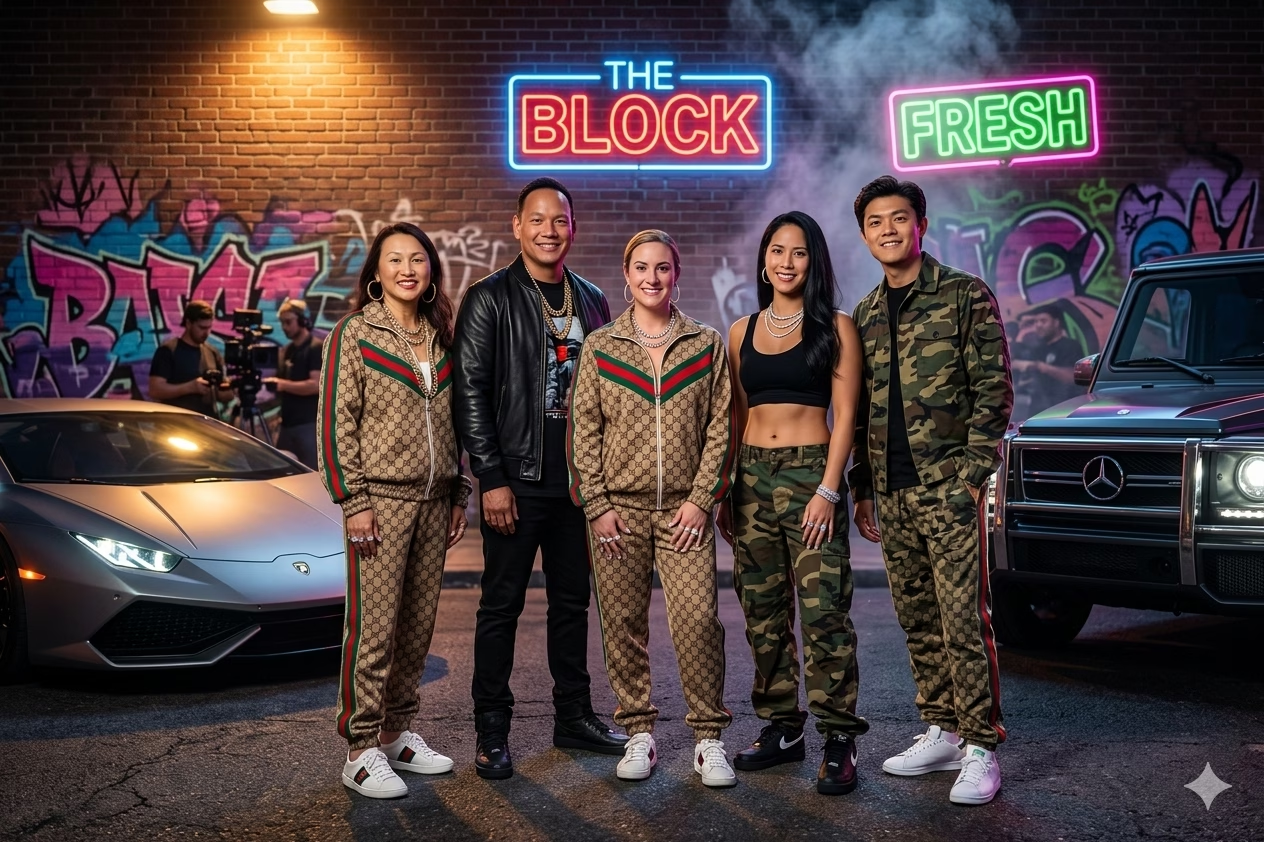
Customization is most useful when it makes the experience feel intentional. For a wedding, that may mean a monogram, wedding date, animation frame, and elegant backdrop. For a corporate event, it can mean branded start screens, overlays, calls to action, green screen scenes, and an end card that points guests toward a campaign or event hashtag.
Consider a product launch where the company wants attendees to share a new visual identity. A branded GIF template can place the logo and campaign colors around every animation without blocking faces or distracting from the moment. By contrast, a heavily branded overlay at a private party can feel more like advertising than celebration. Match the design intensity to the audience.
For broader idea planning, reviewing best interactive photo experiences can help clarify whether GIFs, AI portraits, video, or another format better suits your event objective.
When A GIF Booth Is Not The Best Choice
Choose another format if the main value is a printed keepsake, a long spoken message, or an immersive video moment. A print focused photo booth may be better for guests who want something physical to take home. A video guestbook is more useful when you want personal messages with audio. A 360 booth may make more sense when the event has sufficient space and the creative concept depends on dramatic movement.
Fair warning: a digital only GIF booth can still be a poor fit for an audience with limited smartphone use or a venue with unreliable connectivity. In that case, ask whether the provider can offer QR based retrieval, AirDrop, delayed gallery delivery, or a hybrid package with prints.
Plan An Anaheim Venue That Supports The Experience
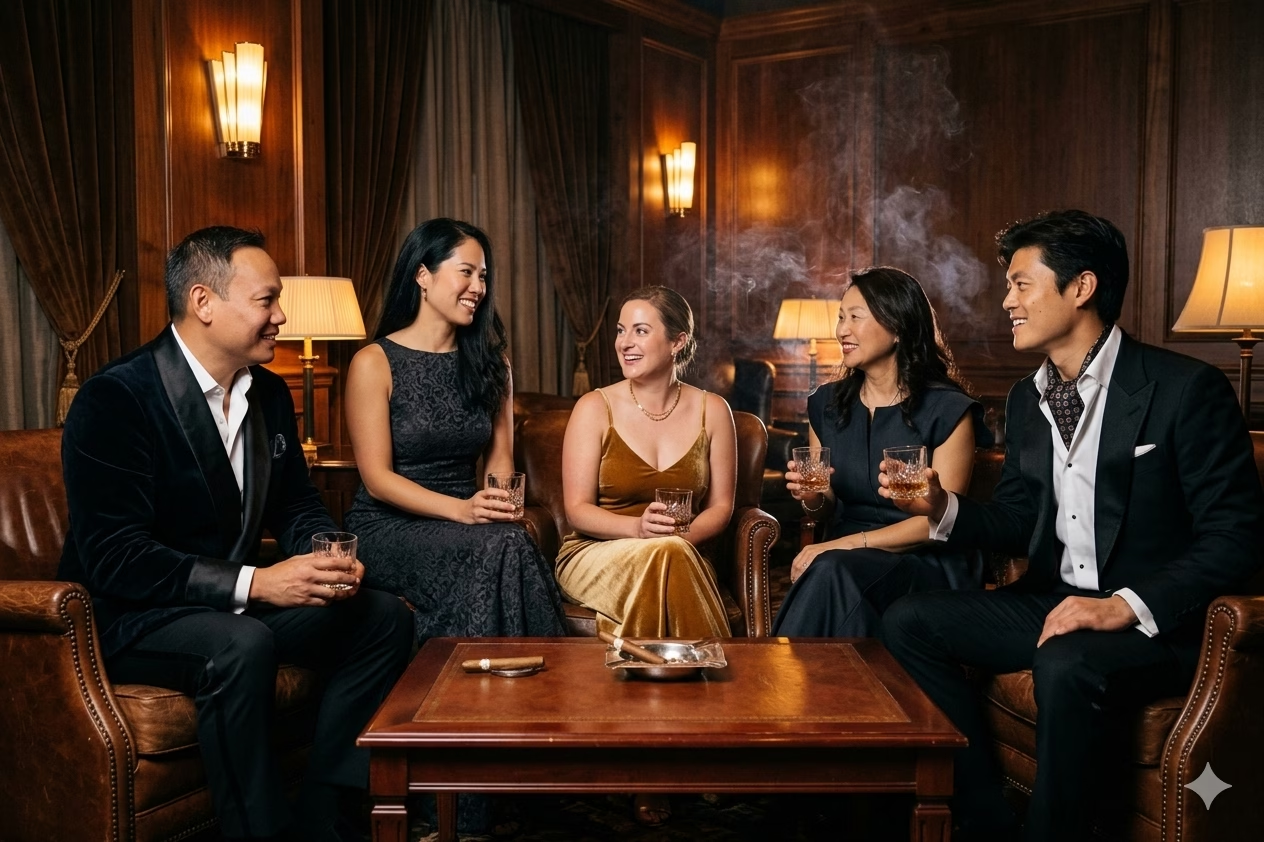
A compelling booth setup can underperform if it is placed where guests cannot find it, cannot queue comfortably, or cannot receive their media. Before booking, treat the booth as a small activation zone rather than a piece of furniture.
Anaheim events can range from hotel ballrooms and convention facilities to restaurants, private homes, outdoor courtyards, and large corporate campuses. Each has different access rules and constraints. There is no single verified local standard for booth footprint, power access, loading procedures, or connectivity, so get venue specific confirmation rather than relying on general assumptions.
Build A Practical Site Readiness Checklist
Ask your venue and rental provider to review these items before finalizing the layout:
• Footprint: Confirm space for the equipment, backdrop, guests being photographed, an attendant, props, and a line. The usable area is larger than the booth’s equipment dimensions.
• Power: Identify a nearby working outlet and ask whether the booth should have a dedicated circuit. Avoid planning around an outlet already serving catering, DJ equipment, or décor lighting.
• Access: Verify loading entrance details, elevator access, stairs, parking instructions, security check in procedures, and the time the vendor can begin setup.
• Lighting: Assess direct sun, bright windows, uplighting, and dark corners. Professional lighting can help, but harsh sunlight or a constantly changing projection wall may affect consistency.
• Guest flow: Position the booth near activity, not in a bottleneck. A popular booth beside a bar, restroom corridor, or registration desk can create an uncomfortable queue.
• Weather protection: For outdoor events, clarify the plan for wind, heat, rain, uneven ground, and daylight. A backdrop that works indoors may not be stable or flattering outdoors.
Treat Connectivity As A Delivery Question
The booth may capture media perfectly even when sharing is delayed. Capture and delivery are separate functions. The camera or tablet records the asset first, then the system sends it through Wi Fi, cellular service, AirDrop, a QR workflow, or later gallery processing.
Ask the vendor to explain the fallback plan in plain terms. For example, if venue Wi Fi is congested during a corporate banquet, will guests receive a QR code to retrieve their GIF later? Can the team use a cellular backup? Does the booth queue unsent files automatically? Who checks failed text or email deliveries after the event?
A good verification process is simple:
- Ask which sharing methods are included in the quoted package.
- Ask whether each method needs venue Wi Fi, a cellular connection, or both.
- Request a test delivery during setup, using a real phone and email address.
- Confirm whether an online gallery is included and how long it remains available.
- Get the recovery process in writing if immediate delivery is unavailable.
Design For Inclusive Participation
An interactive experience should not depend on every guest being able or willing to use it the same way. Ask about adjustable camera height, clearance for mobility devices, seating options, non flashing lighting alternatives, simple on screen directions, and an attendant who can assist without rushing guests.
You can also provide a choice. A guest who does not want to appear in a GIF might enjoy a group photo, a hands only product shot, or a branded printed image. For a corporate activation, offer a non camera entry method if participation is tied to a giveaway or lead capture. Consent should be meaningful, not a surprise at the final screen.
Compare Pricing And Deliverables Fairly
Local advertised starting prices provide a reference point, not a complete budget. One Anaheim area listing from NE Photo Booths advertises a package starting at $450 for the first two hours and $150 for each additional hour, while Pixster Photobooth lists Orange County offerings beginning at $545. Those figures cannot be treated as like for like comparisons because they may involve different formats, hours, printing, staffing, travel assumptions, and custom design levels.
The practical question is not “Which price is lower?” It is “What does each dollar buy for this specific event?”
Normalize Every Quote Before You Decide
Use a comparable total cost model. Request the full amount for the same event date, operating hours, venue, format, and customization level from each provider.
Cost Item | What To Confirm | Why It Changes The Total |
|---|---|---|
Rental duration | Setup time, live operating hours, teardown time, overtime rate | A two hour package may not cover a five hour reception |
Booth format | GIF, open air, video, 360, AI, or hybrid print booth | Premium hardware and editing can affect price |
Staffing | Attendant count, service window, break coverage | Staffing affects queues and troubleshooting |
Delivery and travel | Delivery fee, parking, travel zone, venue access constraints | Some venues add time and logistics costs |
Customization | Overlay, screen design, animation, branded microsite, backdrop | Custom creative work can be a separate line item |
Prints and physical items | Print quantity, print size, guestbook, props, backdrop | Digital only and print packages are not equivalent |
Taxes and add ons | Sales tax, service fee, insurance requirements, damage terms | Final invoice may differ from the advertised rate |
A quote can look attractive because it excludes the items you actually need. For example, a two hour digital package may cost less than a four hour staffed booth with custom graphics and prints, but that does not make it the more economical choice if the latter supports the full program.

Define “Unlimited Sessions” In Writing
“Unlimited sessions” usually means guests can use the booth repeatedly during the stated live operating period. It does _not_ automatically establish unlimited operating hours, unlimited prints, unlimited file edits, unlimited individual text deliveries, or unlimited post event gallery access.
Use direct questions:
• Are all captures, GIFs, and downloads included during the booked hours?
• Can every guest in a group receive a digital copy, or only the person who enters contact information?
• Are physical prints included for every session?
• Does the package include retakes, multiple output formats, and duplicate prints?
• What happens if the event runs late or guests begin using the booth later than planned?
This detail matters at a wedding where dinner runs behind schedule. A booth scheduled to close at 9:00 p.m. may still be within contract terms even if the dance floor does not fill until 9:15 p.m. If the experience is a priority, build operating hours around the event timeline rather than assuming the vendor can extend automatically.
Ask About Privacy Before Collecting Guest Data
GIF delivery can involve names, phone numbers, email addresses, gallery links, and AI generated images. Ask whether contact details are used only for delivery, whether they are retained, whether marketing consent is separate, and how deletion requests are handled.
For an employee event or branded activation, decide who owns the media and who can access the gallery. For a private wedding, consider whether the gallery should be password protected. For AI effects, ask whether images are retained after processing and whether the provider uses the images for any purpose beyond delivering the requested output.
If you are evaluating interactive photo booth companies in Anaheim, privacy terms, delivery contingency plans, and venue coordination deserve the same attention as visual style.
FAQ: Interactive GIF Booth Rental Anaheim
What Is An Interactive GIF Booth Rental In Anaheim?
It is a rental service that provides a camera based event activation for creating short looping animations. Guests pose through a sequence of captures, receive a GIF or related digital output, and may share it by text, email, QR code, AirDrop, or gallery link. Anaheim providers may also offer Boomerangs, videos, prints, green screen effects, AI features, or branded templates.
How Is A GIF Booth Different From A Regular Photo Booth?
A regular photo booth commonly creates still images and may print them on site. A GIF booth focuses on movement and digital delivery. Some rentals combine both, allowing guests to receive a looping animation plus a still image or print. Ask for the exact deliverables rather than assuming every GIF booth includes prints.
How Much Does A GIF Booth Rental In Anaheim Usually Cost?
There is no verified standard local rate. Available listings show advertised starting points around $450 for a two hour package from one provider and $545 for some Orange County offerings from another, but package contents vary. Request an all in quote that includes your date, event hours, venue, booth type, staffing, delivery, setup, customization, and applicable taxes.
Do Rentals Usually Include Setup And An Attendant?
Many full service packages advertise delivery, setup, cleanup, and an attendant, but inclusion is not universal. Confirm the arrival window, setup duration, live service hours, teardown timing, and whether an attendant stays throughout the full rental period. This is especially important for larger corporate functions and busy receptions.
Does The Booth Need Venue Wi Fi?
Not always, but digital sharing needs some form of connection. A provider may use venue Wi Fi, cellular connectivity, AirDrop, QR retrieval, or an upload queue that sends files later. Do not rely on “instant sharing” as a guarantee without asking what happens when the connection is slow or unavailable.
Can A GIF Booth Be Customized For A Wedding Or Corporate Event?
Yes. Common options include custom overlays, animation frames, screen design, branded start screens, green screen scenes, backdrops, and sharing end cards. For corporate events, confirm brand approval deadlines and supply logos, colors, fonts, and required language early. For weddings and private events, prioritize readable design that complements rather than overwhelms the photos.
Which Format Works Best For A Quinceañera, Wedding, Or Corporate Activation?
A GIF or Boomerang booth usually works well for fast, social interaction at weddings and quinceañeras. A short video booth suits spoken messages. A 360 booth fits high impact content when space and staffing allow. AI portraits can create a premium themed experience for campaigns and corporate events, but you should review privacy and processing expectations first.
What Should You Do If Digital Delivery Fails During The Event?
First, ensure the vendor has captured and stored the media locally. Then use the agreed backup method, such as QR retrieval, AirDrop, a cellular connection, or post event gallery delivery. Confirm before the event how long the provider will retain assets, who receives the gallery, and how guests can report a missing file.
Conclusion
The strongest Interactive GIF booth rental Anaheim choice is the one that fits your guest flow, creative goal, venue conditions, and delivery expectations. Start with the output you want guests to share, then compare total cost and operational details side by side.
Ask clear questions, confirm the backup plan, and put the final deliverables in writing. That preparation gives your guests a smooth interactive experience instead of a last minute technology surprise.