Instant AI Headshots Photo Booth: Event Planning Guide
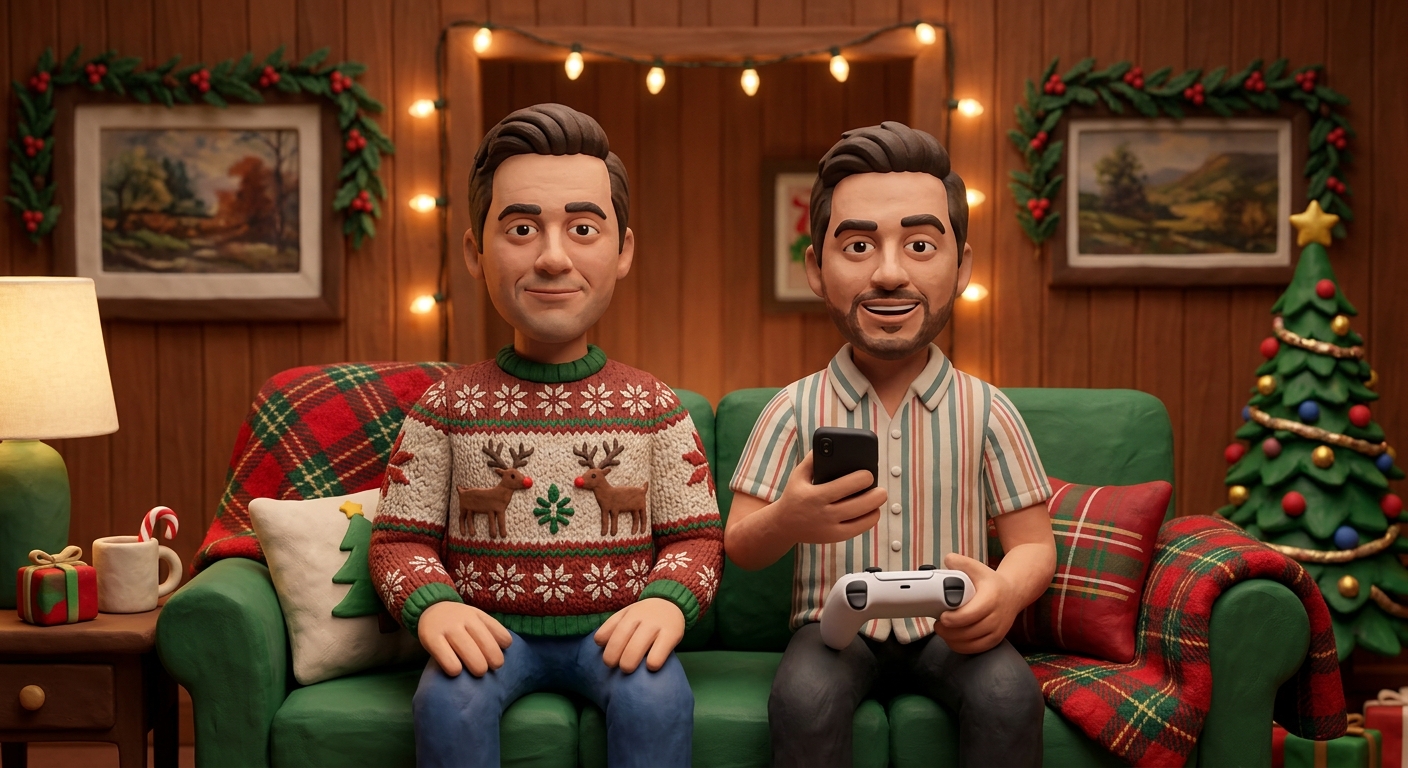
An AI headshot station looks like a photo booth and behaves like a small portrait studio. A guest steps in, the camera captures a real image, and a trained model rebuilds that frame with studio lighting, cleaner skin, and a background chosen for the event. Delivery happens through text, email, or QR code sharing, often before the guest reaches the dessert table. For planners in Irvine and across Orange County, the value is practical. A headshot activation produces a file people keep, not a strip that ends up in a drawer.
This guide covers what the hardware and software actually do, how dynamic backgrounds and custom prompts change the guest experience, and which line items drive the quote when you price an AI booth in Irvine.
What an instant AI headshots photo booth actually does
The category splits into two related tools that are often sold under the same name. A photo booth captures a real image in a controlled kiosk. An AI headshot tool creates or enhances a professional-looking portrait from an uploaded casual photo. The better rental products combine both: a physical booth on site for capture, plus an AI model trained to enhance lighting, smooth skin, and adjust backgrounds after the shot.
In practice the sequence looks like this:
A guest poses in the booth under consistent lighting, which gives the model a clean source image.
The AI model processes the frame and produces a polished portrait with an adjusted background.
The guest reviews an instant preview on screen and approves the result before it leaves the booth.
The finished file arrives by text, email, or QR code sharing, and many setups also populate a branded digital gallery.
Note the approval step. It is one of the clearest differences between a well-run AI booth and a gimmick. Guests see the result, accept or retake it, and leave with a file they already like rather than discovering a surprise in their inbox the next morning.
Dynamic AI backgrounds set the scene for the event
The background library is where an AI booth earns its keep at a themed event. Instead of a branded step-and-repeat that only works for one crowd, a dynamic background system lets the host offer a set of scenes: a boardroom, a studio backdrop, a city skyline, a venue exterior, or a visual world built around the brand. Because the background is generated or swapped during processing, the booth can hold several looks in one night without printing a single new backdrop.
A few practical notes for planners:
Background sets should be approved before the event, the same way you would approve a printed backdrop. Ask for a preview of each scene at the venue’s lighting level.
Limit the menu. Three to five strong looks read better on a sign than a scrolling list of fifteen.
Match the scenes to the guest. A corporate leadership summit and a wedding reception need different defaults, even if the hardware is identical.
Confirm how a company logo is handled in a generated background so proportions and spacing stay correct.
Custom AI prompts turn the booth into an activity
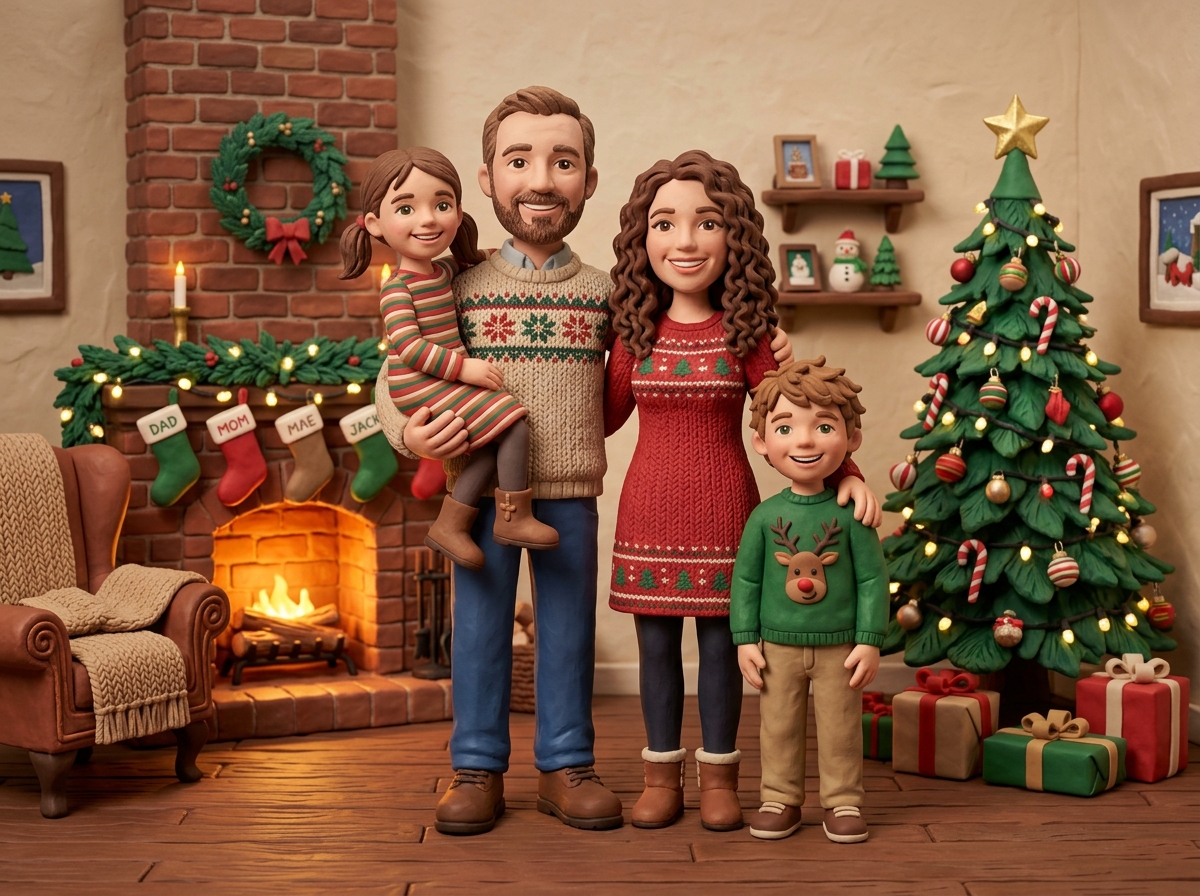
A custom prompt photo booth lets guests influence the output, either by choosing from curated prompts or by typing a short direction. That interactivity is the reason people line up for a second turn, and it is also the reason the experience needs guardrails.
Curated prompts keep quality high and risk low. A planner can supply a short menu of approved directions tied to the event theme, and the vendor builds those into the booth interface. The AI models then handle lighting and background adjustments while the guest stays inside the approved set. When open typing is offered, ask how prompts are reviewed, how quickly the system rejects a bad result, and whether an attendant is on hand to help guests reword a prompt that produced something unusable.
Professional image quality is the point of the whole exercise, and prompt design supports it. A vague prompt produces a vague portrait, while a tight prompt list, consistent lighting, and a screen-based approval step keep the output professional enough to use on a company page or a team directory.
Photo booth or AI headshot station: a quick comparison
The two products overlap in hardware but diverge in what they deliver. Use the table below to decide which one fits the guest list.
Dimension | Traditional photo booth capture | AI headshot station |
|---|---|---|
Source image | Captured in the kiosk, usually candid and group oriented | Captured in the kiosk, or enhanced from an uploaded casual portrait |
Processing | Filters, frames, and print templates | AI model trained to enhance lighting, smooth skin, and adjust backgrounds |
Review step | On-screen preview before printing | Instant preview and on-screen approval before delivery |
Delivery | Prints in hand, sometimes digital sharing | Text, email, or QR code sharing, plus branded digital galleries |
Best fit | Celebrations, group photos, favors | Corporate events, brand activations, professional networking |
How much to rent an AI photo booth in Irvine
Published numbers vary widely because the label covers different products. One comparison of AI headshot booth options lists sample price points of $120 for portraits and $450 for weddings, which shows how far scope can move a quote. Treat any figure you find online as a starting point for a conversation rather than a rate card, and ask each Irvine provider to price the same scope so the numbers are comparable.
The real driver is not the word AI. It is what happens around the booth during your event.
Line items that should appear on the quote
Hours of coverage, including whether the AI experience runs for the full rental window.
Attendant staffing and how many staff members are on site to guide guests through prompts.
Custom prompt design and review time before the event date.
The size of the dynamic background library and any custom scene creation.
Branded digital gallery setup, including logo placement and access permissions.
Delivery method, meaning text, email, QR code sharing, or all three.
On-site printing, if you want a physical keepsake alongside the digital file.
Backup connectivity, since AI processing and delivery depend on a stable network.
Setup and teardown windows, including any venue access restrictions in Irvine.
Deposit, cancellation, and reschedule terms in writing.
Interactive event technology rental in Irvine also carries venue-side costs that never show up on the booth invoice: dedicated power drops, extra floor space for a queue, and sometimes a venue technology or electrical fee. Confirm those before the contract is signed so the total is accurate.
Venue and network checks before the event
AI processing is the part of the rental most sensitive to the room. Walk the space with the vendor and confirm four things: a power source that will not be shared with catering equipment, enough footprint for the booth plus a comfortable guest queue, a network path strong enough for uploads and text delivery, and a location that does not sit in a service corridor where guests will not find it.
At larger Irvine venues, ask whether the booth can run on the property’s network or needs its own connection. Ask what happens if connectivity drops mid-event and whether the booth can queue files for later delivery. A vendor with a rehearsed answer is a vendor who has run this configuration before.

Branding, galleries, and follow-up after the event
The output is an asset, so plan its life beyond the night. Branded digital galleries keep every approved portrait in one place, which makes it easy for a marketing team to pull images for a recruiting page or a recap post. Confirm who owns the files, how long the gallery stays live, and whether guests can download their own images without requesting them from the host.
Guests can receive their photos instantly during the event through text, email, or QR code sharing, and the same delivery system can carry a follow-up message with a link to the gallery. That combination gives an event team both a same-night touchpoint and a reason to reconnect with attendees a few days later.
Frequently Asked Questions
How long does a guest session at an AI headshot booth take?
A session covers capture, processing, and on-screen approval, and the wait depends on how the vendor has configured the workflow and the network in the room. Ask your provider for a realistic per-guest estimate and a throughput number for a busy hour, then staff and queue accordingly. Most delays trace back to delivery rather than the photo itself.
Do guests get their photos immediately?
Yes, in most rental setups. Published AI booth listings describe guests receiving their photos during the event through text, email, or QR code sharing, with branded digital galleries available for hosts who want a central collection. Ask whether your provider delivers a browser link or requires a download, since that affects how easily guests can share the file later.
Can the booth match our company colors and backgrounds?
Background and branding options are typically part of the AI booth package, since the model adjusts the setting during processing. Provide brand colors, logo files, and reference images in advance, then request previews at the venue’s actual lighting level. Approval before the event date prevents a mismatched backdrop from showing up in every guest’s portrait.
Should a custom prompt be open to guests or curated?
Curated prompts built around your event theme produce more consistent results and reduce the chance of an unusable image. Open typing adds novelty for brand activations and tech-forward crowds, but it needs moderation and an attendant nearby. Many planners use a hybrid menu: a short list of approved prompts plus a small set of guided free-text options.
Is an AI headshot booth worth it for a corporate event?
It fits well when guests expect a professional takeaway, such as a leadership summit, recruiting event, or industry conference. The output is a usable portrait rather than a novelty strip, which extends the event’s reach into LinkedIn profiles and team pages. For purely social celebrations, a traditional booth with instant prints often serves the room better.
Choose the AI headshot photo booth that fits the guest list and the room, get the scope in writing line by line, and confirm the network and power before the contract is signed. The technology is only as good as the planning wrapped around it, and a well-scoped Irvine rental produces portraits guests actually use long after the event ends.