Generative AI Photo Booth Los Angeles: A Smarter Event Guide
Introduction
A Generative AI photo booth Los Angeles activation can turn a quick guest portrait into a custom fashion editorial, futuristic film still, fantasy scene, or branded campaign image. But the strongest results do not come from picking a trendy style alone. They come from matching the creative concept, venue conditions, guest flow, consent process, and delivery method before event day.

For decision makers, the real question is not simply, “Will guests enjoy it?” It is whether the experience can move a line efficiently, protect guest likenesses, reinforce the brand, and still deliver polished images when the ballroom Wi Fi is unreliable or lighting changes after sunset.
TL;DR
A Generative AI photo booth works best when you treat it as both a creative installation and an operational system. Choose a limited set of approved styles, plan for generation delays and retakes, confirm venue power and network access, give guests clear consent language, and use a delivery method that fits your privacy and marketing goals.
Table Of Contents
• How Generative AI Photo Booths Actually Work
• Designing A Los Angeles Experience That Fits The Venue
• Planning Capacity, Setup, And Guest Delivery
How Generative AI Photo Booths Actually Work
A generative AI booth begins with a real photo, then uses machine learning to create a new image based on that source photo and an approved creative direction. That distinction matters. A standard photo booth usually captures an image and adds a frame, filter, or template. A green screen booth places a captured subject over a prebuilt background. A generative system creates new visual details around the guest: clothing textures, lighting, scenery, props, and artistic treatments.
The result can feel far more imaginative, but it also introduces more variables. The model must recognize a face, interpret pose and clothing, preserve the subject’s likeness, and generate a scene that looks intentional rather than accidental.

The Typical Guest Workflow
Most experiences follow a simple sequence, even when the technology behind it is complex:
- A guest steps into a well lit capture area and takes a portrait.
- The guest chooses an approved style, theme, or prompt variation on a touchscreen.
- The image is uploaded to the AI generation system, which creates one or more transformed outputs.
- The guest receives the finished asset through QR code, SMS, email, a private gallery, or an optional print.
Captured Celebrations describes a Los Angeles workflow that includes a guest photo, style selection, AI processing, and digital delivery, with styles such as magazine covers, fantasy art, watercolor, and movie poster inspired imagery available in under 60 seconds in many cases. Its Los Angeles AI photo booth rental overview also lists packages starting at $1,995 for three hours and an AI print experience at $2,500.
Those figures are useful as a market reference, not a universal quote. Pricing can change based on staffing, custom creative work, print quantity, venue access restrictions, equipment redundancy, branded galleries, and event duration.
What Generative AI Adds Beyond Filters
A filter changes the appearance of an existing image. Generative AI creates visual content that was not in the original frame. This makes it useful when your concept needs more than an overlay.
Experience Type | What It Changes | Best Use Case | Main Limitation |
|---|---|---|---|
Traditional photo booth | Captures a real image with a print layout | Fast keepsakes and high guest volume | Limited visual transformation |
Filter based booth | Adjusts color, texture, or facial effects | Casual social content | Usually does not create a new environment |
Green screen booth | Places guests over a selected background | Reliable themed scenes | Can look flat if lighting does not match |
Generative AI photo booth | Creates a new stylized portrait or scene from the source image | Brand storytelling and imaginative concepts | Output quality can vary by pose, lighting, and group size |
For a corporate event, that difference can be meaningful. Instead of placing attendees in front of a generic branded wall, you can create an editorial portrait where they appear inside a conceptual product world. A transportation brand might use streamlined metallic architecture and motion inspired lighting. A beauty launch might use high gloss beauty portraiture with abstract color elements. The guest becomes part of the campaign image rather than standing beside it.

Why Prompt Control Protects The Brand
An open prompt box sounds playful, but it can create real brand safety problems at a live activation. A guest may enter offensive language, request protected characters, ask for a celebrity lookalike, or produce visuals that conflict with a sponsor’s values.
A better setup is a style menu with a small number of preapproved variations. For example:
• “Modern Architectural Editorial”
• “Golden Hollywood Glamour”
• “Botanical Night Garden”
• “Retro Futurist Campaign Portrait”
Each choice can use carefully tested visual rules behind the scenes. You retain creative flexibility while reducing inappropriate requests, inconsistent colors, and confusing outputs. For a sponsor, this is the difference between an activation and an uncontrolled image generator.
Designing A Los Angeles Experience That Fits The Venue
A venue is not merely a backdrop. Its architecture, ceiling height, available light, guest attire, and historical character should inform the style pack. When the AI concept conflicts with the room, the experience can feel disconnected. When it echoes the environment, guests understand the story immediately.
Match Prompts To Architecture And Atmosphere
The most useful venue inspired prompts borrow the _mood_ of a location without falsely suggesting that every generated image was photographed there. If you are creating imagery based on a historic venue, use language such as “inspired by Art Deco ocean liner interiors” rather than representing an AI background as a literal photo of the site.
Los Angeles Area Or Venue | Creative Direction | Prompt Elements To Prioritize |
|---|---|---|
Vibiana in DTLA | Luxury editorial portrait | White marble, gilded arches, warm chandelier glow, formal evening wear |
Millwick in the Arts District | Urban botanical fashion portrait | Exposed brick, vertical gardens, industrial windows, natural color grading |
The Ebell of Los Angeles | Vintage glamour portrait | Spanish Revival arches, tile, soft golden light, painterly composition |
Academy Museum area | Cinematic futuristic editorial | Glass, concrete curves, crisp daylight, sleek black tie styling |
Castle Green in Pasadena | Dark romantic cinematic scene | Moorish arches, velvet textures, sepia and crimson tones, film grain |
The Queen Mary in Long Beach | Art Deco nautical glamour | Brass details, portholes, twilight harbor light, vintage 35mm feel |
Consider a gala at Vibiana. A prompt built around silk gowns, warm chandeliers, marble architectural details, and vertical luxury magazine framing supports the dress code and the setting. At Millwick, the same prompt may feel overly formal. A more natural fit would feature streetwear or bohemian formal styling, warm Edison lights, brick, plant shadows, and a relaxed medium portrait.
This type of planning is especially useful for agencies building multi event campaigns. The creative system can remain consistent while the prompt package shifts by venue. For regional perspective, compare how Generative AI photo booths for events in Newport, Irvine, and Laguna Beach can use different visual cues for coastal, resort, and corporate environments.
Decide Whether The Concept Needs Realism Or Transformation
Not every event needs guests to look photorealistic. In fact, some concepts perform better when they clearly signal artifice.
Choose high realism when:
• Your sponsor needs a polished campaign like portrait.
• Guest likeness must remain highly recognizable.
• The generated image may be used for professional sharing or lead follow up.
Choose stylized transformation when:
• The event theme benefits from a dramatic departure from reality.
• The goal is playful social sharing rather than corporate headshots.
• You want to reduce disappointment when generated clothing or scenery differs from the original photo.
Fair warning: realism is often where expectations are highest. A guest who expects an exact facial match may be frustrated by subtle changes to teeth, jewelry, hands, or eyewear. A stylized illustration gives the model more creative room and signals that the output is art rather than a literal portrait.
Avoid Rights Problems Before They Reach The Touchscreen
Los Angeles events often lean toward cinema, celebrity, and pop culture themes. That can be creatively tempting, but phrases such as “make me look exactly like a specific actor,” “put me in a famous movie scene,” or “use a luxury brand’s exact campaign style” can create copyright, trademark, or publicity rights concerns.
Use descriptive creative directions instead. “1930s studio glamour,” “retro space opera,” or “high fashion red carpet fantasy” can communicate a mood without requesting a direct imitation. If a brand logo appears in outputs, make sure the event organizer has permission to use it. If an agency is collecting content for paid advertising, clarify image usage terms with participants rather than assuming event attendance equals marketing consent.
Planning Capacity, Setup, And Guest Delivery
An AI booth can feel immediate to an individual guest and still create a bottleneck at a busy reception. The difference is throughput: how many people can complete the entire journey from line to delivery in an hour.
Plan For The Whole Experience, Not Just Generation Time
A 30 to 60 second generation estimate is only one part of the cycle. Guests must pose, review the photo, choose a style, wait for the output, possibly request a retake, and retrieve the file. A group that debates between three styles can take longer than the generation itself.
Use this planning model:
Event Condition | Recommended Approach | Why It Helps |
|---|---|---|
Under 75 expected participants | One booth with a curated style menu | Allows a more personal, guided pace |
75 to 200 participants | One booth plus a strong attendant workflow or a second capture station | Reduces line buildup during peak periods |
More than 200 participants | Multiple stations, staggered access, or a shorter capture flow | Keeps the activation from becoming a long queue |
Large group portraits | Test specifically for group output | AI may confuse faces, merge accessories, or alter people in the back row |
Tight event schedule | Use a digital first experience with limited choices | Cuts selection and print handling time |
There is no universally published capacity standard for AI photo booths, so treat vendor estimates as scenario specific. A three hour cocktail event for 150 people may work smoothly if attendance is staggered. The same guest count arriving in a 30 minute trade show break can create a line quickly. Ask for an operating plan, not just a claim of “instant” results.
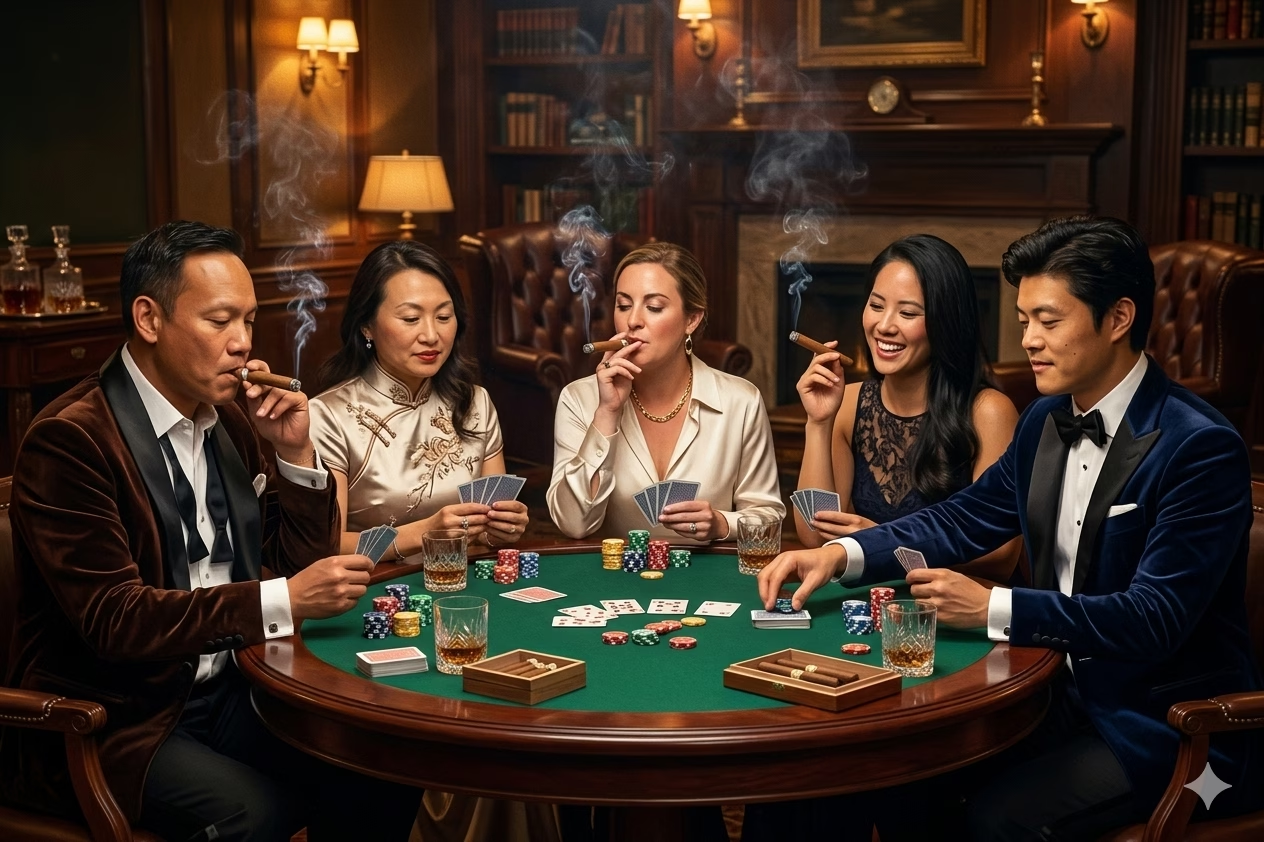
For technology focused events where speed and creative control matter, a Next-gen AI photo lab for Los Angeles tech conferences can be a useful reference point for matching the activation format to attendee behavior.
Build A Venue Readiness Checklist
Before signing off on floor plans, confirm the operational basics with both the venue and vendor:
- Footprint: Confirm enough room for the booth, lighting, guest queue, attendant access, and a clear exit path.
- Power: Identify dedicated outlets and avoid sharing circuits with catering equipment, DJs, or large lighting systems when possible.
- Network: Determine whether the experience needs venue Wi Fi, a dedicated connection, cellular backup, or a local fallback workflow.
- Load in: Ask about elevator access, dock appointments, stairs, security screening, parking, and setup windows.
- Lighting: Check whether natural light, colored uplighting, or projection mapping will affect face capture.
- Noise And Queueing: Place the booth where people can gather without blocking registration, bars, emergency paths, or sponsor displays.
Poor lighting is one of the most common quality issues. A model can work with a good source image; it cannot reliably restore facial details that were never captured. Strong, even front lighting reduces harsh shadows and helps preserve skin tone, eyewear, hair texture, and facial boundaries.
Choose Delivery With Privacy In Mind
Digital delivery should be selected for more than convenience. Each channel has a different tradeoff.
Delivery Method | Guest Benefit | Organizer Consideration |
|---|---|---|
QR code | Fast and avoids collecting contact details | Guests may forget to scan or have limited phone battery |
SMS | Low friction for immediate sharing | Collects phone numbers and needs clear disclosure |
Useful for follow up and gallery access | Adds typing friction and raises marketing permission questions | |
Private gallery | Helpful for event archives and post event review | Requires retention rules and access controls |
On site print | Tangible keepsake with no device needed | Adds print time, paper supply, and possible queue pressure |
For privacy, make the consent moment clear and brief. Guests should be able to understand that their photo will be processed by AI, how it will be delivered, whether organizers can use it for marketing, and how long files will be retained. Separate required operational consent from optional promotional consent. A guest should not have to agree to future advertising just to receive a personal event image.
Accessibility belongs in the same conversation. Ask whether the camera height can be adjusted, whether wheelchair users can enter the capture area comfortably, whether the touchscreen is reachable, and whether an attendant can assist guests who cannot use QR codes or SMS. Offer a simple verbal or printed explanation of the steps. The technology should not make participation dependent on a guest’s phone, mobility, or comfort with a touchscreen.
Key Takeaways
• Treat generative AI as a creative production system, not just a novelty photo filter.
• Limit guest choices to tested style packs when brand safety, speed, and visual consistency matter.
• Match prompts to venue atmosphere, dress code, and lighting conditions for more convincing output.
• Plan staffing and queue flow around the full guest journey, not only image generation time.
• Keep AI consent, image retention, marketing permissions, and delivery disclosures understandable and separate.
• Test group shots, eyewear, dark environments, and print timing before opening the experience to a crowd.
For a broader view of how these formats are evolving across the region, see How next-gen AI photo booths are upgrading events in LA and Orange County.
Frequently Asked Questions
What Is A Generative AI Photo Booth In Los Angeles?
It is an event photo experience that captures a guest image and uses generative AI to create a new stylized portrait or scene. Unlike a simple overlay, the system can generate visual elements such as wardrobe effects, environments, artistic textures, and lighting treatments around the original subject.
How Fast Does An AI Photo Booth Image Usually Appear?
Many vendors market turnaround times of roughly 30 to 60 seconds for an individual generation, but the total experience can take longer once posing, style selection, retries, and delivery are included. Plan for peak traffic rather than assuming every guest will move through at the same pace.
Can Guests Choose Their Own Style Or Prompt?
Yes, but a curated menu is usually the stronger choice for corporate and sponsored events. It lets guests personalize their image while protecting brand colors, tone, safety standards, and throughput. Open text prompts are better reserved for closely managed, low risk settings.
Can A Generative AI Booth Print Photos?
Some providers offer prints alongside digital delivery. Printing gives guests an immediate physical takeaway, but it can slow the line and requires enough time for generation, print production, replenishment, and quality checks. Digital first is often more efficient for high traffic activations.
What Happens If The AI Misrenders A Face Or Group Photo?
The best recovery plan is a quick retake or regeneration using a simpler pose. Groups should stand with clear spacing, face the camera, and avoid blocking one another. If accuracy is essential, test the exact group size and lighting setup before the event instead of relying on a solo portrait demo.
Does A Generative AI Photo Booth Need Strong Wi Fi?
It may, depending on the software and delivery setup. Ask whether the booth can operate with a dedicated network, cellular backup, or a delayed delivery option if internet service fails. Venue Wi Fi is often shared by guests, production teams, and staff, so it should not be treated as automatically reliable.
How Should You Handle Privacy And Consent?
Use clear on screen or printed language explaining AI processing, delivery method, retention period, and optional marketing use. Ask vendors who can access original and generated files, whether images are used for model training, how deletion requests work, and when event galleries are removed. If those answers are vague, request written terms before booking.
Conclusion
The right Generative AI photo booth Los Angeles experience can give guests something more personal than a branded backdrop: a polished image they will actually want to keep and share. The smartest booking decision balances visual ambition with practical execution.
Choose a concept that fits the venue, use controlled styles that support the brand, confirm backup plans for network and lighting issues, and make consent easy to understand. When those details are in place, the technology has room to feel genuinely magical without becoming unpredictable.