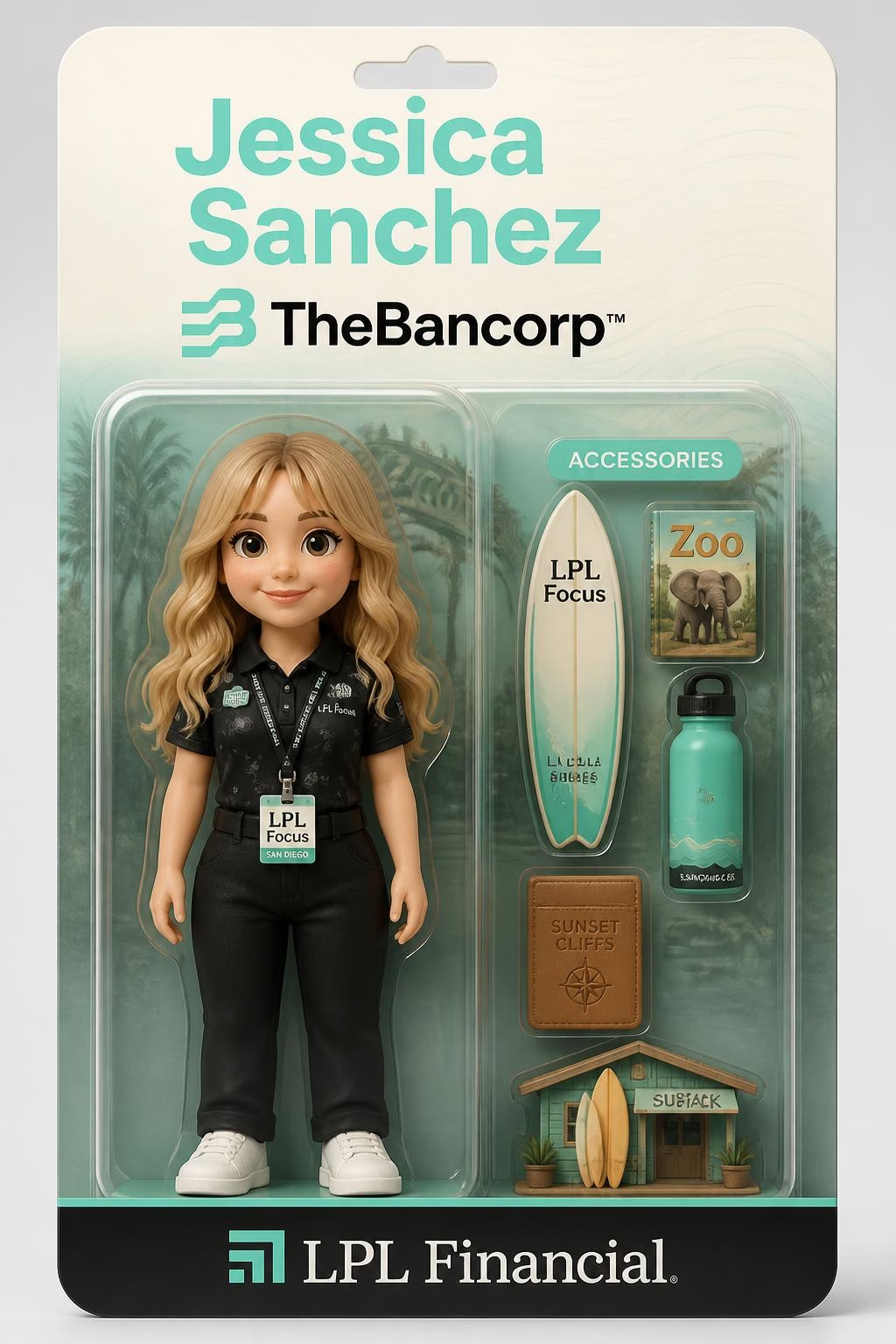
What Is an AI Toybox Photo Booth? How It Works for SoCal Events
Lucky Frog Photo Booth SoCal
Table Of Contents
Browse This Guide
What An AI Toybox Photo Booth Really Is
A Style And Service Format, Not One Universal Product
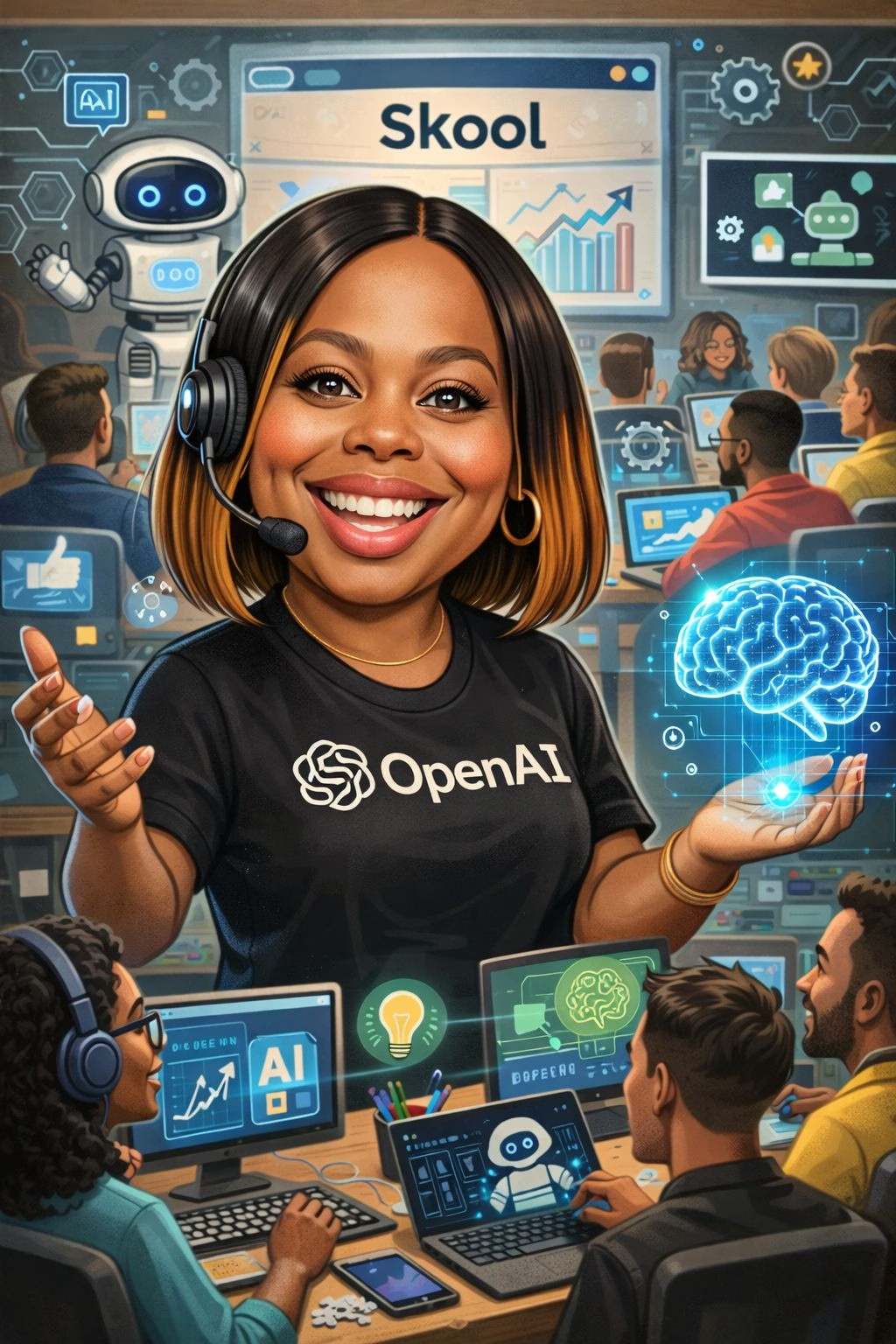
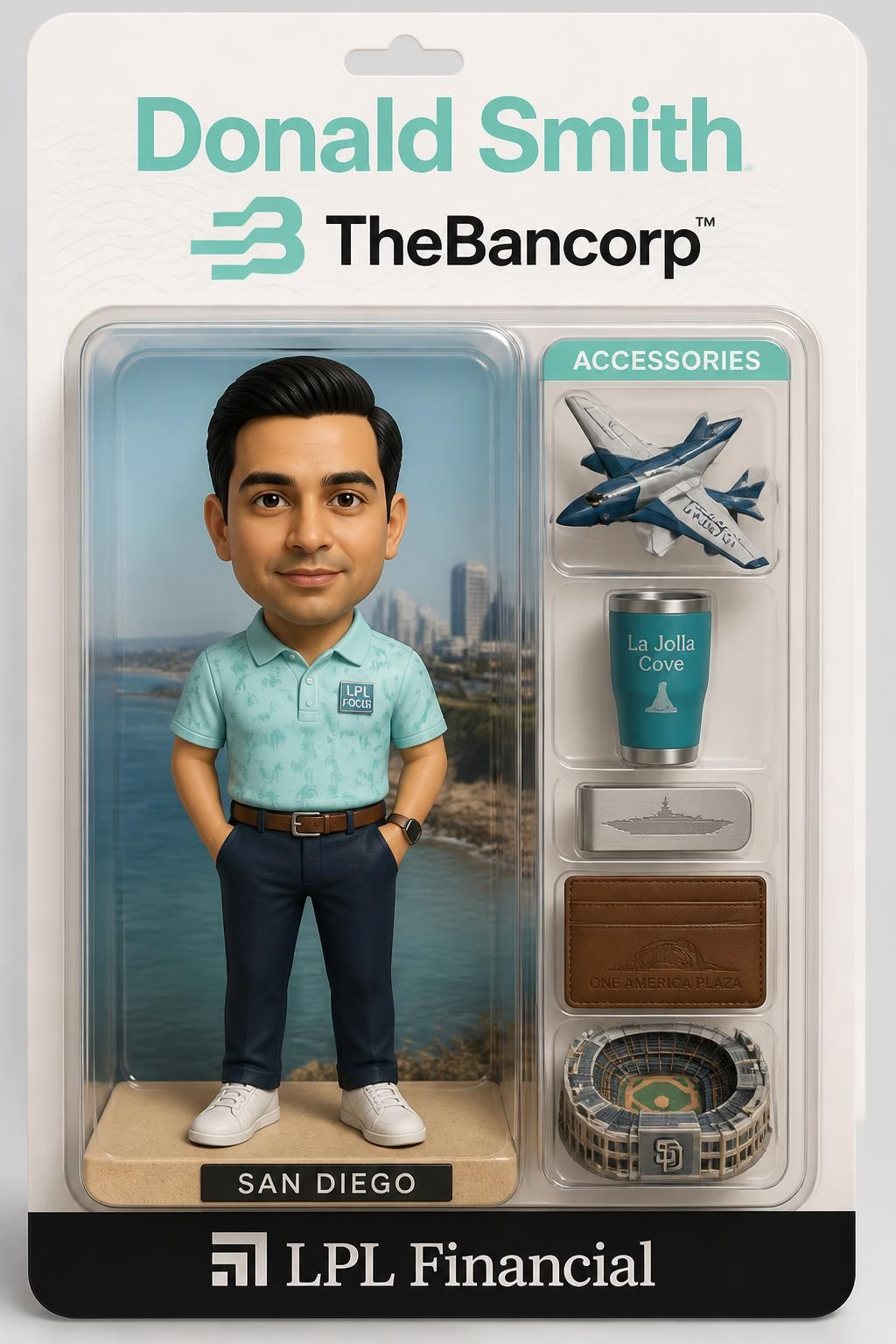
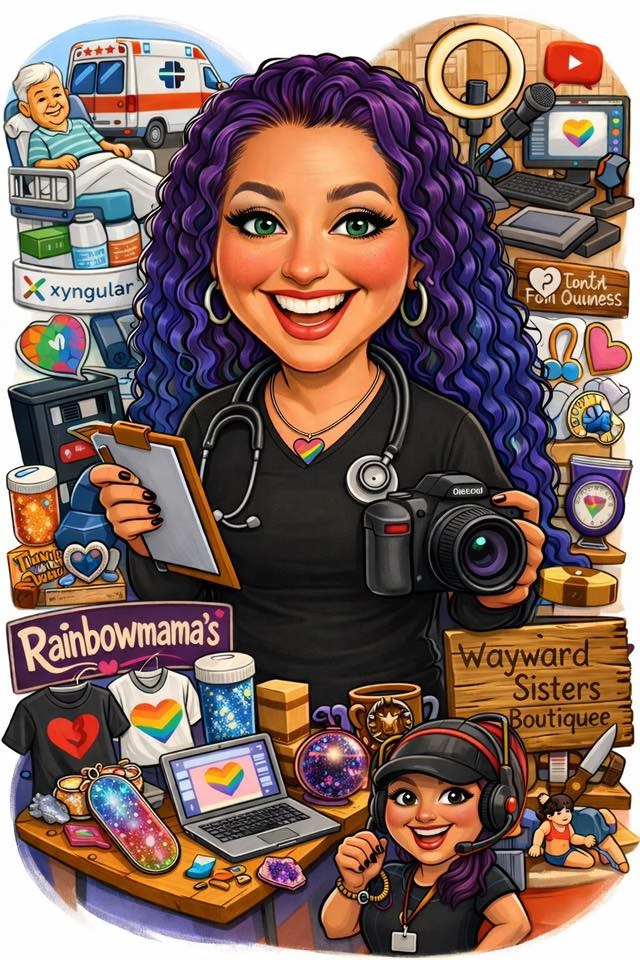
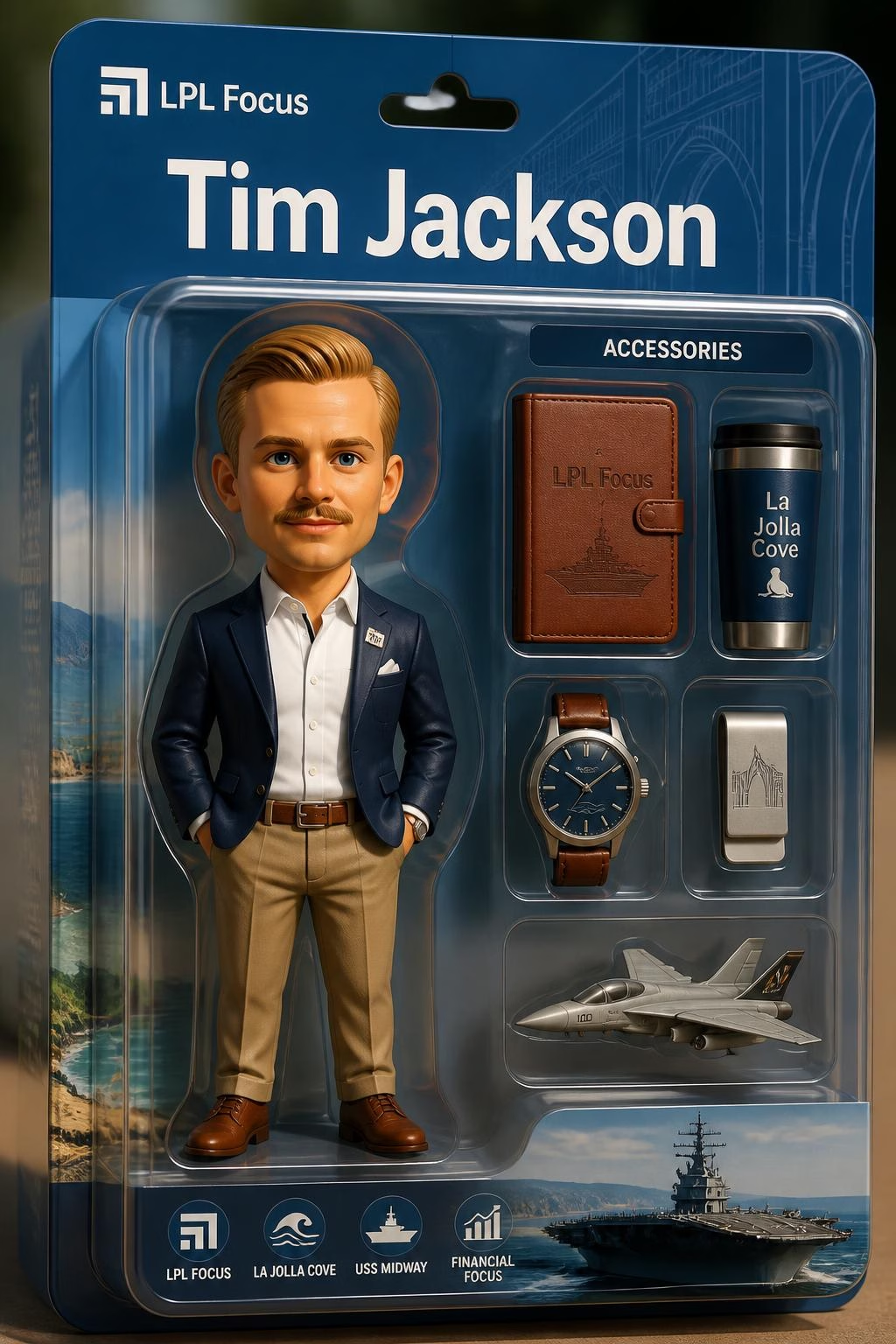
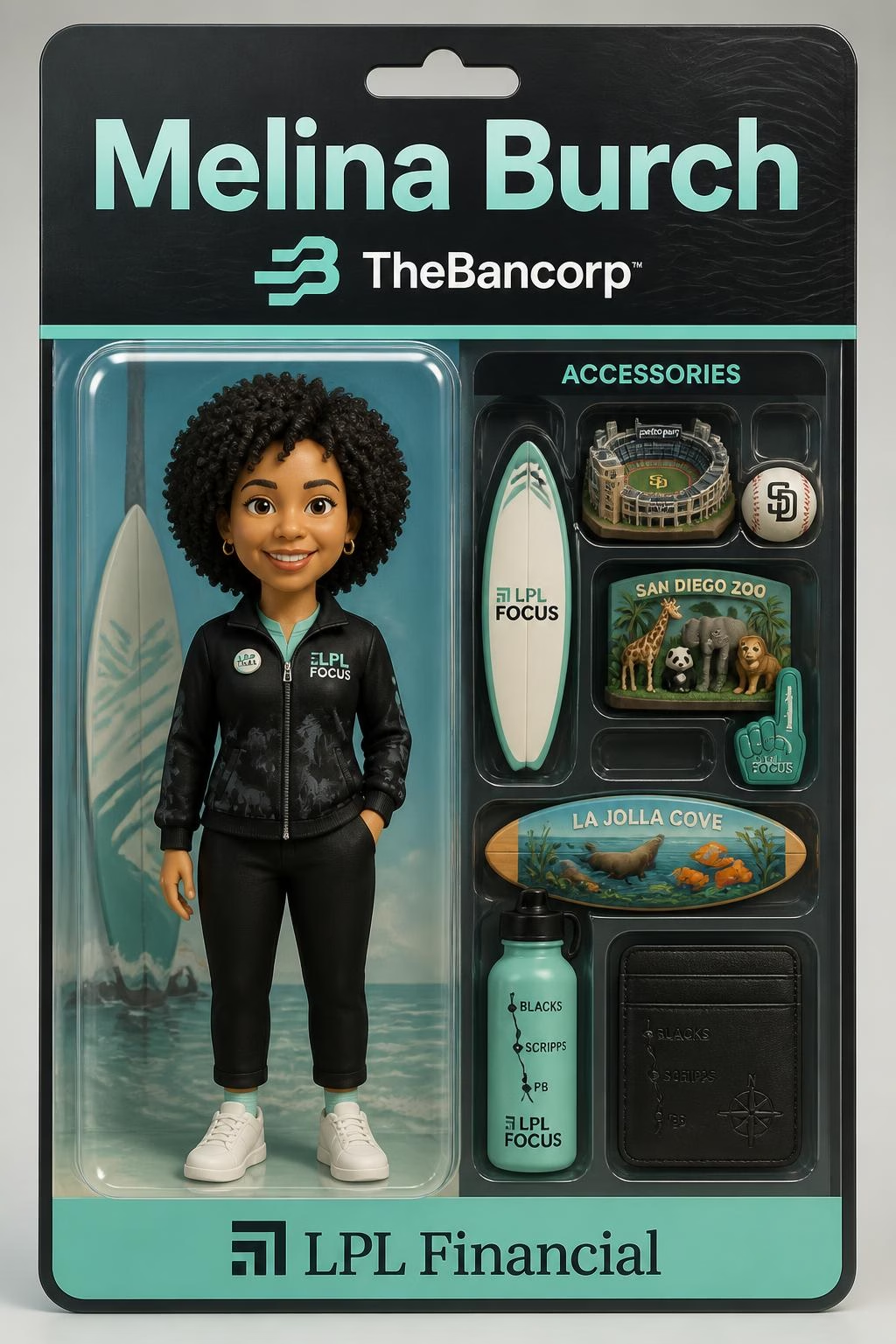
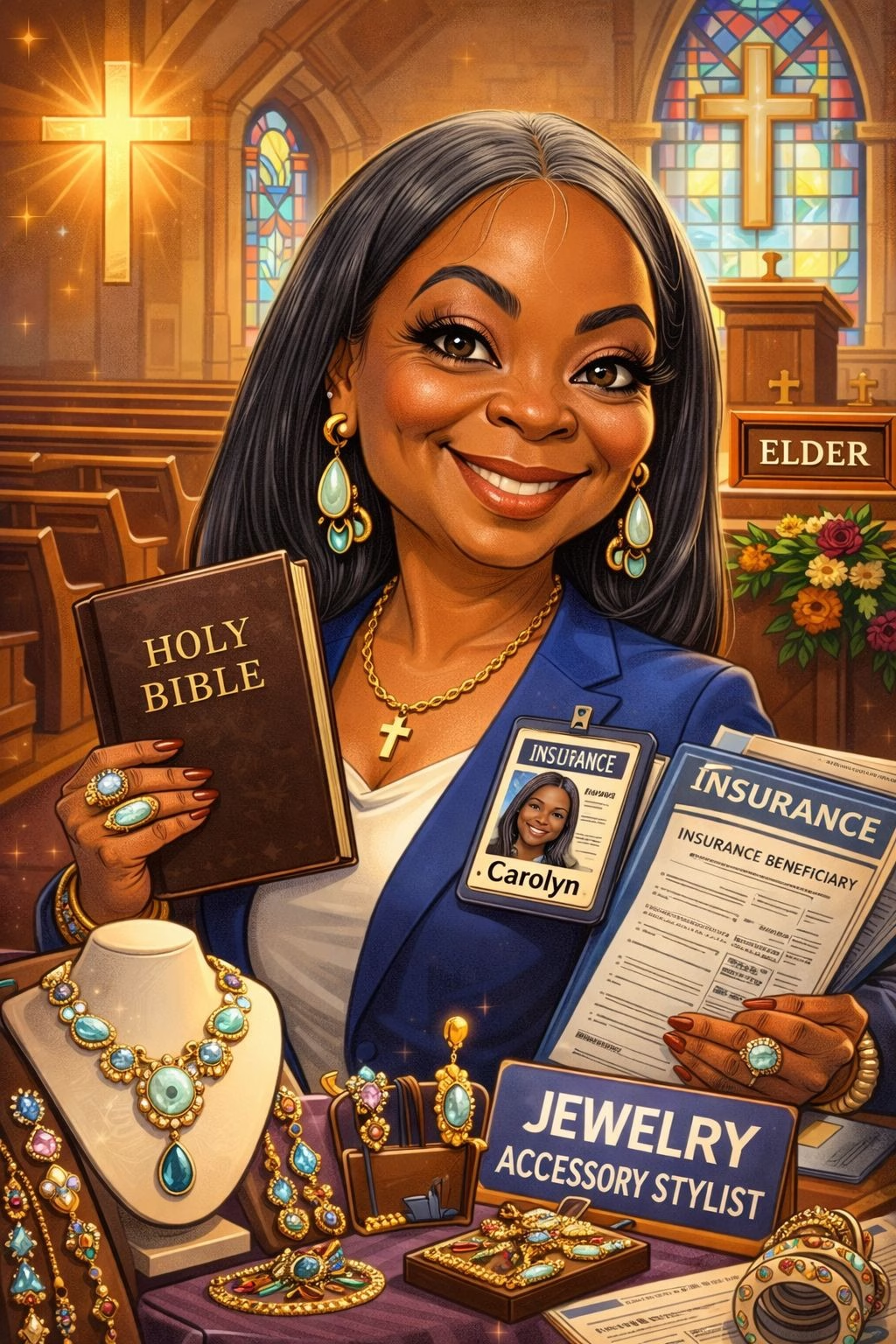
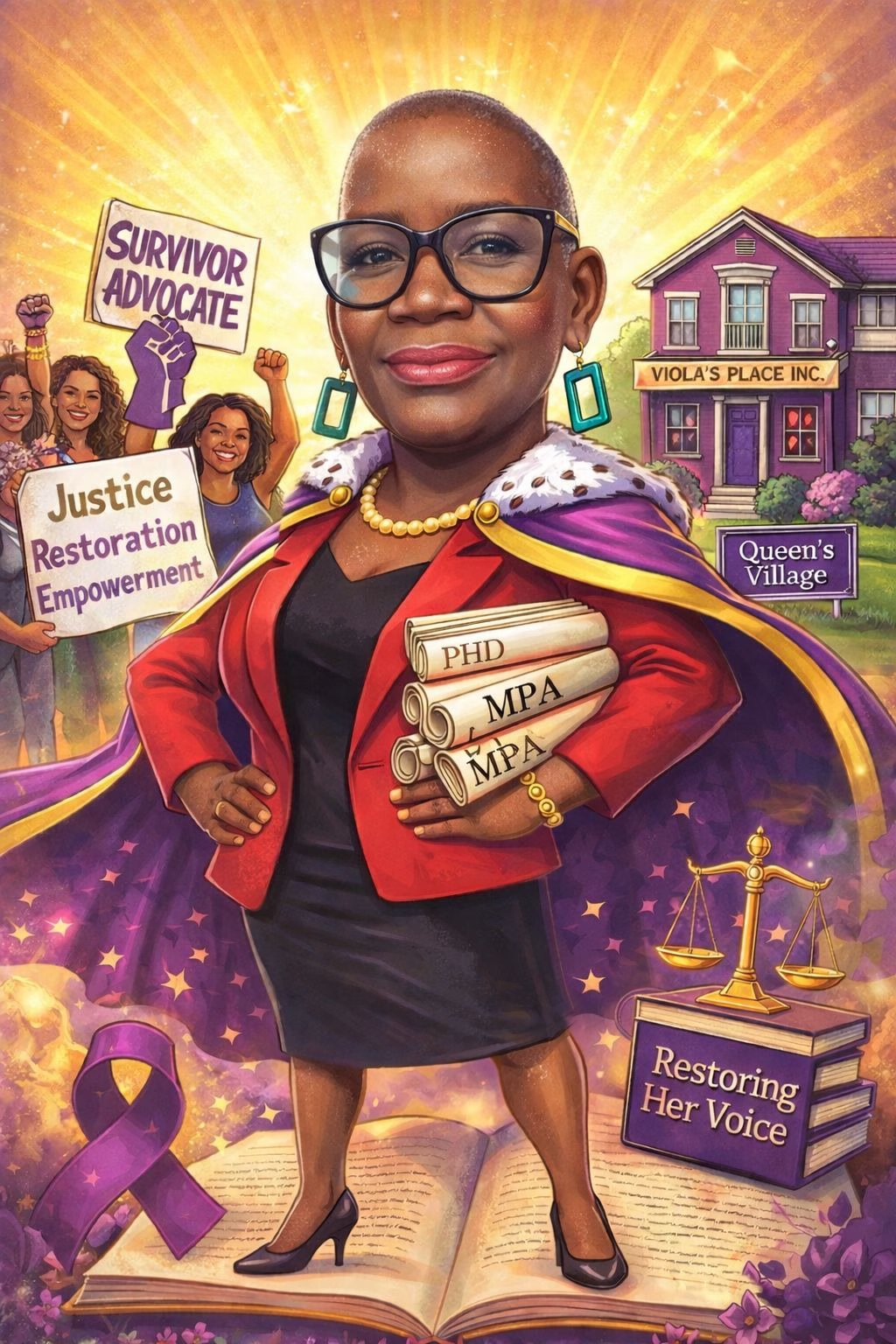
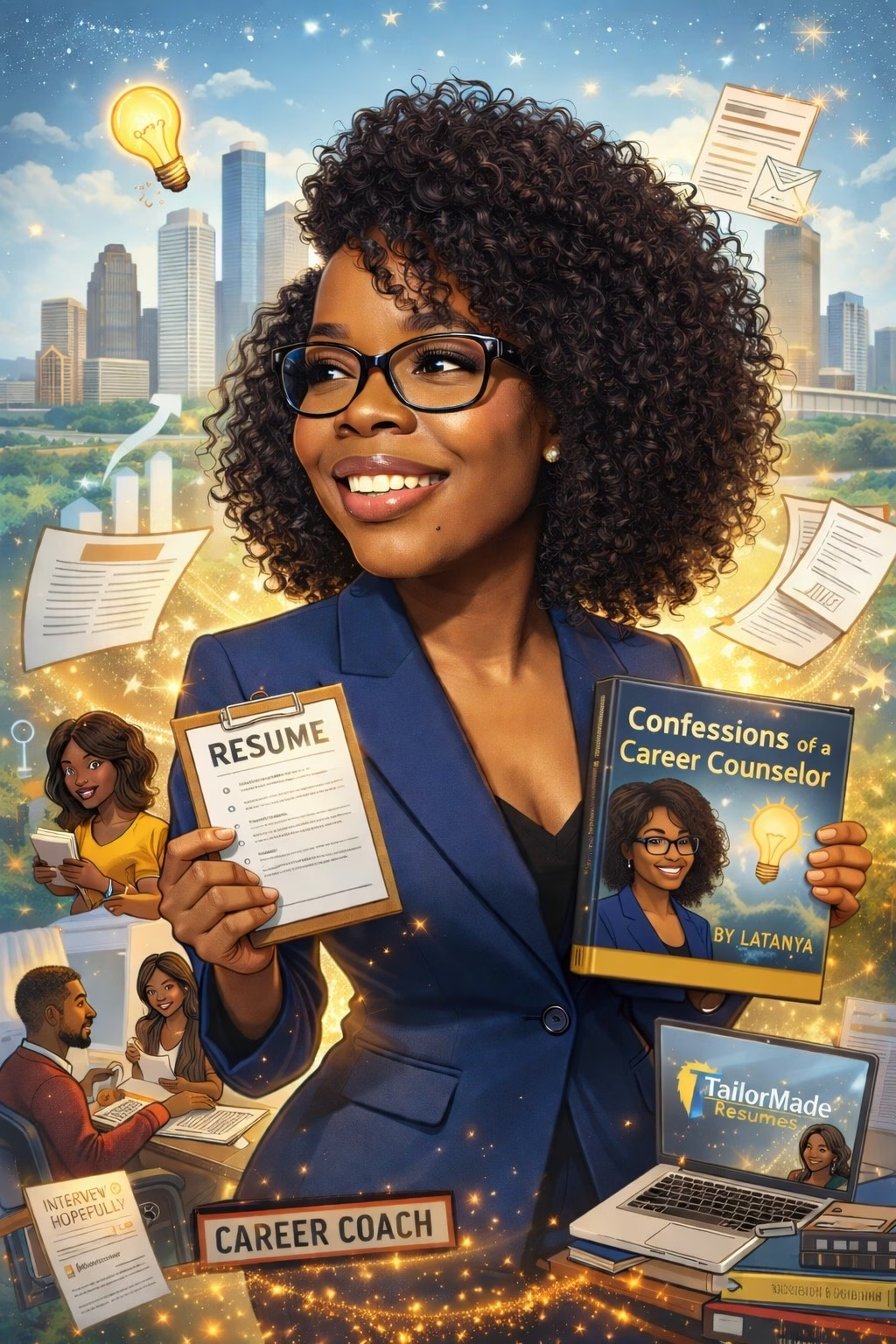
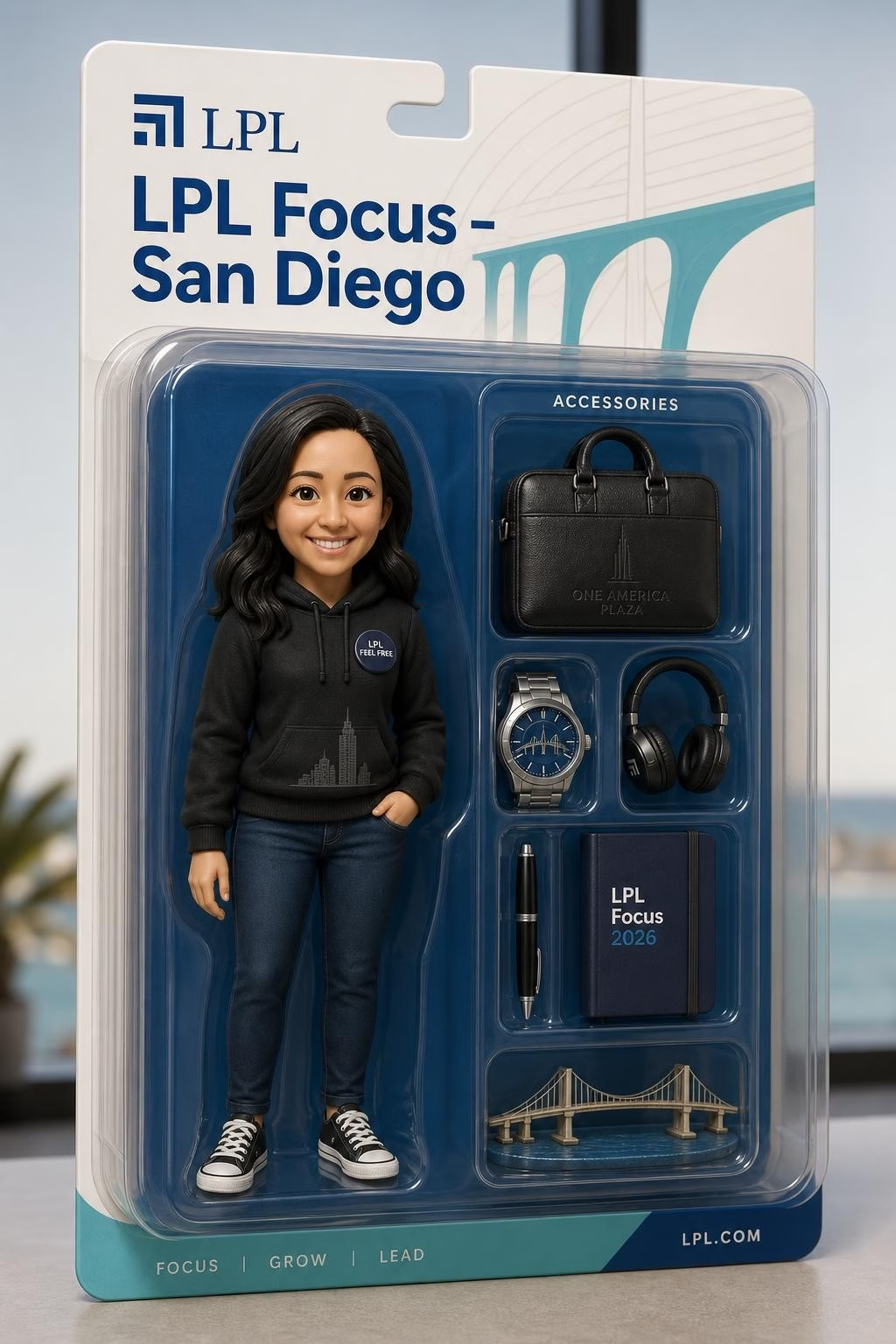
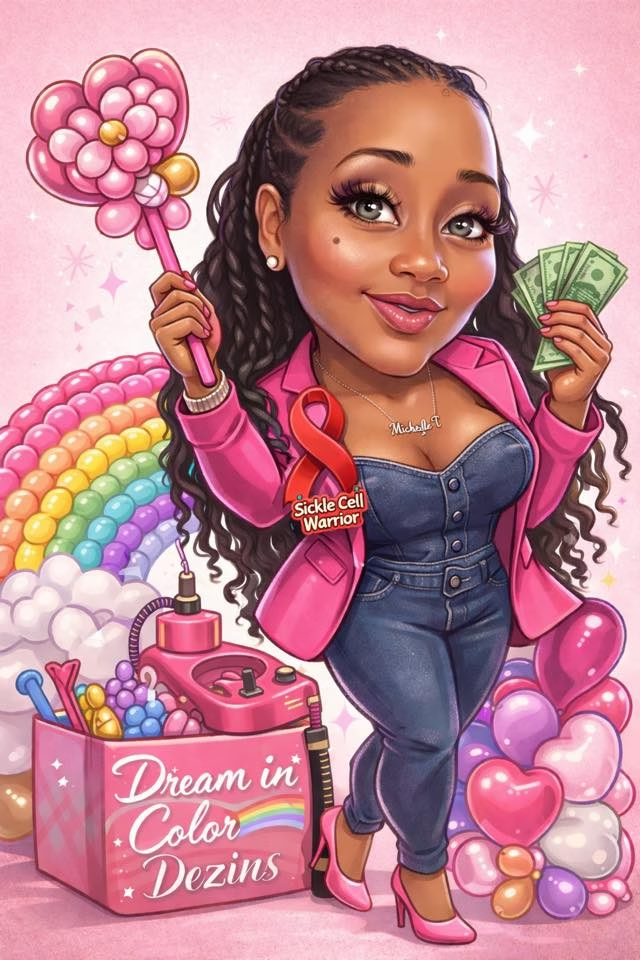
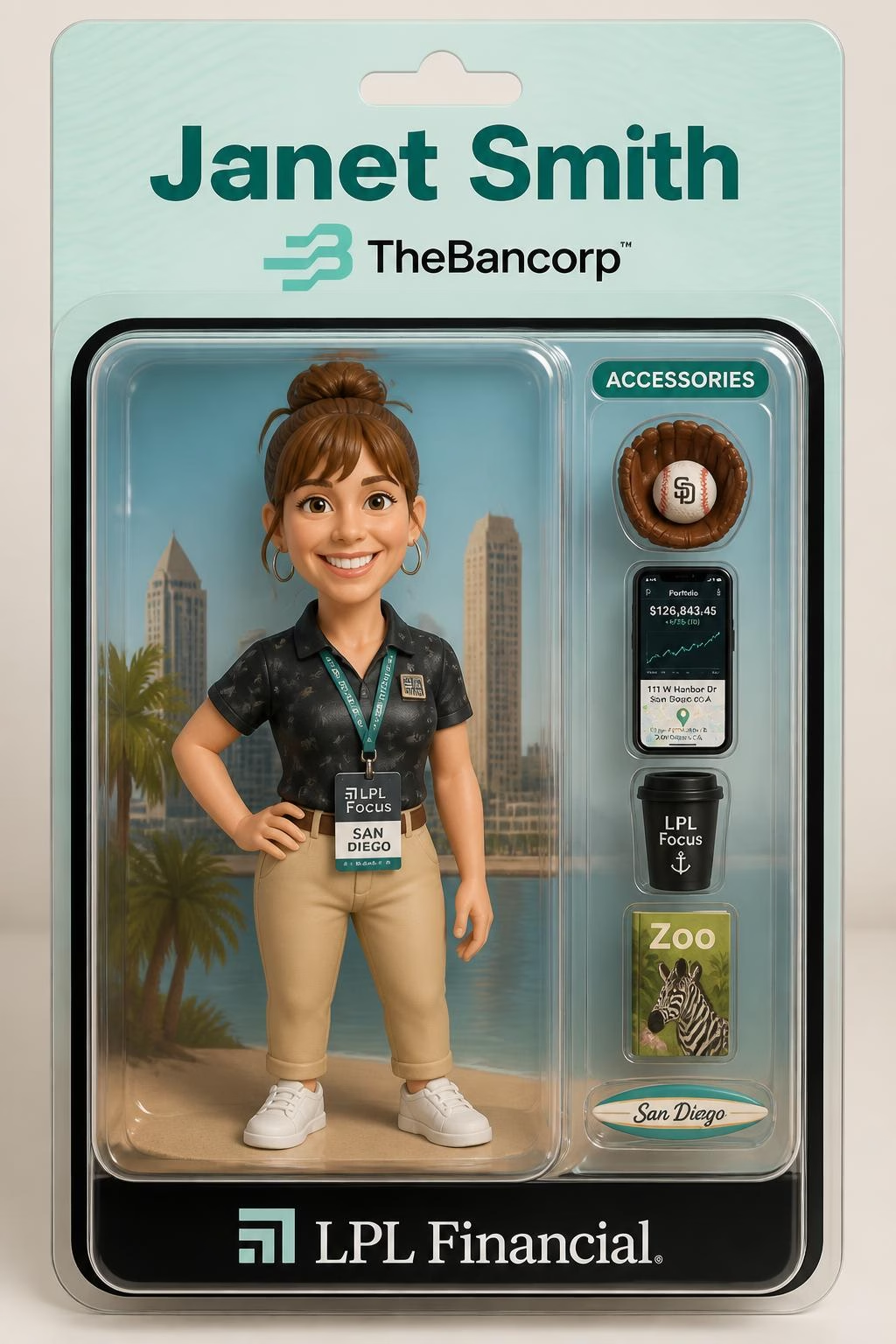
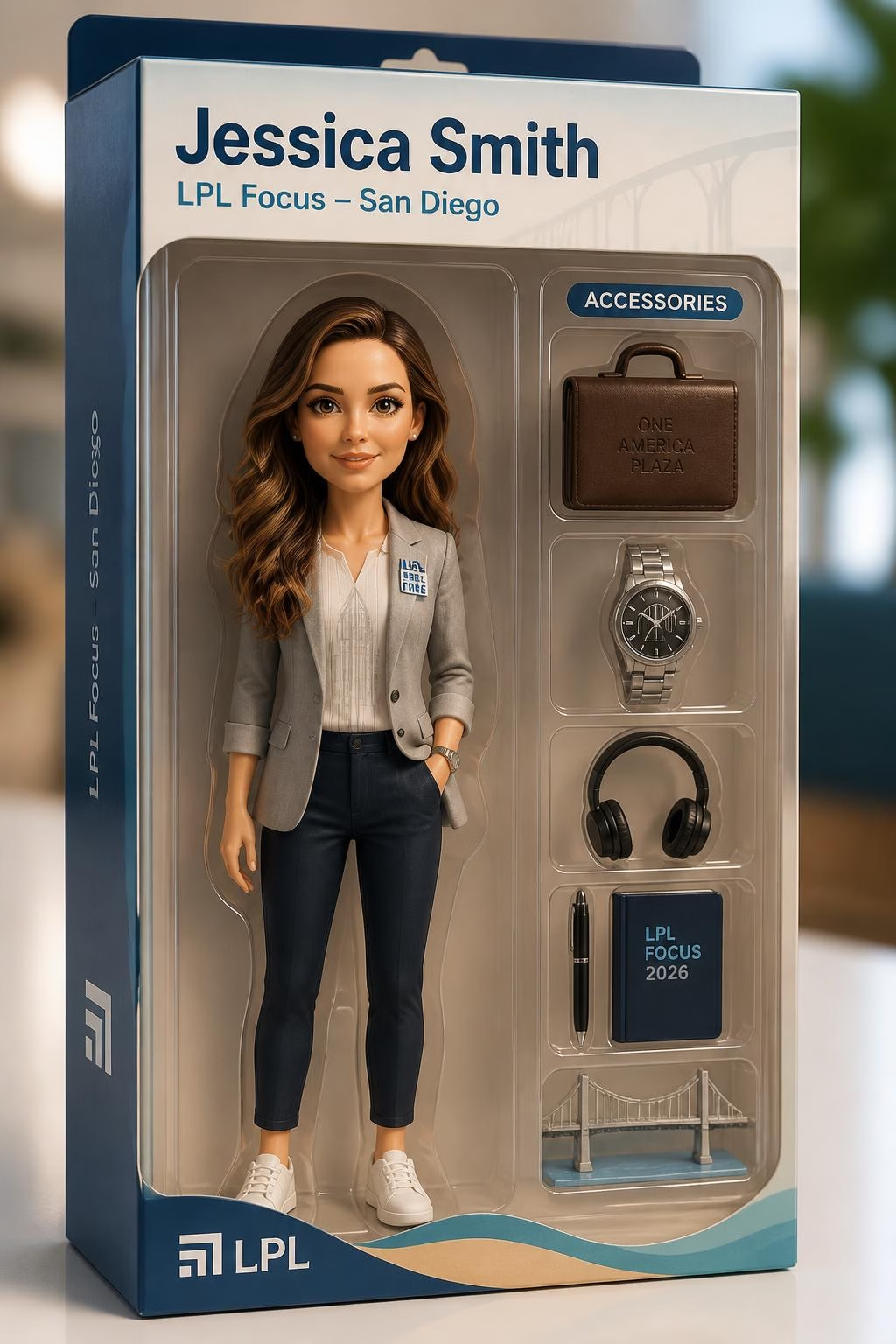
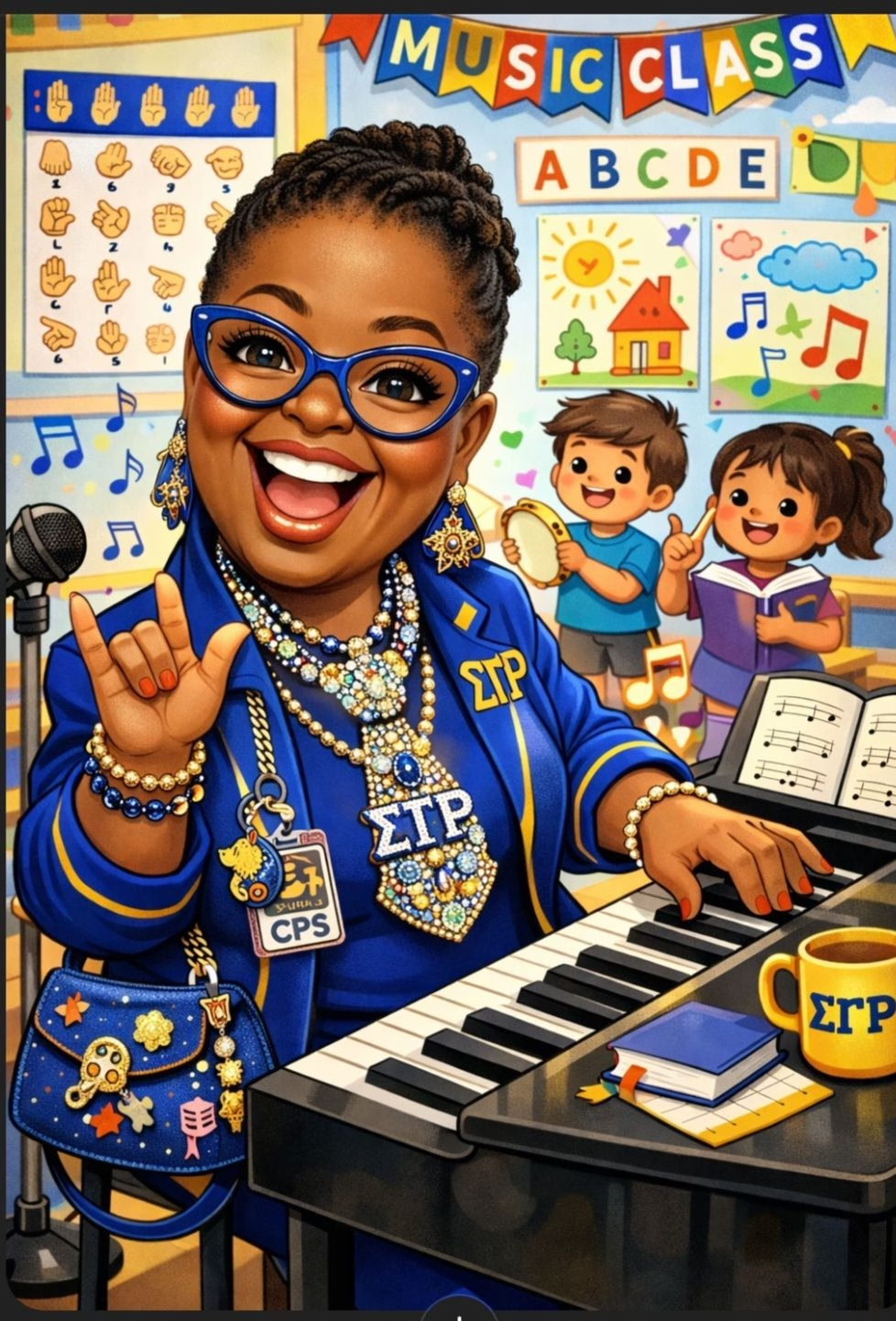
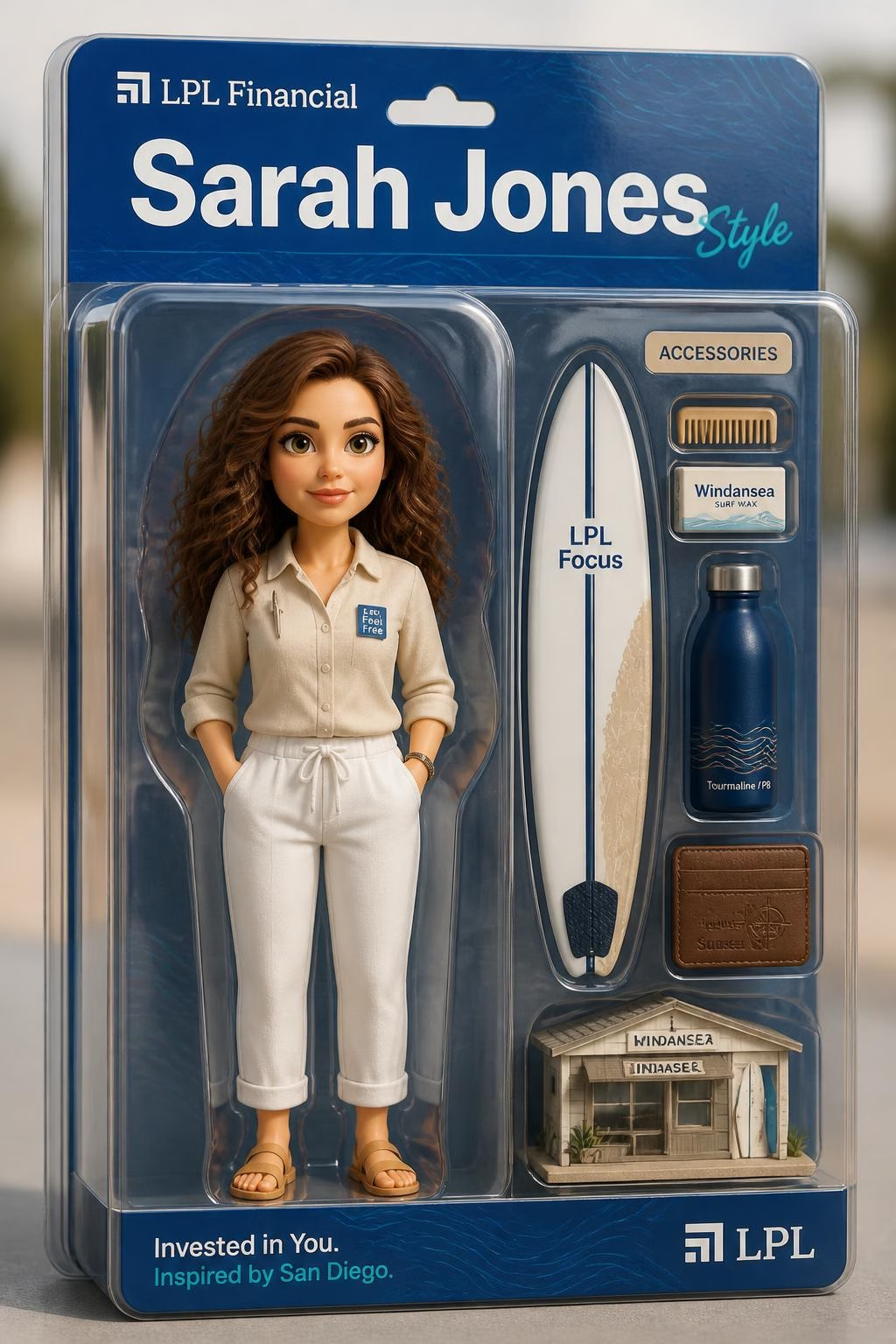
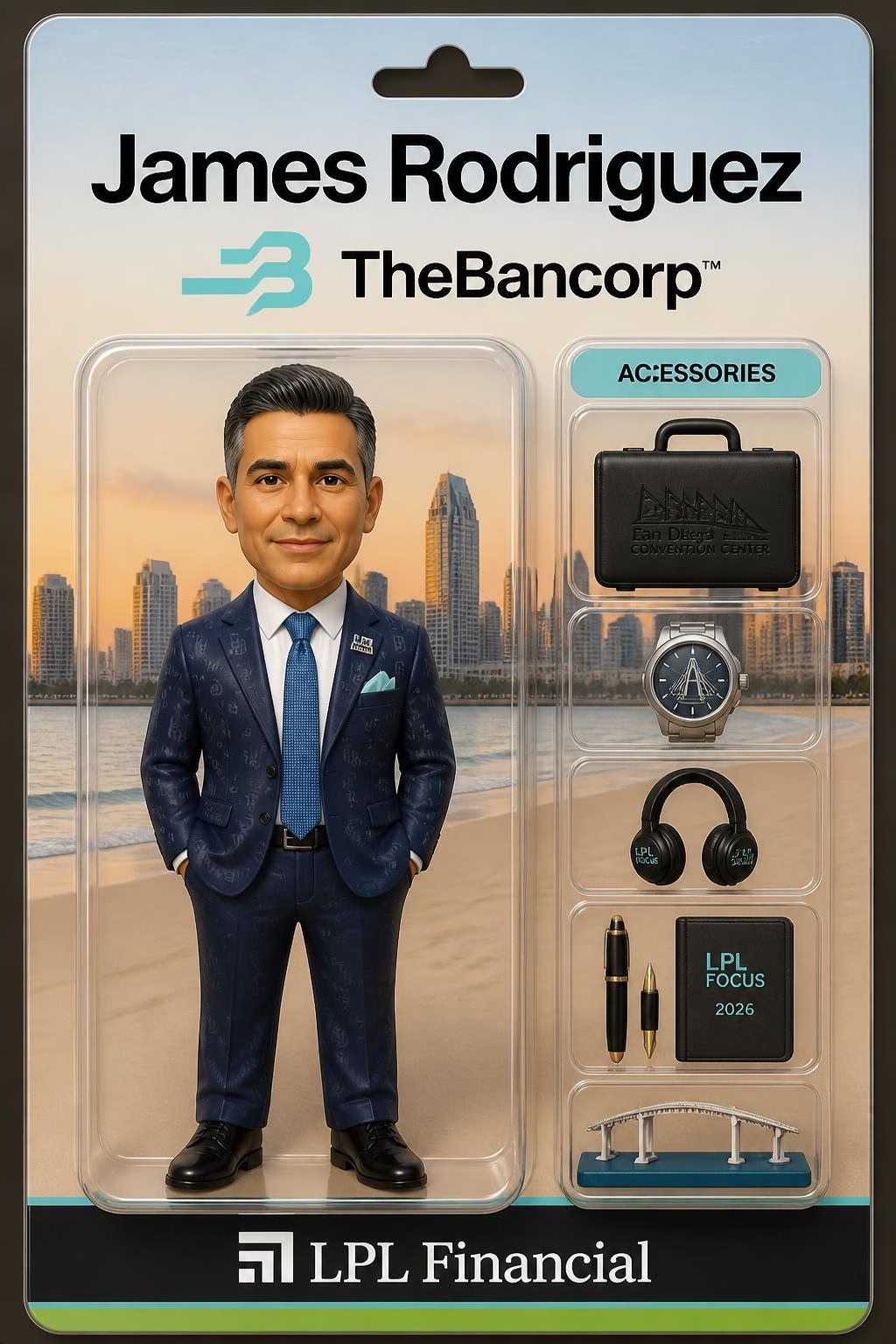
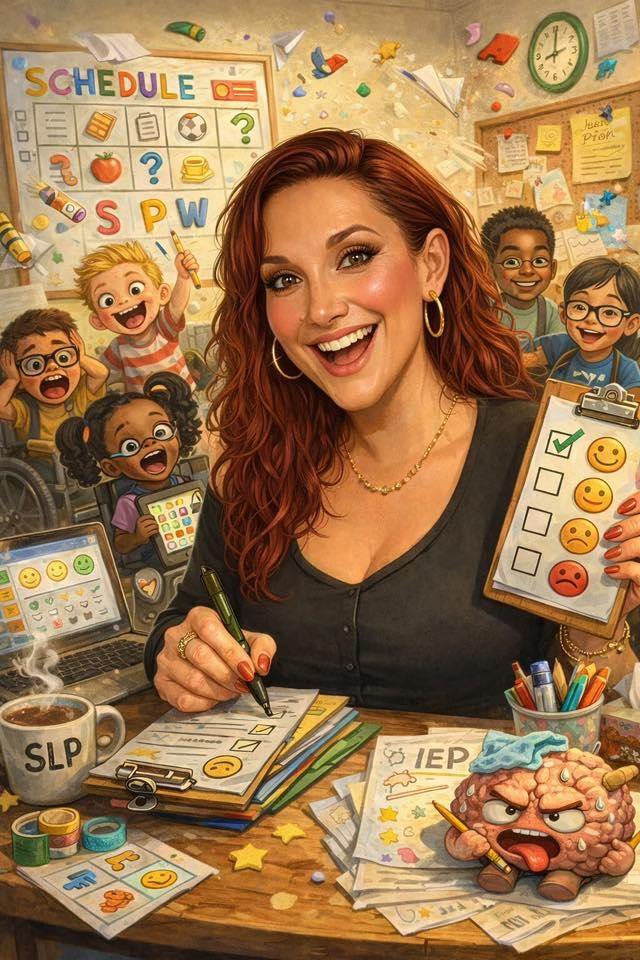
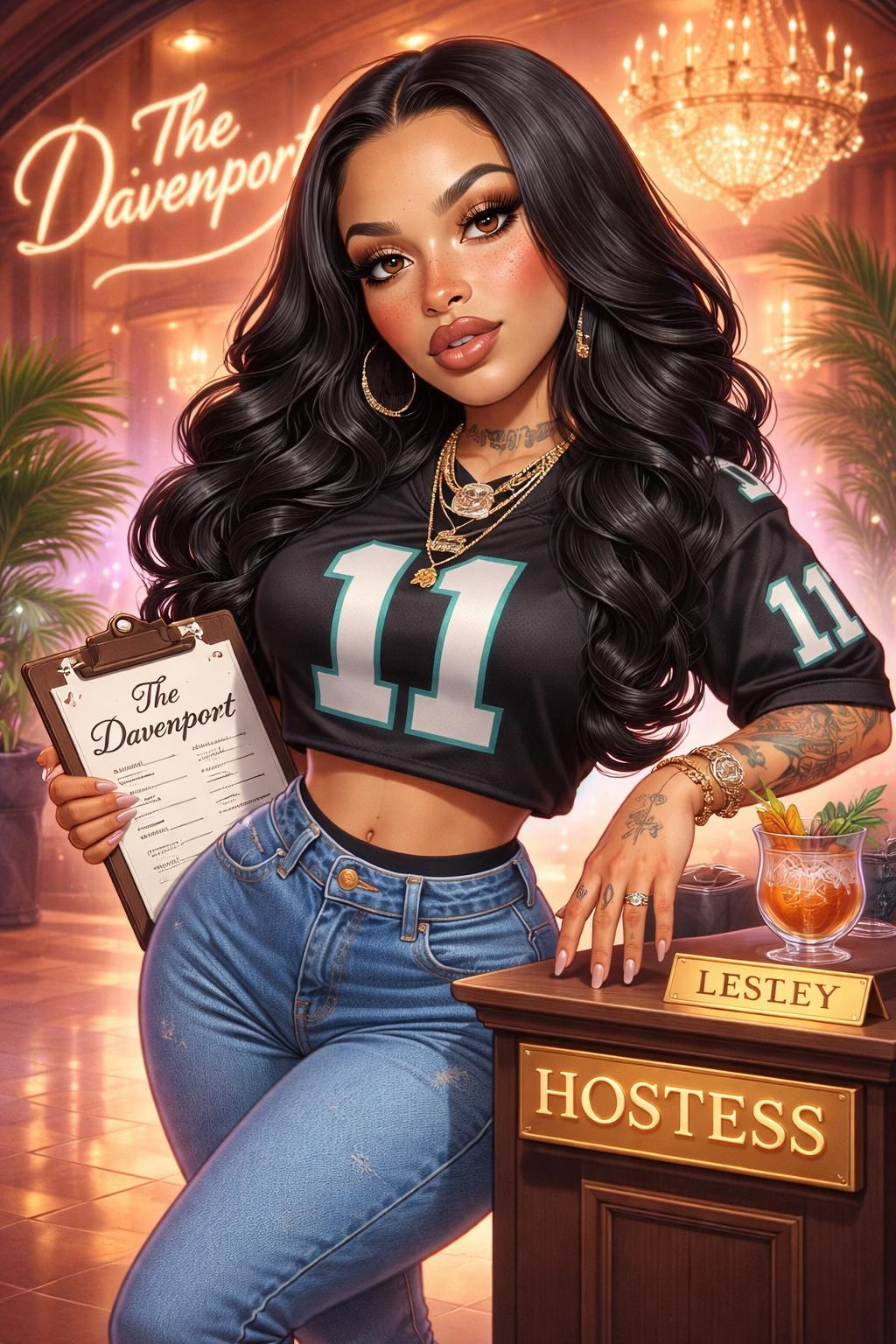
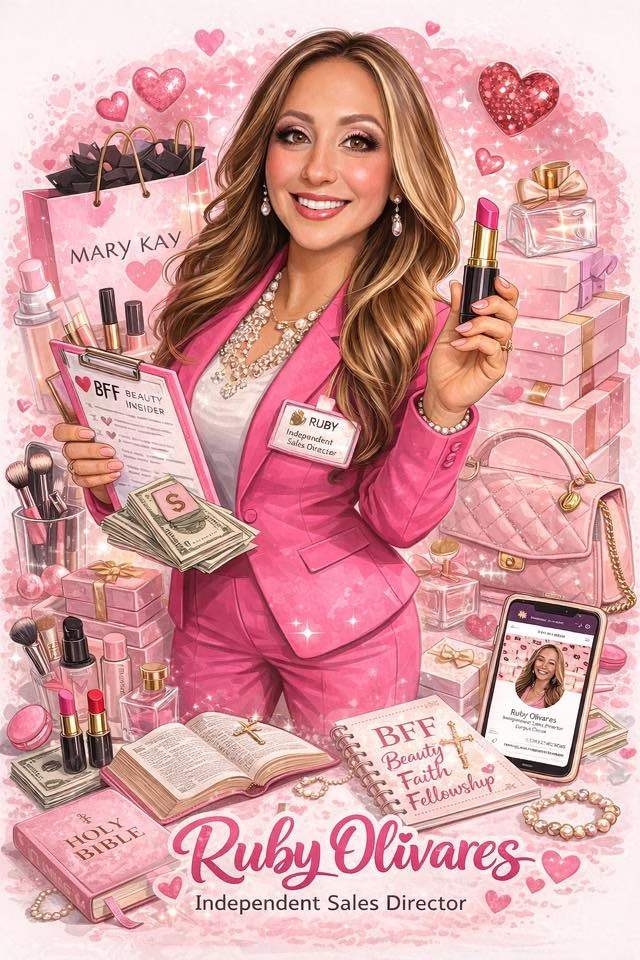
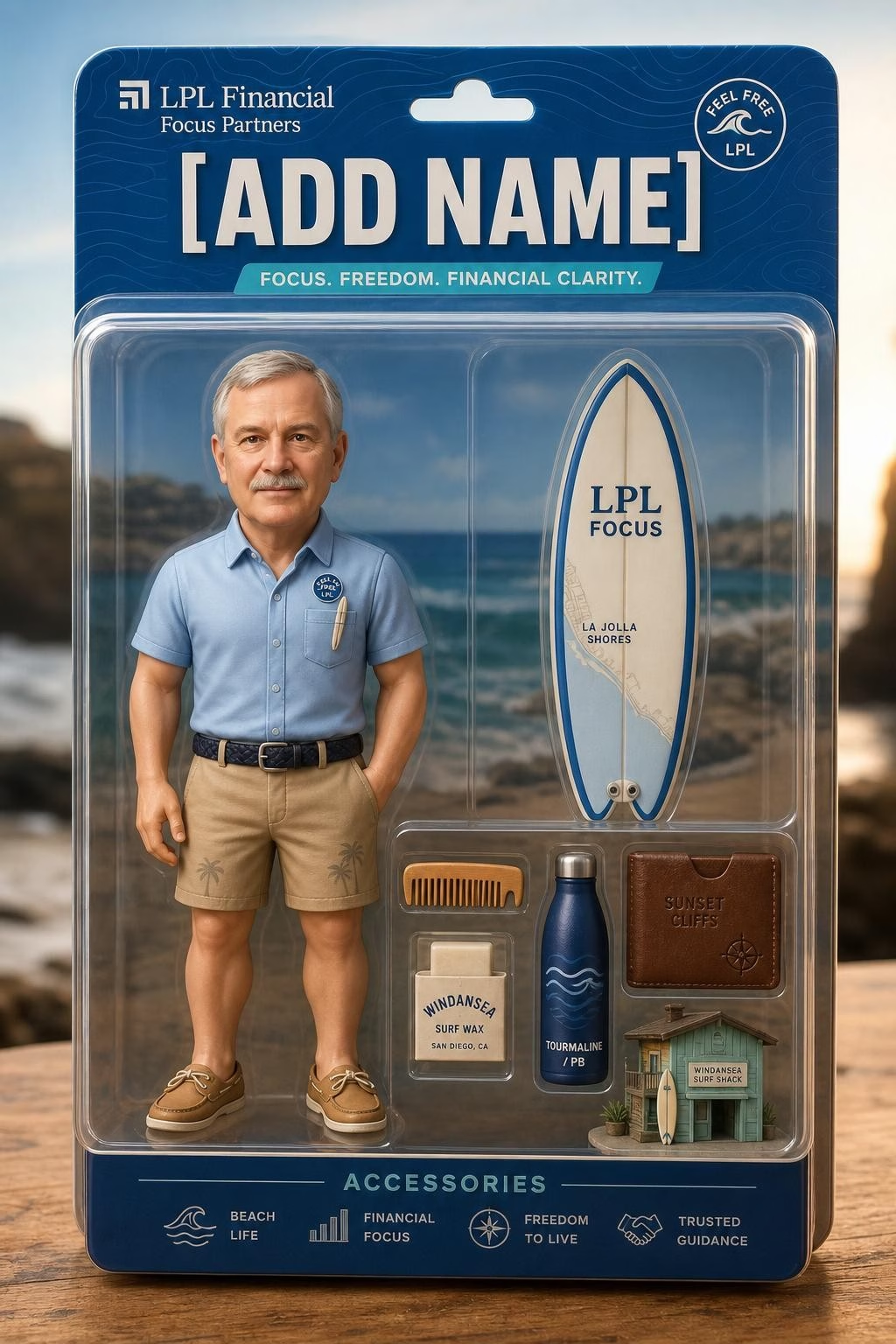
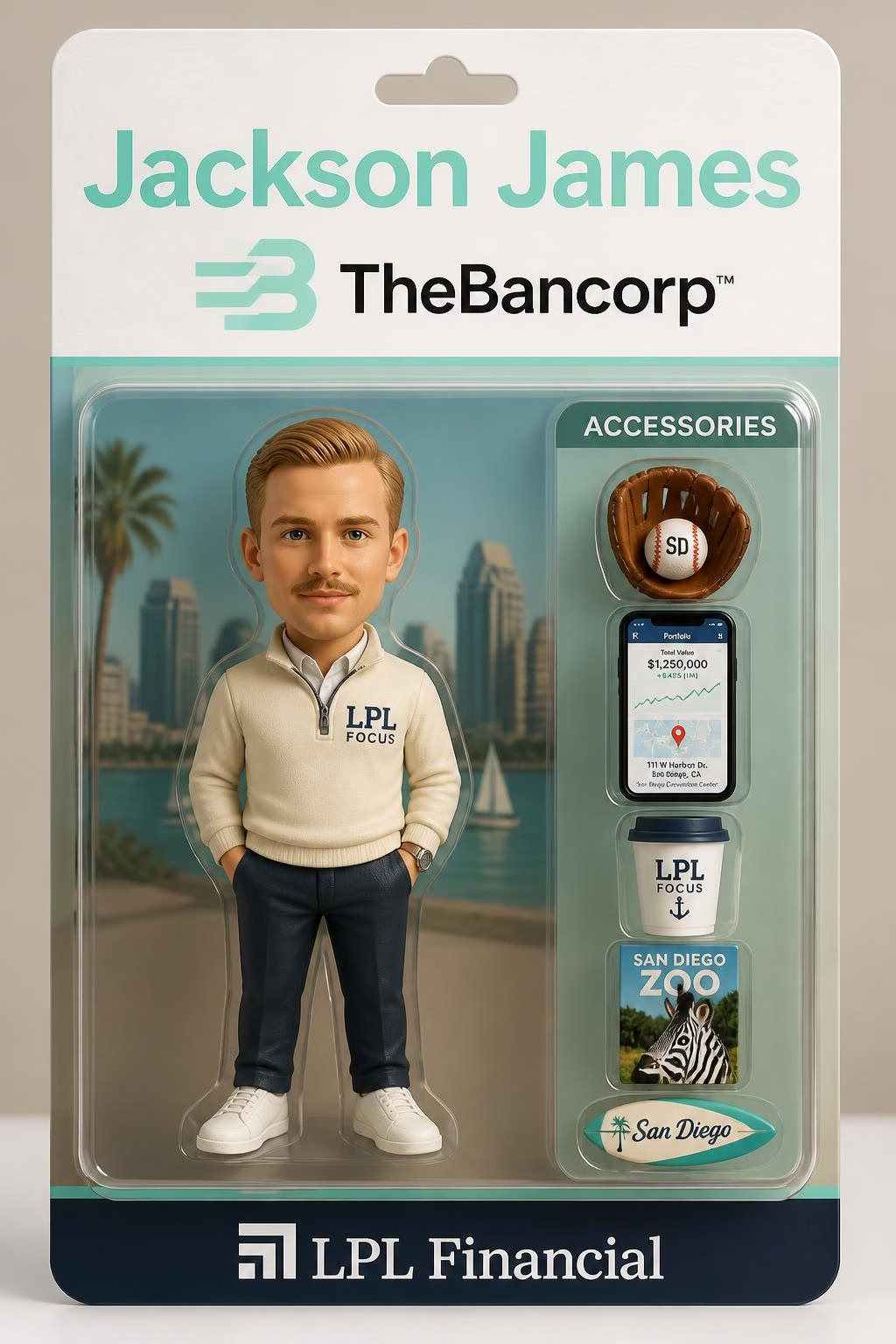
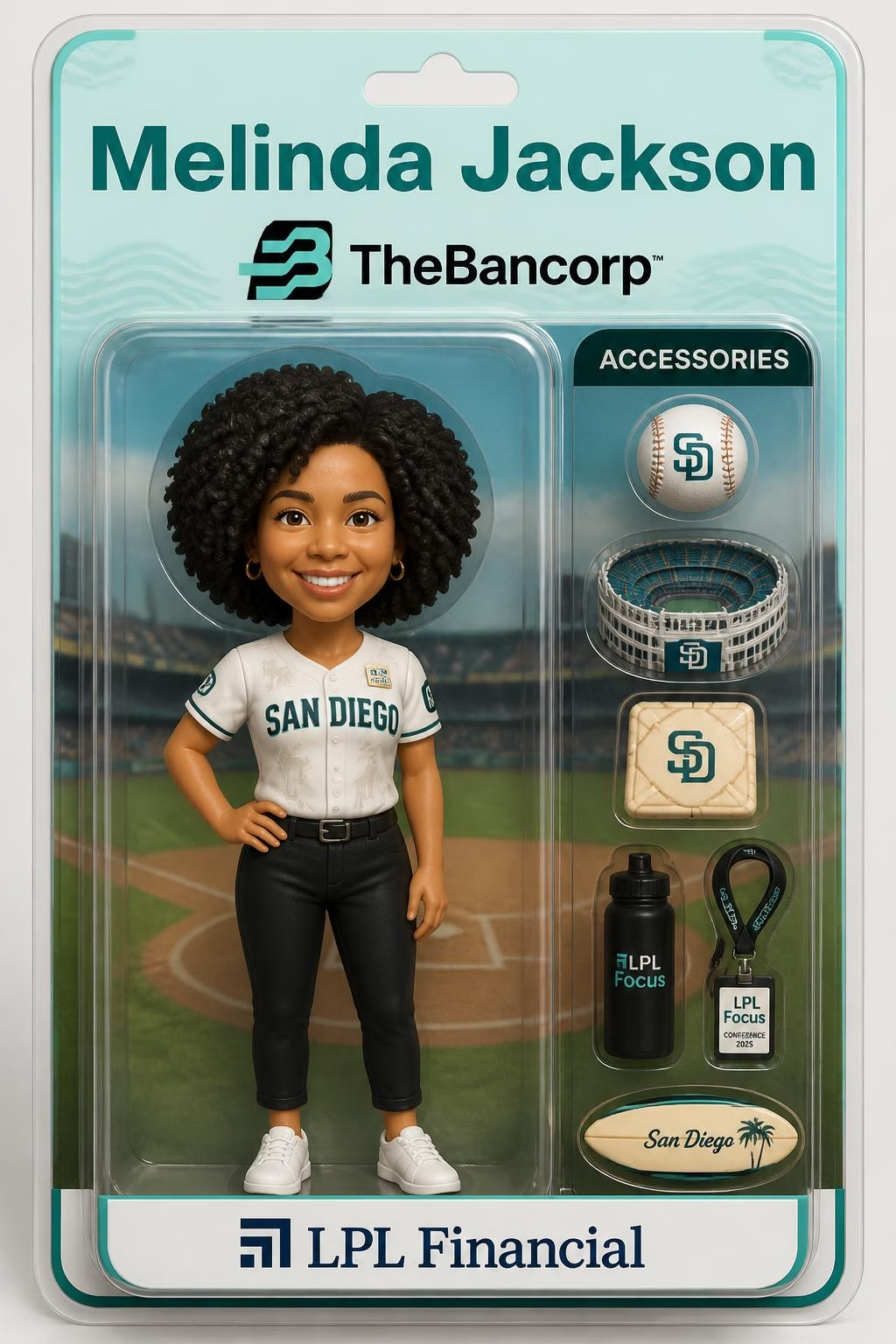
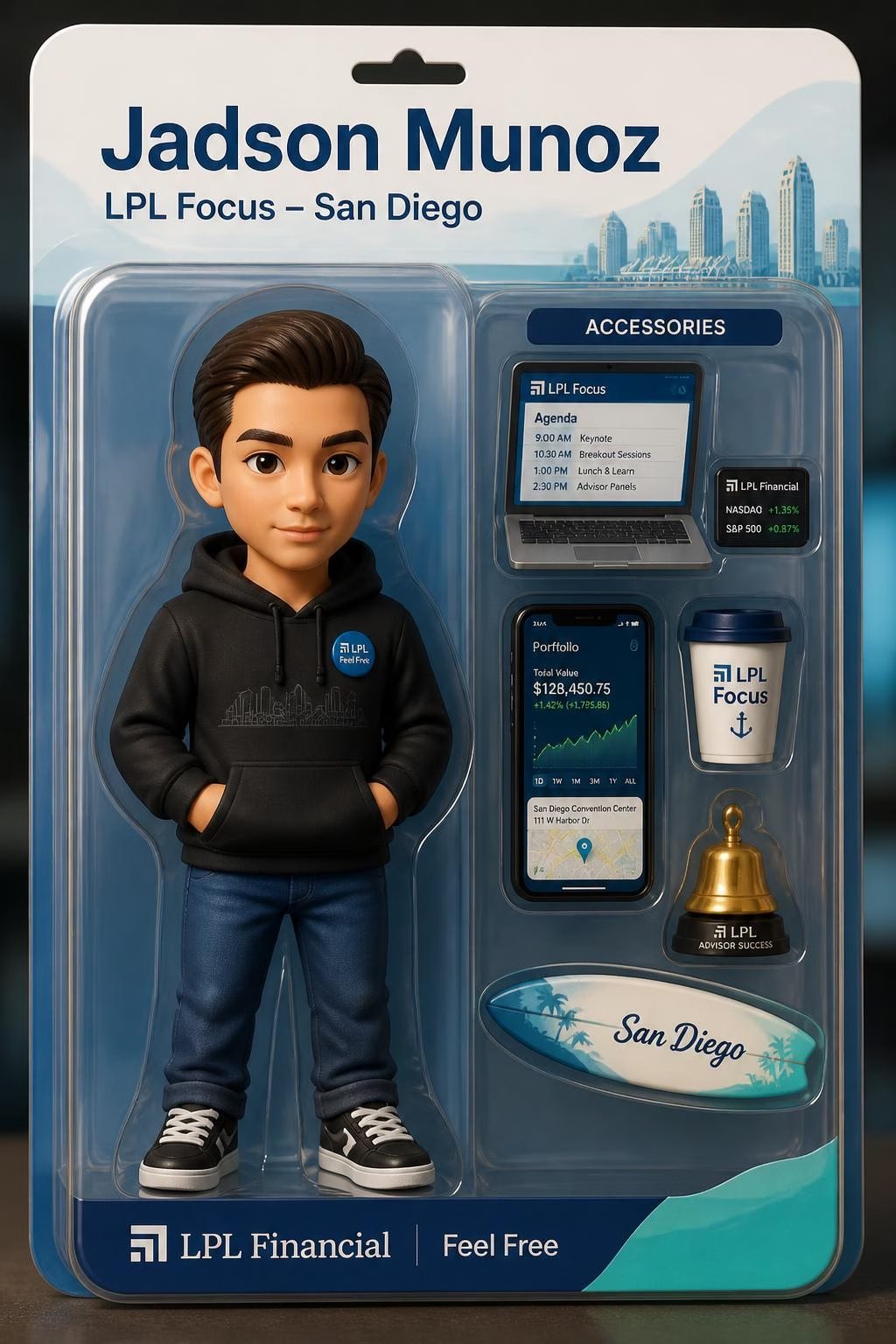
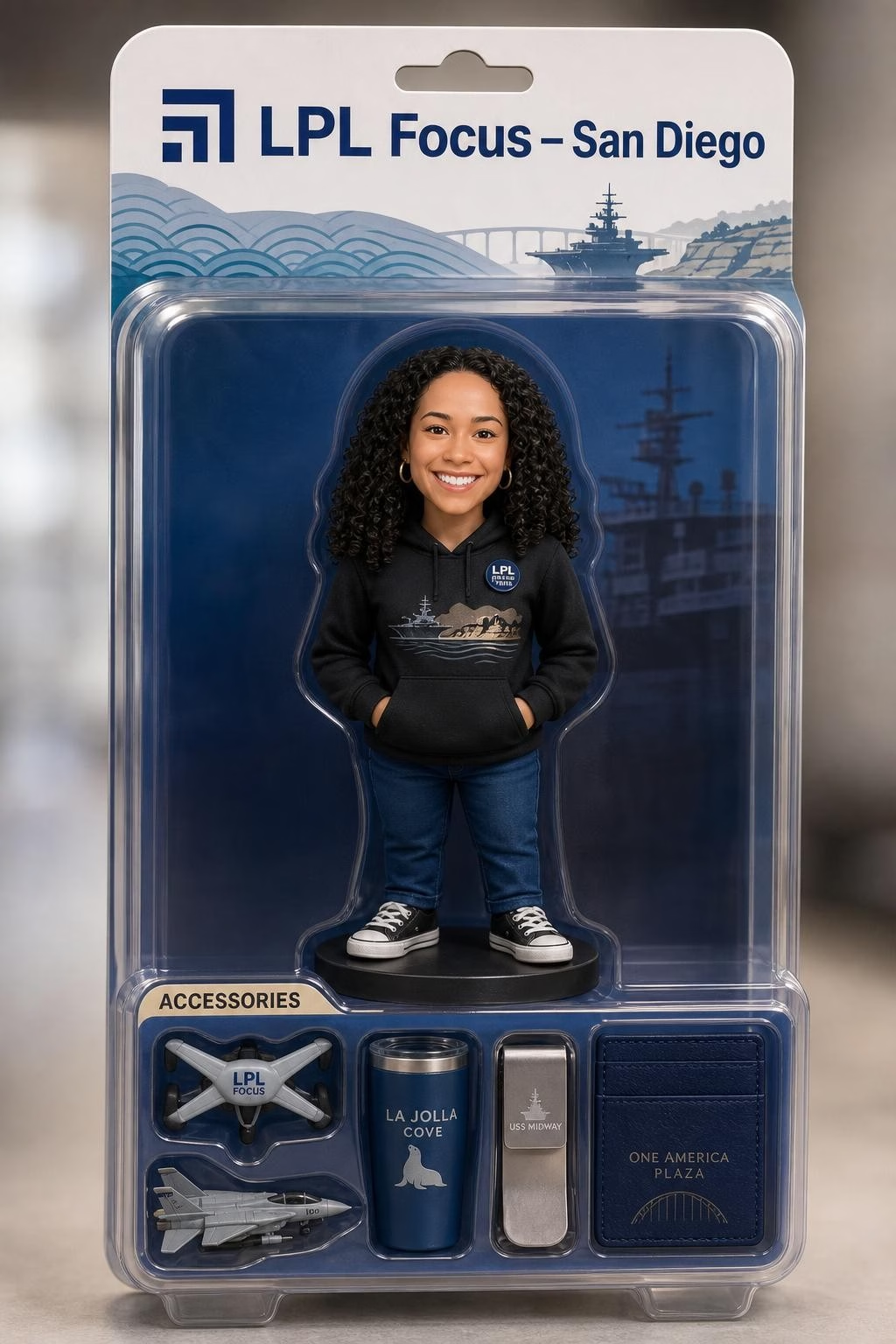
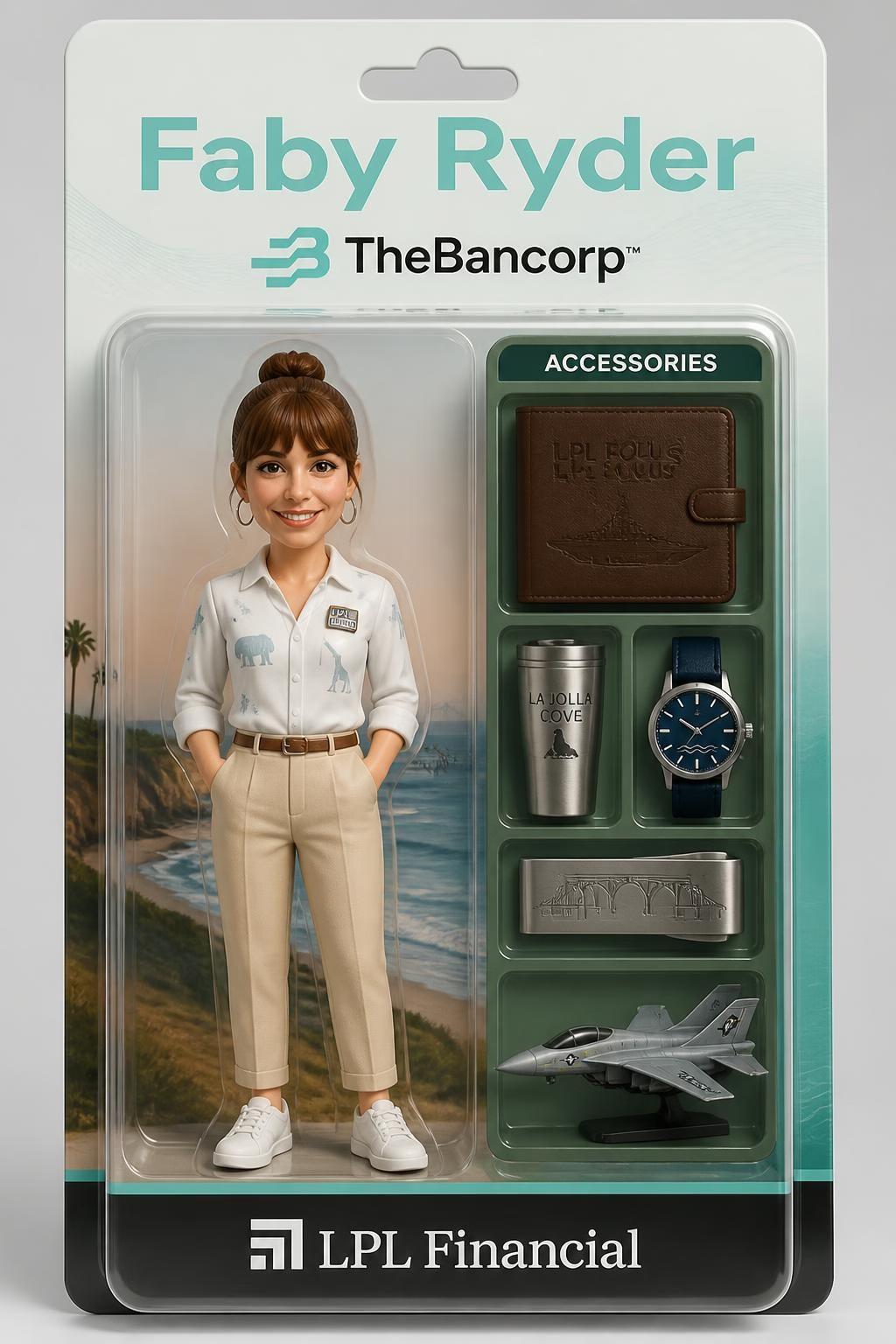
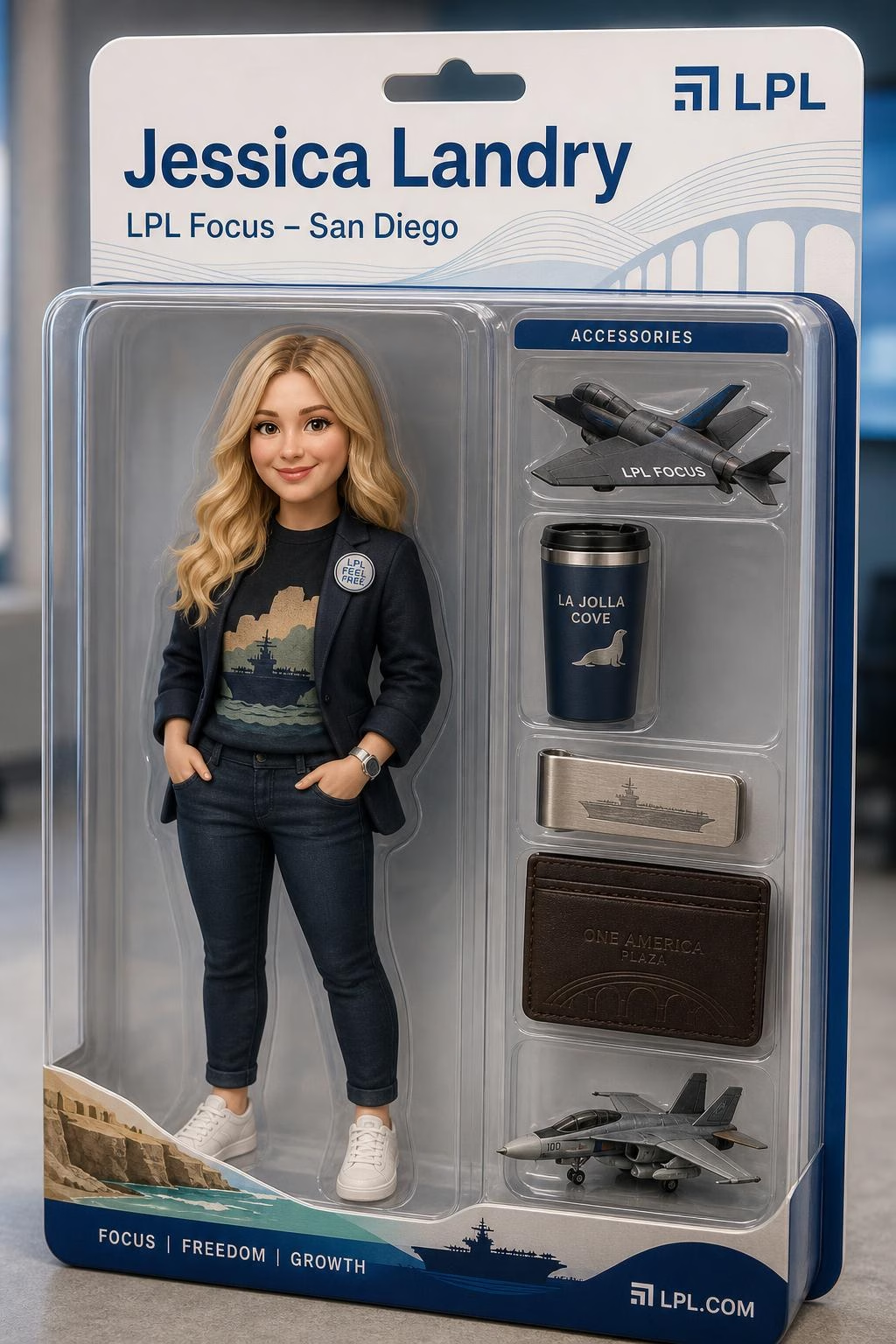
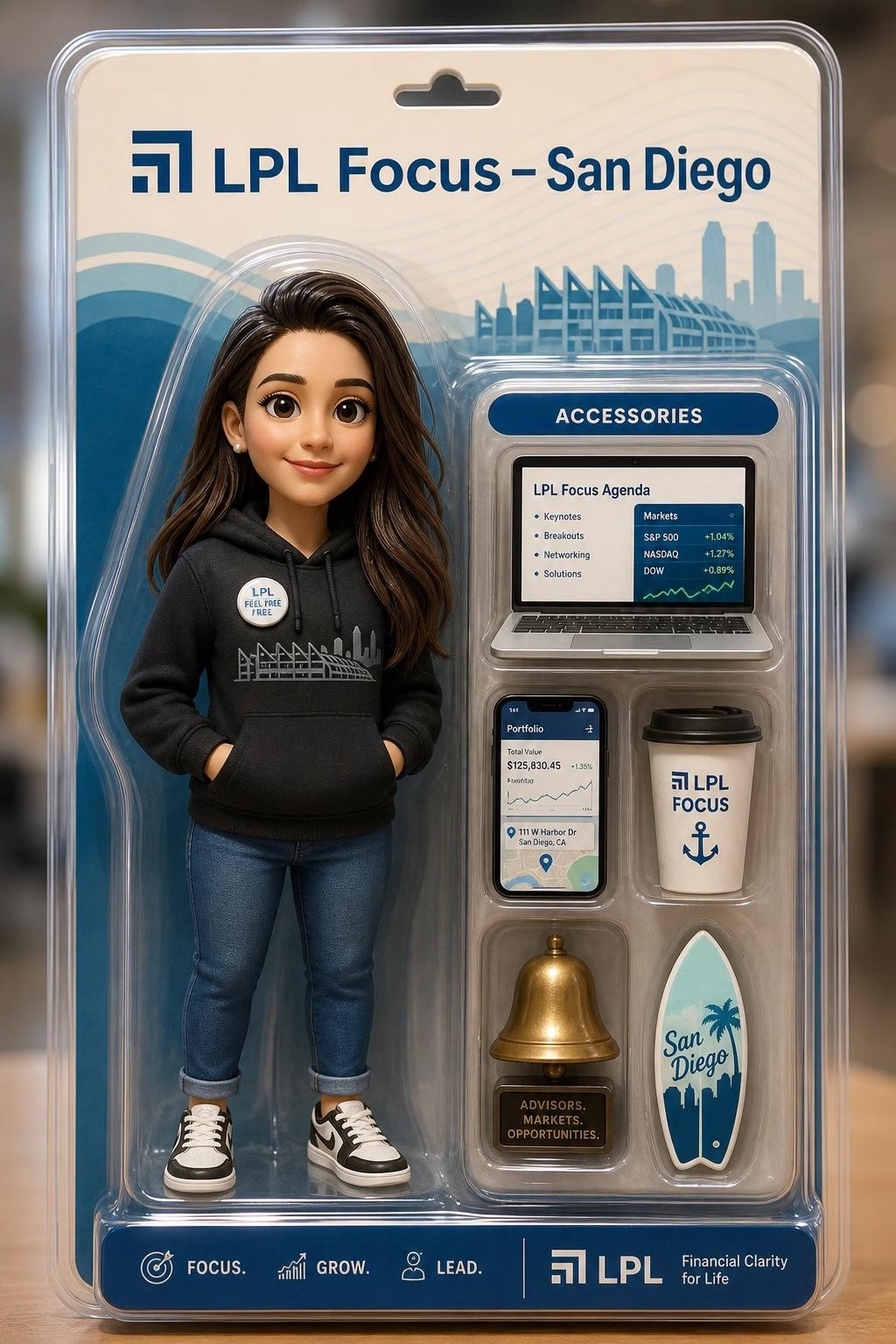
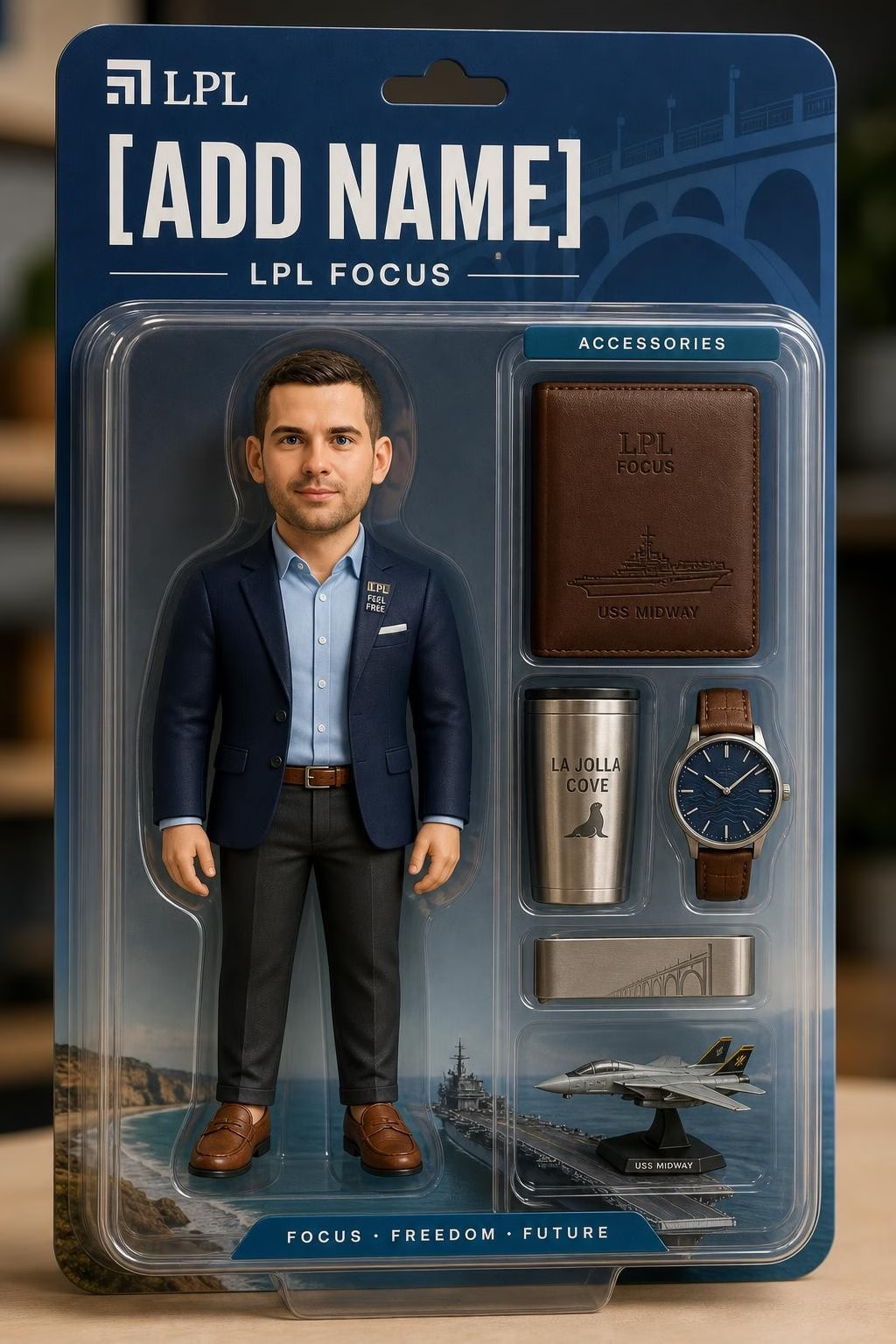
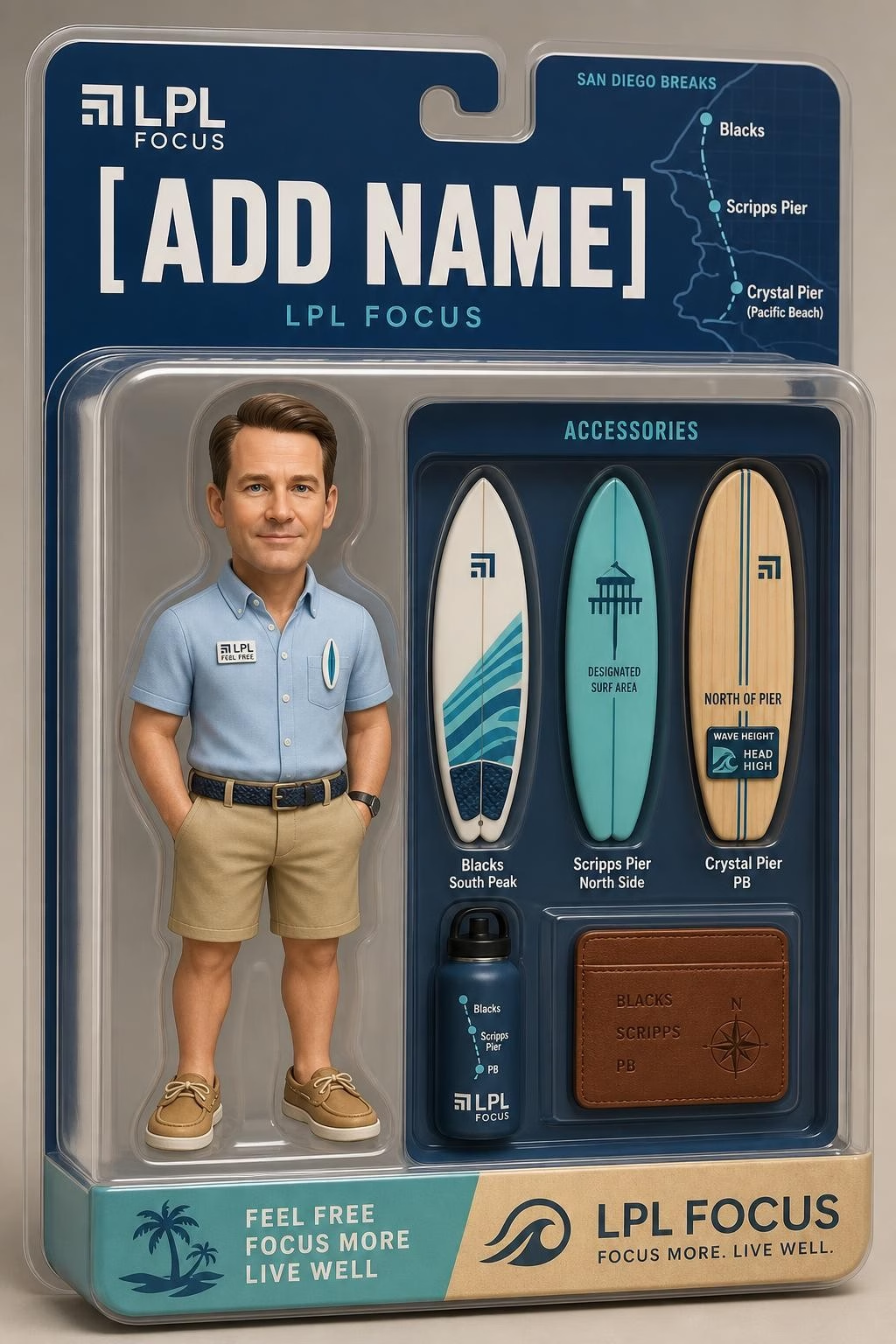
The phrase AI Toybox Photo Booth can describe a specific vendor offering, but it is also used more broadly for an event format. The common idea is a generated image that places a person in collectible toy packaging. That packaging may resemble an action figure box, a fashion doll display, a retro playset, or a futuristic product case.
I would think of it as a creative format rather than a single fixed technology. One provider may use a polished preset template with a few guest choices. Another may allow guests to enter a title, pick accessories, or choose from several character styles. Those details matter because they affect speed, consistency, and how recognizable each person remains in the final image.
Lucky Frog Photo Marketing describes its AI Toybox Photo Booth experience as a workflow that turns guests into toy-box-style dolls or action figures, offers QR sharing, and can include 4x6 prints as an add-on. Its published timing claim is roughly 15 to 20 seconds, though real event timing can vary.
The core appeal is easy to understand: a guest is not merely standing in front of a backdrop. They are becoming a collectible. For a birthday guest of honor, the box might say “Birthday Legend.” At a company event, it might show an employee as a “Customer Success Hero” with brand-colored packaging and themed accessories.
Toybox, Face Swap, And AI Portraits Are Not The Same
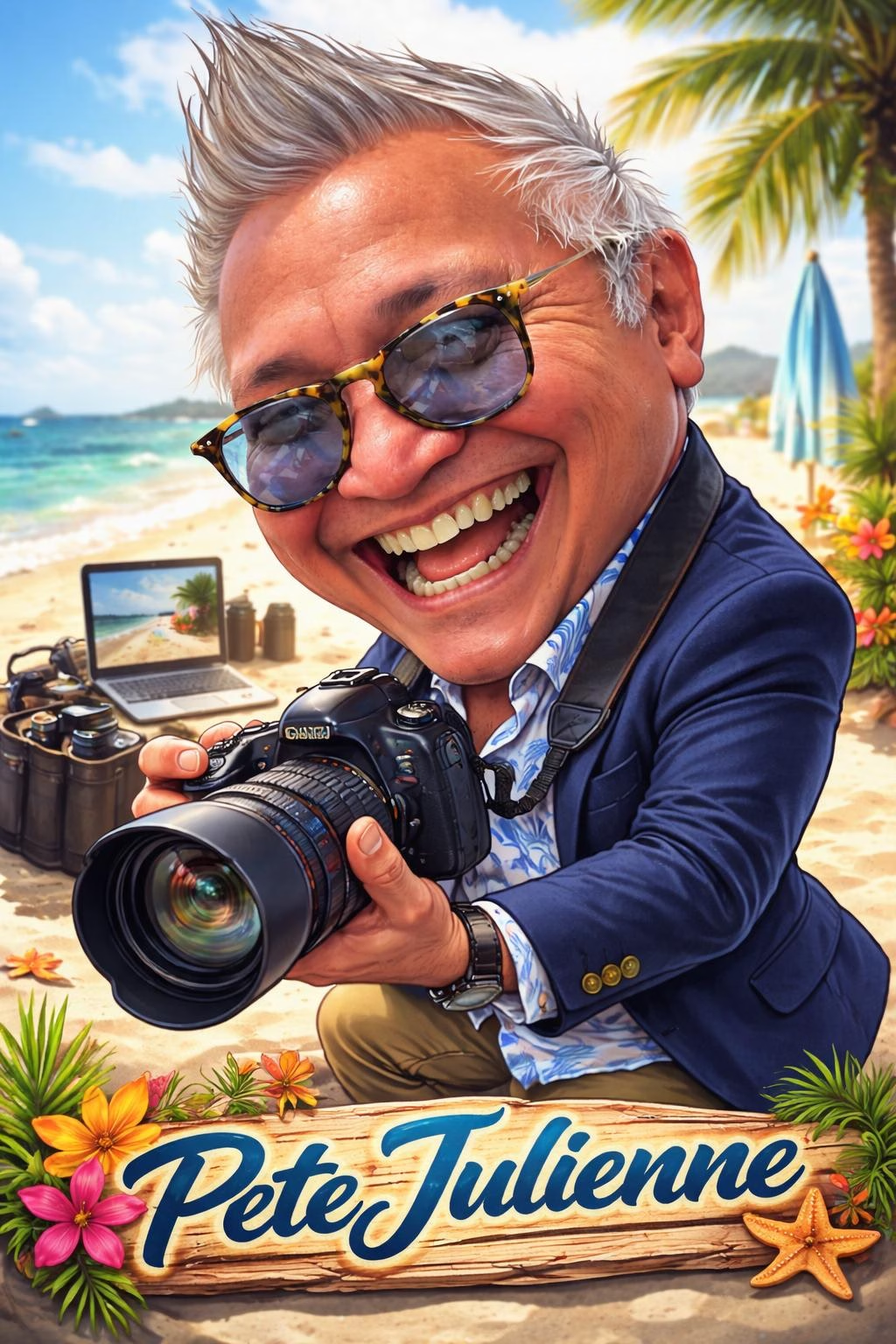
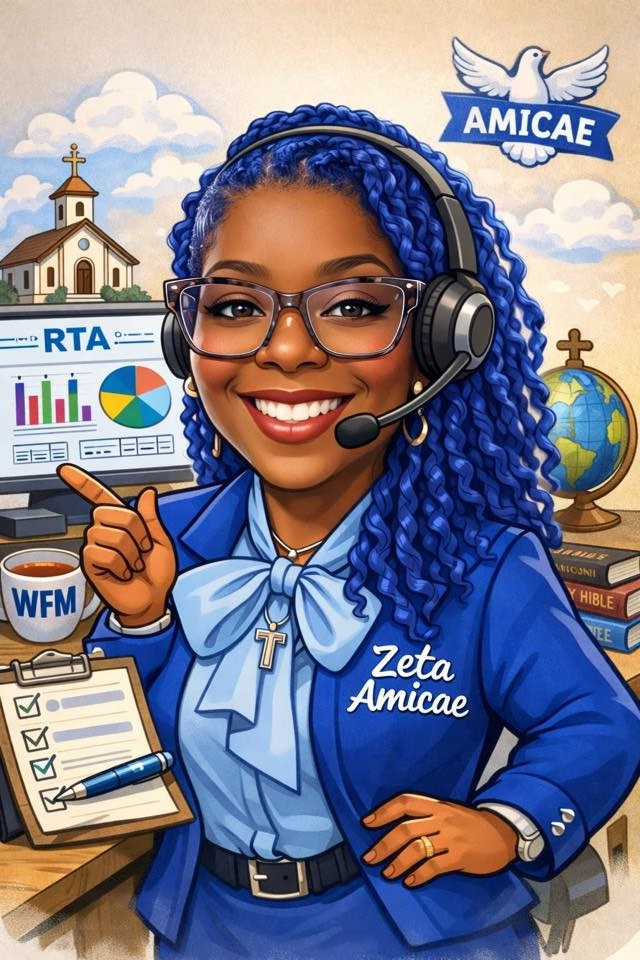
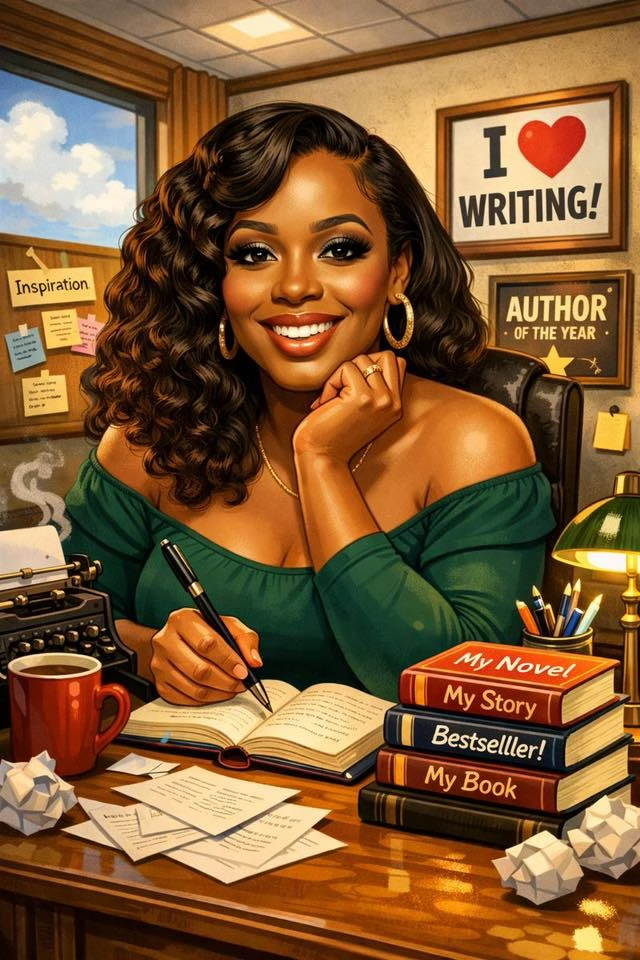
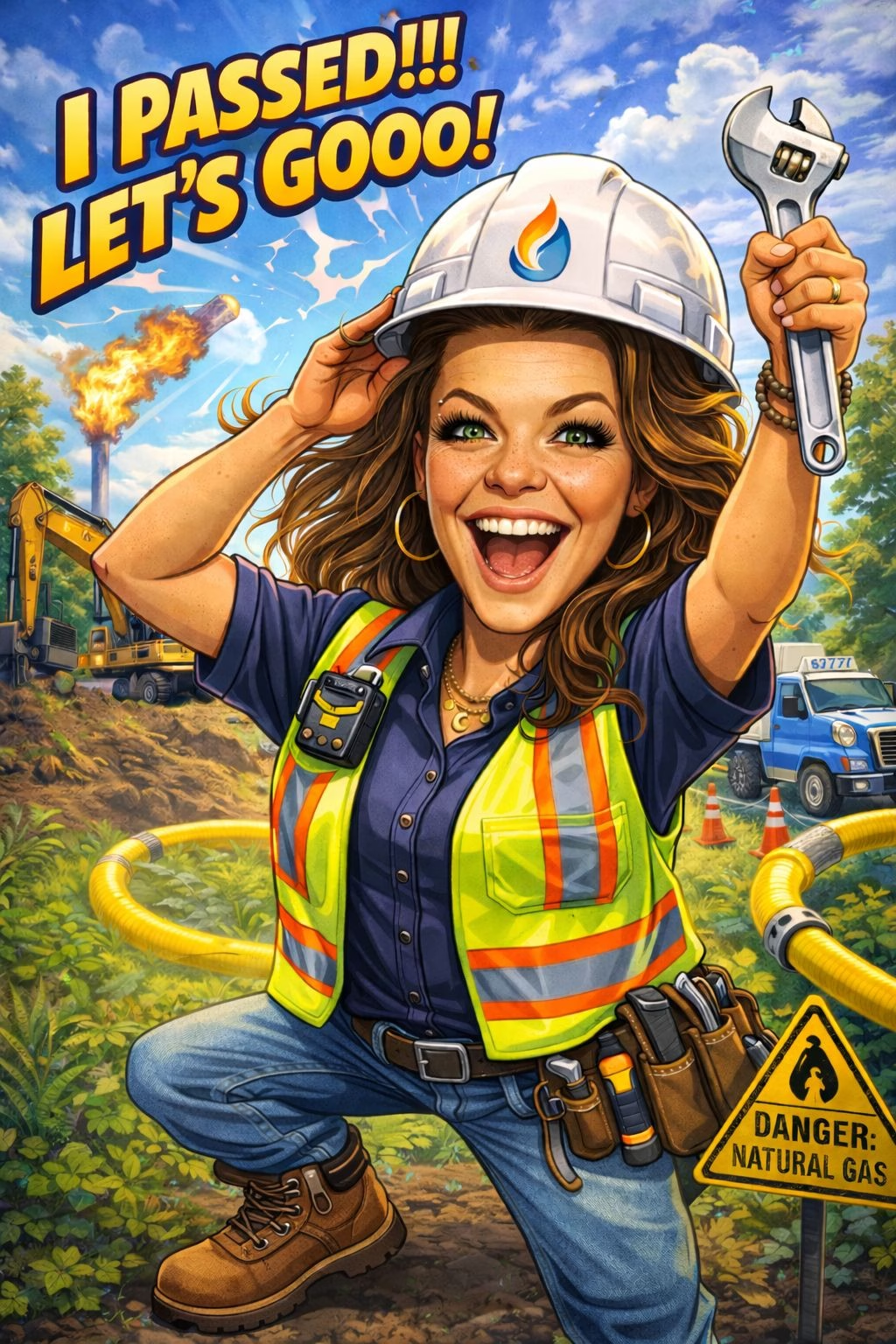
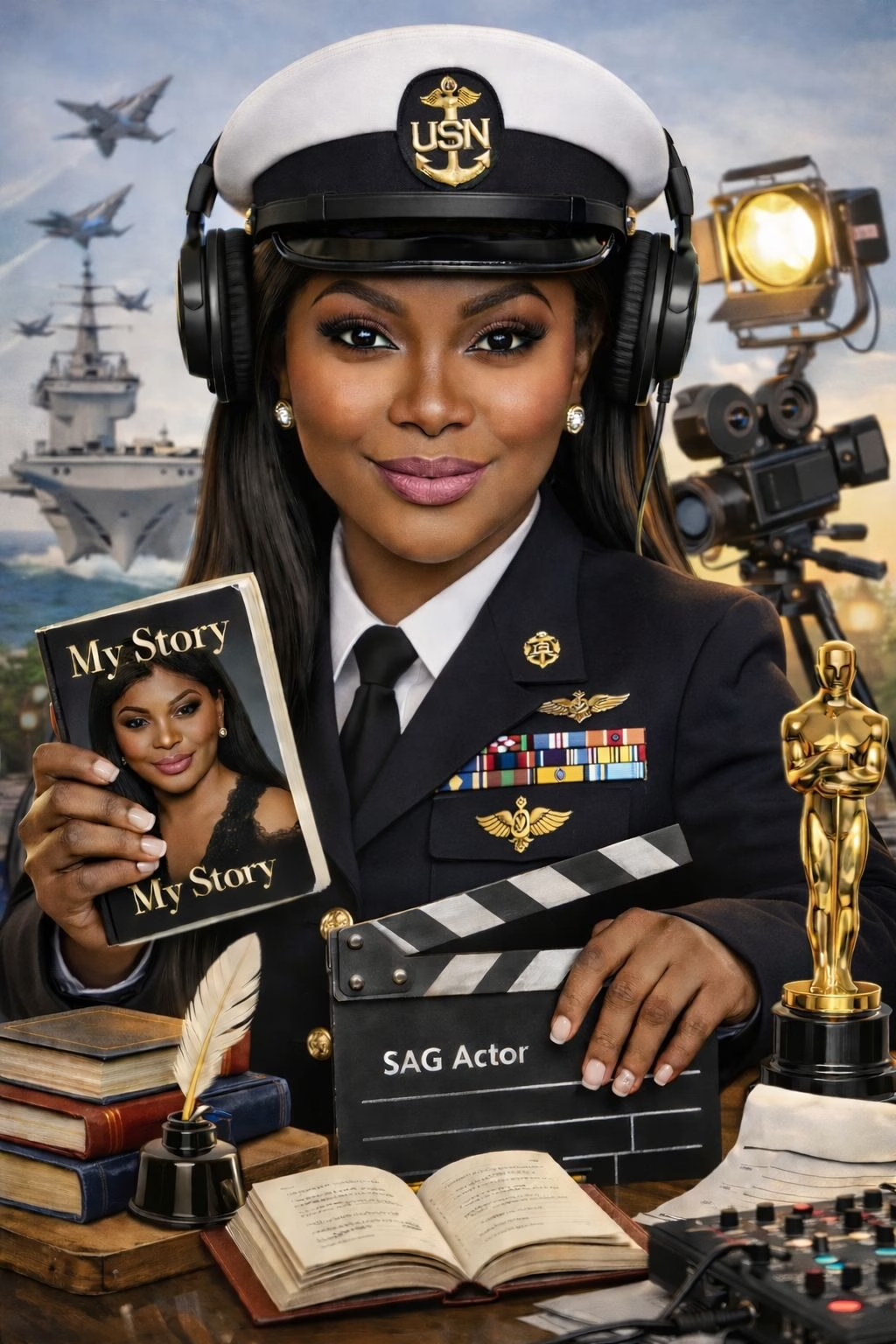
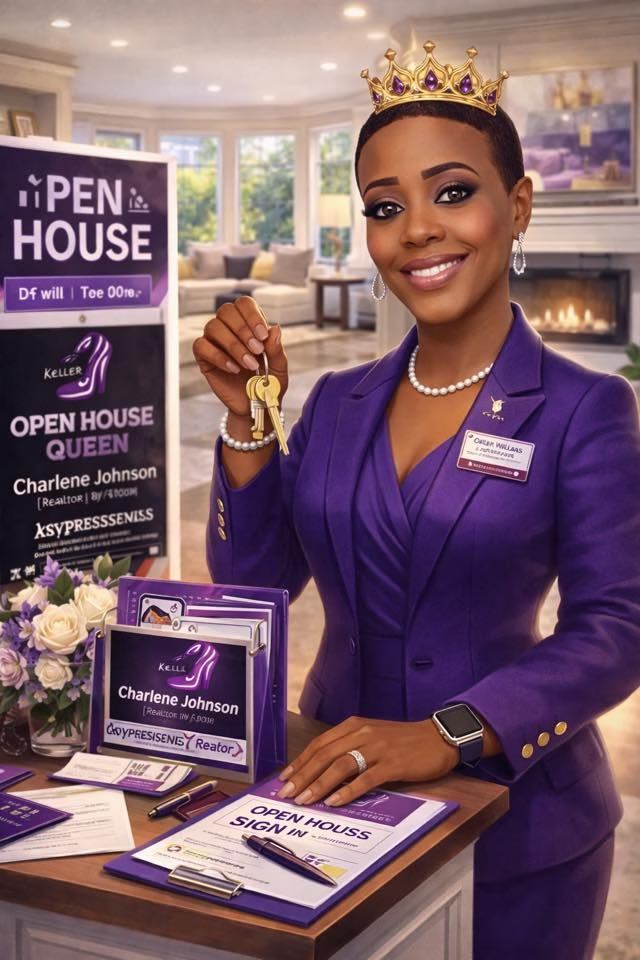
These terms often get blended together, but they create different expectations. A toybox result is usually a packaged collectible composition. A face swap usually puts a person’s face onto an existing character body. An AI portrait may create a new stylized image without packaging at all.
| Experience Type | Main Visual Result | Best Use | Common Limitation |
|---|---|---|---|
| AI Toybox Photo Booth | Guest as a packaged toy, doll, or action figure | Collectible themes, launches, parties | Packaging and accessories can feel busy on small prints |
| Face Swap | Guest face placed on a preset character | Fast character-based fun | Can look unnatural if face alignment is weak |
| AI Portrait Booth | Stylized portrait in a selected art direction | Glam, fantasy, editorial, or seasonal themes | May not communicate a clear event theme at a glance |
| Standard Photo Booth | Original photo with filters or overlays | Fast guest flow and candid group shots | Less transformation and novelty |
Photo Booth Solutions lists Toy Box as a distinct AI photo booth effect, separate from the broader range of AI treatments, and discusses sharing and printing as output options. That distinction is useful when selecting a booth. If your theme is “collectible,” “superhero,” “team player,” or “launch edition,” the toybox format has a stronger built-in story than a generic cartoon filter.
If the goal is a refined headshot or artistic portrait, I would consider an AI Portrait Booth instead. The toybox look is intentionally playful. It works best when the event gives guests permission to be silly, bold, or imaginative.
Why Packaging Design Matters More Than People Expect
The AI image is only half the output. The other half is the box design. A strong template gives every result a shared visual system: the same colors, typography, logo placement, framing, and accessory zones. That consistency is especially valuable for a corporate activation because one guest’s result should feel like part of the same campaign as the next.
A weak template can create the opposite effect. For example, a dark logo on a dark toy box may disappear in mobile sharing. A long event name can crowd the guest’s name. Tiny details that look fine on a large screen may become unreadable on a 4x6 print.
How The Experience Works In Practice
The Guest Journey From Camera To Collectible
Most AI Toybox Photo Booth experiences follow a short sequence. The exact interface differs by provider, but the underlying process is familiar.
- Choose a style or character direction. The guest may select a doll, action figure, athlete, superhero, executive, musician, or themed collectible look.
- Add personalized fields. Depending on the setup, this may include a first name, title, accessory choice, or short prompt.
- Take the photo. The booth captures a clean image, ideally with the guest facing forward and looking toward the lens.
- Generate the toybox composition. The system uses the photo and template instructions to create the stylized likeness, packaging, text, and accessory details.
- Deliver or print the result. Guests may receive a QR code, text message, email, print, or a combination of these options.
AI Photo Booth in SoCal describes an AI Toybox setup with face transformation and instant delivery by text, email, or QR code, along with customization such as a title or accessories. These features are useful, but each added choice can slow the line if guests spend too long deciding.
For that reason, I would limit live selections at high-volume events. Three accessory choices are generally easier to manage than a blank text field asking every guest to invent a detailed character concept.
What Happens Behind The Screen
The booth typically combines several elements: camera capture, face detection, template rules, personalization fields, and AI image generation. The system uses the captured image as a likeness reference, then creates an output that aims to preserve recognizable facial features while adapting the guest into the chosen toy-like scene.
It is not always a literal “face pasted onto a body” process. Depending on the platform, the AI may generate much of the portrait from scratch using the photo as guidance. That is why results can be delightful but not perfectly identical to the original photo. The system is balancing likeness, pose, visual style, and the constraints of the packaging template.
A community discussion about virtual AI booths notes that templates and personalized prompts can make AI photo booth concepts more flexible. That flexibility has a trade-off: more open-ended instructions can mean less consistent results. Preset choices usually produce a more reliable campaign look.
For inspiration on how short instructions can shape an output, an AI Photo Booth Prompt Gallery can help event hosts think through accessories, names, titles, and themed directions before the booth goes live.
Timing, Lines, And The Reality Behind “Instant”
“Instant” is best treated as a goal, not a guarantee. Published vendor estimates vary substantially. Lucky Frog Photo Marketing describes a 15 to 20 second result for its setup, while Post Pop Studios describes some AI action figure photo booth deliveries as taking one to two minutes, with guest inputs such as names, titles, accessories, and branded packaging.
The difference is not necessarily a contradiction. It can reflect different hardware, software, network conditions, prompt complexity, queue volume, and print steps.
| Factor | Why It Changes Wait Time | Practical Response |
|---|---|---|
| Guest volume | Many requests may compete for processing | Use clear line management and staggered participation |
| Network reliability | Uploading and delivery can slow down | Confirm venue internet and backup connectivity |
| Prompt complexity | More custom instructions may need more processing | Offer preset themes and short choices |
| Print workflow | Printing adds handling and equipment time | Use digital delivery during peak periods |
| Retakes | Poor captures create repeat attempts | Give pose guidance before the photo |
A quick digital result may keep a crowd moving, while a print adds a physical souvenir guests can hold. For a wedding with a relaxed timeline, both may be worth offering. For a busy convention booth, digital-first delivery can be the more practical choice because guests can scan, save, and move on.
Capture Quality Still Sets The Ceiling
AI can enhance a photo, but it cannot reliably repair every capture problem. Strong overhead shadows, backlighting, sunglasses, hands covering the face, extreme side angles, and crowded group shots can make face detection or likeness preservation less dependable.
The simplest recovery plan is also the best one: use a well-lit, clearly marked capture spot and show a short pose cue on screen. A direct, front-facing pose with the full face visible often gives the generator the cleanest starting point. If an output looks off, the operator should be able to offer a retake or send the original photo as a fallback.
I would not promise every output will be flawless. Generative tools can occasionally produce an odd accessory, an imperfect hand, or a face that feels only partly like the guest. A prepared operator, a controlled background, and a polished template reduce those risks.
How To Plan A Better Toybox Activation
Choose The Format That Matches Your Event
An AI Toybox Photo Booth is strongest when transformation is part of the event’s entertainment. It can fit weddings, themed birthdays, school celebrations, fan events, product launches, staff parties, and brand activations. The deciding question is simple: Will guests enjoy becoming part of the theme?
Choose the toybox format when:
- Your concept already includes characters, collecting, play, fandom, or imaginative roles.
- You want a branded digital asset that people may want to share.
- You have room for guests to pause, pose, and personalize their result.
- Your campaign benefits from a repeatable visual identity across many guest images.
Consider a simpler booth when:
- Your schedule allows only a few seconds per guest.
- Your audience mainly wants quick group photos.
- The event theme calls for candid documentation rather than a stylized transformation.
- The venue has uncertain connectivity and no backup plan.
For a larger campaign, a Next Gen AI Photo Booth may be worth considering when you want to compare different AI-driven activation styles rather than committing immediately to a collectible look.
Build Branding Into The Template, Not Just The Logo
A logo in the corner is basic branding. A toybox template can go further by making the brand part of the fantasy. A sports company might create a “Rookie Starter Pack.” A beauty launch could use a “Glow Kit” doll box. A recruiting event could turn job titles into playful collectible labels.
Before approving the design, I would check these details:
- The guest name area is large enough for longer names.
- Brand colors remain readable on phones and prints.
- The event title is useful rather than oversized.
- Accessories fit the campaign without overwhelming the face.
- The design looks good both vertically on mobile and horizontally on a print, if both formats are planned.
Test with varied names, skin tones, hairstyles, glasses, and clothing colors. A template that works only for one sample image is not ready for a live event.
Treat Privacy And Consent As Part Of The Guest Experience
A booth may collect a photo and, depending on delivery choice, a phone number or email address. I recommend collecting only what is needed. QR delivery can reduce the need for contact details, while text and email delivery require information that should be handled carefully.
Make the on-screen notice clear: explain that the image will be transformed by AI, state how the final image is delivered, and identify whether images may be used in event galleries or marketing. If minors are attending, the host should take extra care with parental permission and sharing expectations.
Commercial use needs special attention. A guest may be happy to receive a toybox image but may not expect it to appear later in an advertisement. A separate, clear consent step is wiser than assuming event attendance equals permission for promotional use. For example, a trade-show guest may accept a QR download while declining future marketing messages. Those should remain separate choices.
Key Takeaways
What I Would Check Before Booking
- Confirm the visual style. Ask whether the output is a true toybox collectible composition, a face swap, or a general AI portrait.
- Ask for realistic turnaround expectations. Plan around average and peak-time delivery, not only the fastest advertised result.
- Decide on digital, print, or both. Digital delivery supports faster throughput; prints add a tangible keepsake but can lengthen the process.
- Limit guest inputs for crowded events. Preset titles and accessories help keep the experience moving.
- Review a complete branded sample. Check type size, logo visibility, names, accessories, and print readability.
- Set a privacy plan. Explain image transformation, delivery, retention, sharing, and any promotional use before guests participate.
Frequently Asked Questions
Is An AI Toybox Photo Booth The Same As An AI Photo Booth?
No. An AI Toybox Photo Booth is a specific type of AI photo booth focused on collectible packaging. AI photo booths can also create fantasy portraits, cartoons, face swaps, branded scenes, or other stylized transformations.
How Long Does It Take To Generate A Toybox Image?
It depends on the provider and event conditions. Published estimates range from roughly 15 to 20 seconds in some setups to one or two minutes in others. Network speed, live demand, personalization, and printing can all affect wait time.
What Should Guests Do For The Best Results?
Face the camera, keep the face visible, avoid harsh backlighting, and follow any pose guidance on screen. A clean head-and-shoulders capture often gives the AI the best reference image.
Can Guests Get Both A Digital Image And A Print?
Often, yes. Digital delivery through QR code, text, or email is useful for sharing. A 4x6 print can make the experience feel more like a physical collectible. Ask how offering both affects line speed during busy periods.
What Information Do Guests Need To Enter?
That depends on the setup. Some experiences only need a photo and name, while others offer a title, accessory choice, or delivery contact information. Keep nonessential fields optional whenever possible.
Is The Toybox Style Good For A Small Event?
It can be. A small birthday, shower, or private party may benefit from the extra personalization because guests have more time to enjoy it. For a very short gathering, a simple photo booth may be more efficient.
What Happens If The AI Result Does Not Look Right?
A good setup should allow a retake. Better lighting, a more front-facing pose, and a clear view of the face can improve the next attempt. It also helps to have an original photo available as a fallback.
Sources And References
Verified Sources
Lucky Frog Photo Booth Network
Explore specialized booth activations and regional event services across Southern California.