House of Blues Anaheim AI Photo Booth Planning Guide
Introduction
A House of Blues Anaheim AI photo booth can create a striking guest moment, but it should never be treated like a simple walk in setup. This is a live music and private event venue with public entry rules that restrict many forms of professional camera equipment, tablets, and non phone recording devices. That means the decision is less about whether AI portraits look exciting and more about whether the activation has venue approval, a workable footprint, reliable power, and a guest flow that does not collide with the event.
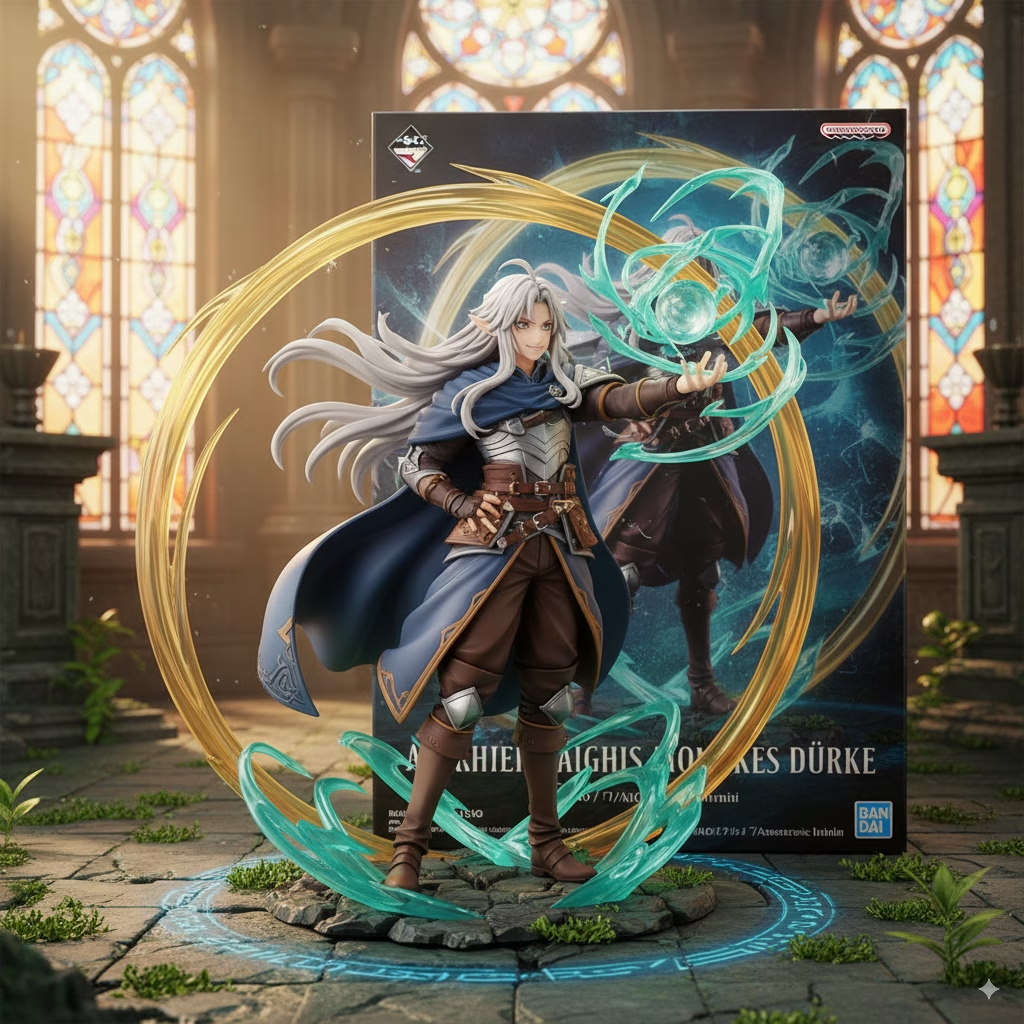
For a private reception, brand event, VIP gathering, or sponsored experience, an AI booth can transform a standard portrait into a stylized album cover, fantasy concert poster, digital painting, collectible toy box image, or polished headshot. Guests capture a photo, select a theme, and receive a generated version designed for sharing or printing. The result can feel right at home in a venue built around music, performance, and visual identity.
The important caveat: House of Blues Anaheim does not publicly confirm an official AI photo booth package. A vendor operated installation must be approved for the specific event rather than assumed to be allowed because guests may use phones inside the venue.
Table Of Contents
• Venue Approval And Equipment Rules
• Choosing The Right AI Booth Experience
• Building A Reliable On Site Activation
TL;DR
An AI photo booth can be a strong fit for a House of Blues Anaheim private event or branded activation, but approval comes first. The venue FAQ restricts professional camera gear, iPads, and recording devices beyond cell phones for general entry, so confirm the vendor exception, load in path, power, network plan, placement, signage, and image privacy terms with the events team before booking.
Key Takeaways
• Treat an AI booth as an approved event installation, not attendee equipment.
• Confirm the exact booth hardware before discussing aesthetics, since many systems use cameras, tablets, lighting, printers, or all four.
• Choose AI when custom visual storytelling and shareable content matter more than maximum guest throughput.
• Build a network backup plan. AI generation and instant digital delivery can slow down when connectivity is weak.
• Keep the queue off primary walkways, exits, service routes, and concert traffic paths.
Venue Approval And Equipment Rules
Public Entry Rules Are Not Vendor Authorization
House of Blues Anaheim is located at 400 W. Disney Way, Suite 337 in Anaheim GardenWalk, near Disneyland Resort and the Anaheim Convention Center. Its public FAQ states that professional camera equipment, including detachable lens cameras, HD cameras, GoPro devices, and iPads, is not permitted to enter. It also prohibits audio and video recording devices other than cell phones.
That policy matters because many booths use exactly the categories named in the restriction. A DSLR based booth may use a detachable lens camera. A compact digital booth may run on an iPad. Even a small AI station can include a tablet, ring light, printer, and dedicated capture device.
The practical distinction is this: a guest carrying equipment into a concert is not the same as an approved vendor installing a staffed activation for a private event. The FAQ describes general entry conditions, not a published technical specification for contracted event vendors. Still, it would be risky to assume a vendor exemption exists.
Contact the House of Blues Anaheim events team at [email protected] early in the planning process. Ask for written confirmation that identifies the booth vendor, equipment list, event space, load in time, staffing plan, and any branded materials. That approach gives venue staff enough detail to evaluate the request instead of trying to interpret “photo booth” as a vague catchall.
Use A Real Approval Workflow
A successful request is specific. “Can we bring an AI booth?” leaves too many unanswered questions. A better request explains what the installation does, how it is staffed, and where guests will stand.
- Define the event format. State whether this is a private reception, product launch, VIP gathering, birthday celebration, sponsor activation, or another contracted event.
- Provide an equipment manifest. List the capture device, camera or tablet, lighting, printer, backdrop, monitor, router, battery backups, carts, and cables.
- Describe the guest journey. Explain capture time, approximate generation time, delivery method, expected queue, and whether an attendant will manage the station.
- Request a site specific placement decision. Ask where the booth can sit without obstructing circulation, emergency egress, entrances, bar service, or venue operations.
- Confirm operational details in writing. Cover load in, load out, power, Wi Fi access, security requirements, insurance documentation, and signage restrictions.
A strong planning document also makes it easier to decide whether the activation needs a full booth, a roaming digital setup, or a compact photo lounge. For broader prep, this AI photo booth rental planning guide helps frame the technical and guest experience questions worth answering before event day.
Ask About Space, Not Just Square Footage
There is no publicly posted booth footprint limit for House of Blues Anaheim. A planner should therefore avoid presenting an estimated size as a venue fact. Instead, give the venue a proposed footprint and ask whether it fits the assigned room and traffic plan.
A compact AI station may need only enough room for the capture position, operator, guest screen, and a short waiting area. A more theatrical photo lounge can require a backdrop, lighting stands, display monitor, printer station, props, branded signage, and a managed queue. The booth itself might fit in a corner while the line does not.
Consider a VIP reception scenario: 120 guests arrive during a narrow 45 minute window. If even a third of them want a portrait, the station may attract 40 people quickly. A booth placed beside the entrance can turn check in into a bottleneck. Move it deeper into the reception area, open it after arrivals settle, and use an attendant to invite small groups at a steady pace.
Choosing The Right AI Booth Experience
What The AI Actually Changes
An AI photo booth begins with a guest capture, usually a well lit portrait or small group image. The software then applies a selected visual direction through image generation or transformation. Depending on the configuration, it may preserve recognizable faces while changing wardrobe, backgrounds, color palettes, framing, and artistic treatment.
That is fundamentally different from a standard filter. A filter places a preset effect over the original image. AI generation can create a new interpretation: a guest might appear as a chrome plated pop star, a noir blues performer, a comic character, or the subject of a retro tour poster.
If you need a clearer technical baseline before selecting a format, What is an AI photo booth? explains the difference between AI transformation, capture hardware, and guest delivery options.
The best experiences use a limited set of carefully designed themes. Too many choices create indecision, especially when guests are moving between food, networking, and entertainment. Three to five visual worlds usually give people enough agency without turning the line into a menu review.
Match The Format To The Event Goal
AI is not automatically the right answer. A classic print booth may be better when speed and physical keepsakes are the primary goal. A 360 video booth can make more sense for motion focused social clips. An AI booth shines when the event needs a personal, branded image that people want to save, share, and discuss.
Booth Format | Best Fit At A Music Venue | Primary Strength | Main Tradeoff |
|---|---|---|---|
AI portrait booth | Brand activations, VIP receptions, themed parties | Custom visual transformation and high share appeal | Generation can add wait time |
Classic print booth | Fast moving celebrations and guest favors | Familiar flow and tangible prints | Less visually distinctive |
Glam booth | Formal receptions and polished portraits | Flattering, clean portrait style | Limited storytelling range |
360 video booth | High energy launches and dance heavy events | Motion and spectacle | Larger operating footprint and more movement around equipment |
AI photo lounge | Premium sponsor experiences and networking events | Guided interaction, screens, and tailored creative direction | Needs more coordination and staffing |
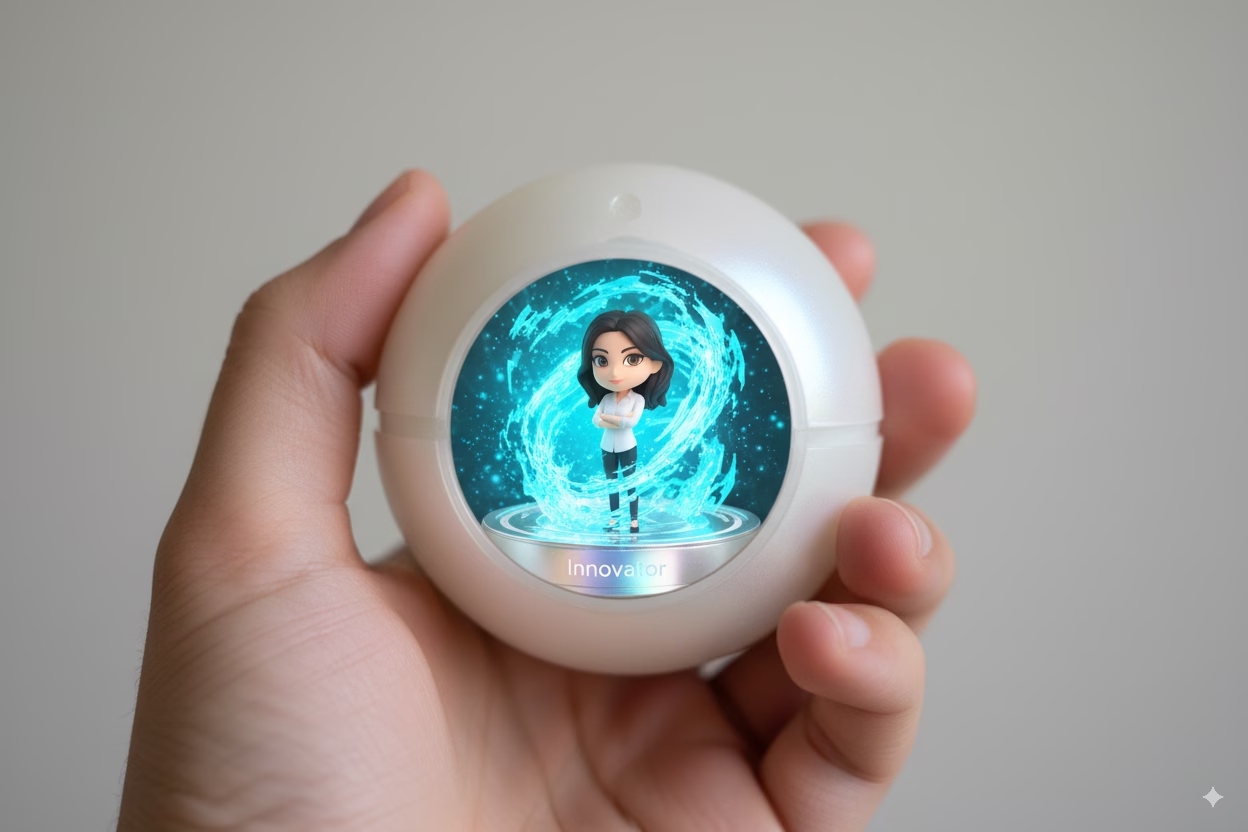
For a corporate sponsor, an AI FX photo booth can place brand colors, campaign language, and approved visual motifs inside the generated image rather than simply stamping a logo in the corner. For a private celebration, an avatar creator or AI toybox concept can turn the host’s theme into a playful collectible style portrait. For professional gatherings near the convention center, an AI headshot station can offer a more practical benefit, though it should use conservative prompt design and clear expectations about output quality.
Creative Direction Needs Guardrails
Music venues invite bold ideas, but creative freedom still needs structure. Work with approved brand elements, avoid confusing logos with artist identities, and never imply an artist endorsement unless it is actually authorized. A “neon concert poster” style is safer than a prompt that copies a specific performer’s distinctive identity or album artwork.
The same applies to guest output. A quality AI booth should give each guest a result that still feels like _them_. Capture lighting, facial visibility, pose guidance, and prompt design all influence this. Heavy shadows, hats covering the face, dramatic colored stage light, or crowded group poses can reduce consistency.
A smart compromise is to capture guests in a controlled booth light, then let the generated background carry the venue appropriate drama. That creates cleaner source images and more predictable results than trying to generate from a dark candid photo taken in the middle of a packed room.
Building A Reliable On Site Activation
Design The Guest Journey Before The Set
The visual set attracts attention, but the operating sequence determines whether that attention feels exciting or frustrating. A practical AI photo booth flow is short and visible:
- A host explains the experience and invites the guest to choose a theme.
- The guest steps into a clearly marked capture zone with consistent lighting.
- The system takes the image and begins generation.
- The guest receives a QR code, text message, email, gallery link, print, or a combination of formats.
- The host helps the next guest while the previous guest shares their result.
The point is to prevent one person from occupying the main screen while deciding where to send files, retrying a pose, or studying every output variation. A separate delivery screen or QR display keeps the capture position moving.
A photo booth recap from a VidCon after party at House of Blues Anaheim described printouts and digital photos emailed to guests. That is a useful clue about guest expectations: physical memorabilia and digital sharing can work together. For AI, a printed original photo beside a QR delivered generated portrait can make the moment feel both immediate and collectible.
Plan For Power, Wi Fi, And Recovery
House of Blues Anaheim does not publicly list power access, Wi Fi specifications, or AI booth network requirements. Treat all three as open operational questions until the venue confirms them.
Many AI systems depend on internet access for cloud generation, digital galleries, QR delivery, and email or text messaging. Local capture may continue during an outage, but the generated result could be delayed. This depends on the booth platform, so vendors should state clearly what works offline and what does not.
Fair warning: venue Wi Fi that works well for guest browsing may not be stable enough for sustained image generation and file delivery during a crowded event. A vendor should arrive with a tested backup, such as a dedicated cellular connection where permitted, plus a clear procedure for delayed delivery.
Operational Risk | What It Looks Like | Practical Recovery |
|---|---|---|
Weak connectivity | Generation stalls or delivery links fail | Save captures locally, switch to approved backup connectivity, deliver after the event if necessary |
Power limitation | Printer or lights cannot run safely | Confirm dedicated circuits, reduce hardware load, use venue approved power distribution |
Queue congestion | Guests block doors, bars, or walkways | Relocate the line, add a host, use timed invitations, limit theme selection |
Low light capture | Faces appear soft, shadowed, or inconsistent | Use controlled booth lighting and a defined capture mark |
AI mismatch | Output poorly reflects the guest or theme | Offer a retake, simplify prompts, and use tested style presets |
Device access issue | Equipment is stopped at entry | Carry written venue approval and coordinate vendor load in in advance |
Treat Privacy As Part Of The Experience
AI portraits involve more than a camera click. Guest images may be captured, processed, stored, displayed, and shared through a gallery or delivery link. House of Blues Anaheim does not publicly detail privacy or image retention terms for an AI booth installation, so the event organizer and provider should establish them before doors open.
At minimum, guests should understand what will happen to their image. A visible notice can explain whether participation is optional, whether photos are used only for delivery, how long the gallery remains available, whether the organizer may repost images, and whom to contact with a deletion request.
For a consumer brand event, this matters even more. If email or phone collection is optional, keep it separate from consent to receive marketing. A guest should be able to receive their image without accidentally enrolling in a campaign. For minors, employee events, or sensitive audiences, use a more conservative approach: no public gallery by default, no training use without explicit permission, and a defined deletion process.
Before finalizing vendors and aesthetics, review these Useful questions about photo booths in Anaheim so practical details such as staffing, delivery, setup timing, and guest access do not get lost behind the creative concept.
Frequently Asked Questions
Can You Bring An AI Photo Booth To House Of Blues Anaheim?
Potentially, for an approved private event or activation. There is no public confirmation that the venue offers or automatically allows an AI photo booth package. Because the public FAQ restricts several types of capture equipment, obtain event specific approval before a vendor arrives.
Do House Of Blues Anaheim Rules Allow Camera Based Booth Equipment?
The public FAQ says professional camera equipment, detachable lens cameras, HD cameras, GoPros, iPads, and non phone recording devices are not permitted for general entry. A vendor operated booth may be handled differently, but that is not guaranteed by the public policy. Submit the exact equipment list to the events team.
Who Should Approve A Photo Booth Installation?
Start with the House of Blues Anaheim events team at [email protected]. Include the event date, contracted space, vendor details, footprint, equipment, electrical needs, network needs, staffing, and proposed load in schedule. Written confirmation reduces surprises at venue access.
Is An AI Photo Booth Better Than A Print Booth For This Venue?
Choose AI when you want personalized digital art, a strong branded theme, or a premium conversation piece. Choose a classic print booth when fast throughput and physical strips are the priority. For a busy concert adjacent event with limited dwell time, a print booth may move faster. For a VIP sponsor lounge, AI can create a more memorable branded interaction.
How Much Space Does An AI Booth Need?
There is no publicly confirmed House of Blues Anaheim booth footprint. The answer depends on the model. A small station can occupy a modest corner, while a lounge with a backdrop, printer, monitor, operator, and queue needs much more usable space. Ask the venue to approve the full operating area, not just the booth cabinet dimensions.
Do AI Photo Booths Need Strong Wi Fi?
Often, yes. Cloud based generation and immediate digital delivery can rely on stable internet. Some systems can capture locally if service drops, but delivery or generation may wait until connectivity returns. Confirm the vendor’s offline behavior and bring an approved backup plan rather than assuming venue Wi Fi will carry the experience.
Can An AI Booth Work During A Concert Or Live Performance?
It can work best before the show, during a reception window, or in a separate private event area. Running it in the middle of a performance may create noise, queueing, lighting conflicts, and distractions. If the booth must operate during entertainment, use a quiet digital workflow, minimal flash impact, and an attendant who manages the line discreetly.
Conclusion
A House of Blues Anaheim AI photo booth can turn event guests into the stars of their own visual encore, from digital concert posters to branded AI portraits and playful avatar art. The concept is compelling. The execution depends on disciplined coordination.
Start with venue approval, define every piece of hardware, protect guest privacy, and plan for connectivity and crowd flow. Once those foundations are in place, you can focus on the fun part: creating an experience guests will want to scan, save, print, and share long after the event ends.
Lucky Frog Photo Experiences
Vintage Charm Meets Next-Gen Artificial Intelligence
Anaheim Service Neighborhoods
Why Choose Our AI Photo Lounge
Custom Generative AI
Transform guests in real-time into vintage portraits, futuristic icons, or themed artistic masterpieces right at your event.
Local Anaheim Expertise
From the corporate hubs of the Platinum Triangle to private events in Anaheim Hills, we bring top-tier service tailored to your neighborhood.
Instant Digital Sharing
Enjoy classic, timeless physical print aesthetics paired with modern digital delivery straight to your smartphone.