DrawMatic AI Drawing Robots Rendering Live Portraits
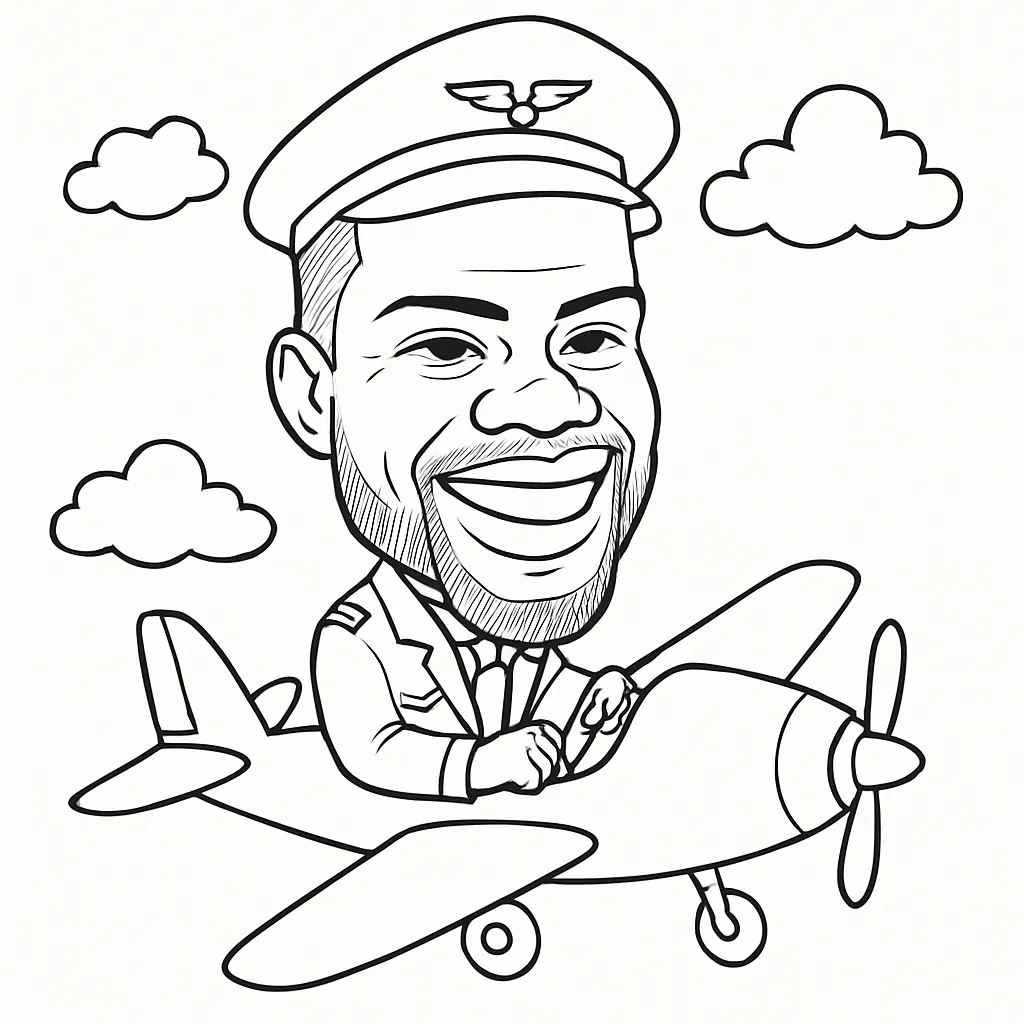
DrawMatic AI Drawing Robots rendering live portraits. blends a photo booth moment with a small live performance: a guest steps up, a camera captures their face, software translates the image into a sketch plan, and a robotic arm moves a pen across paper. The finished black and white portrait is both a physical keepsake and a visual attraction for the people waiting nearby.
For weddings, trade shows, conferences, and branded events, the appeal is easy to understand. A standard photo captures a moment. A drawing robot turns that moment into something guests can watch take shape, line by line. Still, the experience works best when planners understand what the AI does, what the robot does, and where timing or reliability can affect the guest flow.
Table Of Contents
- How DrawMatic Turns Photos Into Drawings
- Timing, Throughput, And Event Setup
- Styles, Branding, And Guest Experience
- Key Takeaways
- Frequently Asked Questions
- Sources And References
How DrawMatic Turns Photos Into Drawings
DrawMatic is best understood as a vendor branded live portrait activation, not as a generic name for every AI sketch robot. The category includes several related systems, each combining image software and a robotic drawing device. What makes DrawMatic distinct is its positioning as an event service that pairs custom robotic arms, black and white 4×6 portrait output, branded print design, and live operator support.
The important distinction is this: AI does not physically hold the pen. The AI and image processing pipeline prepare a drawing target, while the robotic arm executes that target as pen strokes. Both parts matter. A compelling source image without clean path planning can create a messy drawing. A precise arm without a useful portrait conversion simply reproduces an unappealing set of lines.
The Portrait Pipeline, Stage By Stage
A live portrait usually moves through five connected stages:
- Capture: A camera, tablet, or booth interface takes a guest photo. Good light, a still pose, and a clear view of the face help the software find eyes, nose, mouth, jawline, and hair shape.
- Face Analysis: Computer vision identifies facial landmarks and separates the person from distracting background details. This is the stage most likely to struggle with dark lighting, reflective glasses, heavy backlighting, or a face turned sharply to one side.
- Rendering: The software converts the photo into a line based portrait. Depending on the selected mode, this may mean clean contour art, a stylized caricature, or a transformed character image.
- Path Planning: The system turns visible lines into coordinates, stroke order, pressure behavior where supported, and travel paths for the arm. Efficient path planning reduces needless pen movement and helps preserve a more natural drawing rhythm.
- Robotic Execution And Delivery: The arm draws on paper while the guest watches. The finished portrait can be handed over, printed with event branding, and sometimes delivered digitally.
ERCIM News describes a comparable robotic face drawing workflow that uses image processing to turn a visitor photo into a line based sketch before the robot follows drawing trajectories. That technical sequence explains why a sketch robot is more than an image filter attached to a machine.
What The AI Handles And What The Robot Handles
It helps to think of the system as two creative layers working in sequence.
System Layer | Primary Job | What Guests See | Main Risk |
|---|---|---|---|
AI and image processing | Interprets the photo and creates the portrait design | Preview or transformed portrait concept | Poor face detection or an overly busy style |
Path planning software | Converts the design into efficient strokes | Often invisible until drawing begins | Excessive travel moves or lost detail |
Robotic arm | Moves the pen across the page | The live drawing performance | Pen skipping, paper movement, or calibration issues |
Operator and user interface | Guides guests and resolves exceptions | Smooth check in and clear instructions | Queue delays if exceptions are not handled quickly |
Lucky Frog Photo Booth describes its DrawMatic workflow as photo capture followed by cloud AI processing and robotic sketching on 4×6 paper, with the resulting portrait used as a branded souvenir. That cloud step is worth noticing. If a deployment relies on remote processing, network stability becomes part of the event plan, not merely an IT detail.
Why The Drawing Feels More Personal Than A Filter
A screen based portrait effect appears instantly, which is useful for high volume traffic. A drawing robot slows the reveal just enough to create anticipation. Guests can watch the pen outline hair, trace glasses, and build shadows in visible strokes. The physical process is part of the product.
I would not frame that as a replacement for every photo booth. It is a different kind of interaction. A conventional booth favors rapid capture and group photos. A robotic portrait setup favors individual attention, spectacle, and a print that feels less disposable. For events wanting a broader AI visual experience, an AI Portrait Booth can complement the drawing robot by offering a faster digital pathway for guests who do not want to wait for a pen drawn version.
Timing, Throughput, And Event Setup
The honest answer on speed is that there is no single number that applies to every portrait style, event layout, or crowd. A vendor may quote the drawing stage alone, while guests experience the full time from joining the line to leaving with a print.
Lucky Frog Photo Marketing presents DrawMatic as a live black and white sketch experience with a stated output time of about 40 to 60 seconds per sketch. That is a useful planning benchmark for a streamlined mode, but planners should still ask whether it includes pose guidance, processing, paper loading, and guest handoff.
Separate The Clock Into Real Stages
A better way to estimate capacity is to split the process into components.
Stage | Typical Planning Question | What Can Slow It Down |
|---|---|---|
Guest check in and posing | How quickly can the next person be ready? | Questions, group coordination, retakes |
Photo capture | Is one well lit frame enough? | Blinking, poor pose, low light |
AI processing | Does the software process locally or online? | Network lag, complex transformations |
Robotic drawing | How many strokes does the chosen style require? | Dense shading, full body composition, group portraits |
Print handoff and sharing | Does the guest receive paper, digital delivery, or both? | Printer issues, operator bottlenecks |
Foto Master separates these stages more clearly than many marketing pages: its Draw Me Bot materials state that AI processing can take about 20 seconds, while robotic drawing can take one to three minutes depending on style and group size. The same source says the system supports online and offline modes as well as printed or digital sharing.
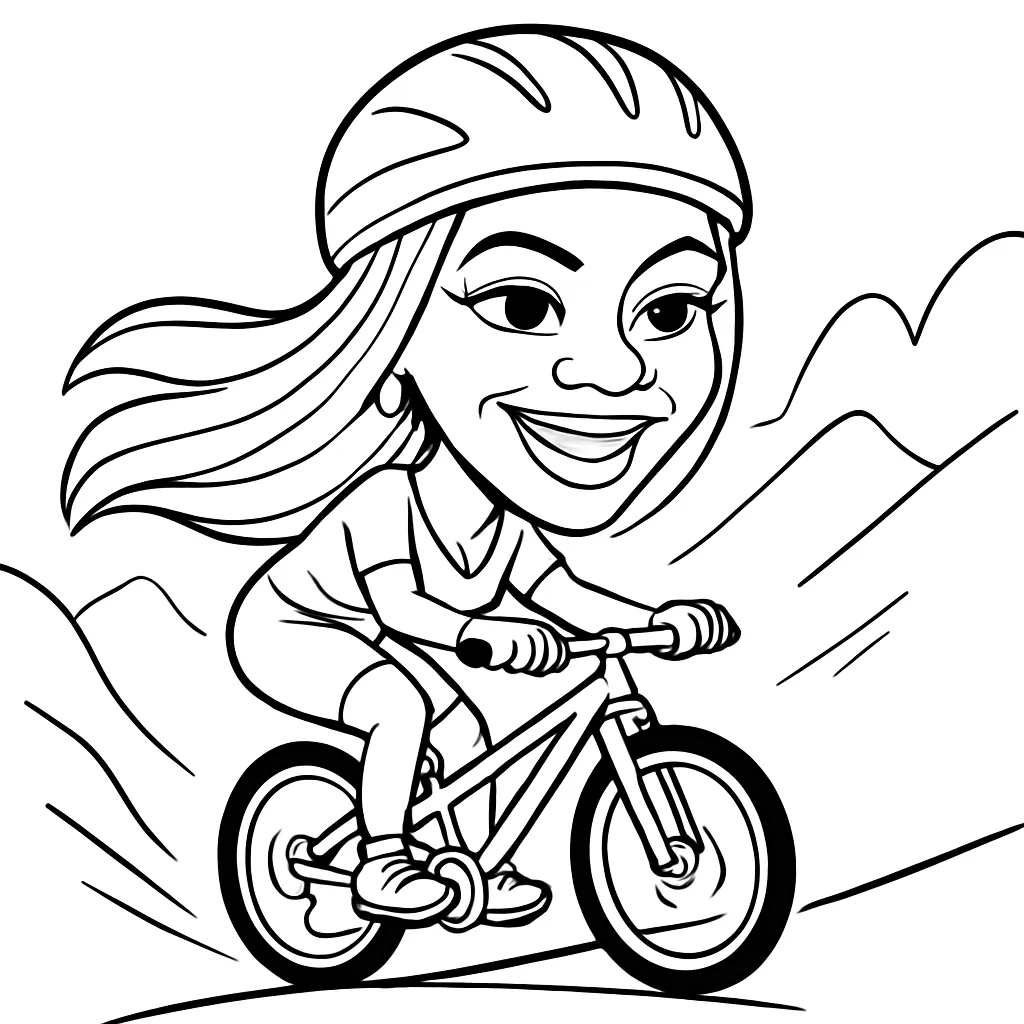
That difference matters. A one minute portrait cycle suggests a theoretical maximum of 60 portraits per hour. In a real event, that number drops once guests pose, operators reload paper, a portrait needs a retake, or a branded interaction includes a short conversation. For an activation expecting 150 people during a one hour rush, one robot may create a visible queue unless the design uses a fast line art mode or offers another activity while guests wait.
Plan For Peak Traffic, Not Average Traffic
A robot can feel effortless during a quiet cocktail hour and suddenly become the event’s choke point when a keynote ends. I recommend planning around the busiest 15 to 30 minutes, not the average attendance across the day.
Use these decision rules:
• Choose a detailed portrait mode when the event has steady, moderate traffic and the drawing performance itself is a centerpiece.
• Choose simplified line art when the goal is to serve more guests quickly, such as a trade show booth with short attendee stops.
• Avoid promising every attendee a robot drawn portrait during a compressed event window unless the vendor has confirmed capacity, staffing, and a queue approach.
• Consider digital or printed alternatives for overflow guests, especially when the robot is drawing one portrait at a time.
Fair warning: group portraits increase complexity. More faces can mean more processing decisions and more marks on the paper. A couple’s portrait may work in a simplified style, but a detailed drawing of six coworkers is not automatically a fast or reliable choice.
Space, Power, And Connectivity
The robot needs more than a tabletop. It needs a stable drawing surface, room for guests to approach without touching moving components, space for an operator, and a clear viewing angle for onlookers. The exact footprint varies by hardware, so confirm it with the provider rather than assuming it fits into a standard booth corner.
A practical layout should include:
• A capture position with flattering, even light.
• A clear path from photo capture to robot viewing.
• A protected work zone around the arm and paper bed.
• Nearby power access and cable management.
• A fallback plan for venue Wi Fi, particularly when cloud AI processing is part of the workflow.
Offline capability can reduce risk, but it does not automatically mean every visual mode works without internet access. Ask which features run locally, whether branded overlays are stored locally, and what happens if the connection drops halfway through an event. For a venue with unreliable service, a simpler locally supported portrait mode may be the safer choice than a complex generative transformation.
Styles, Branding, And Guest Experience
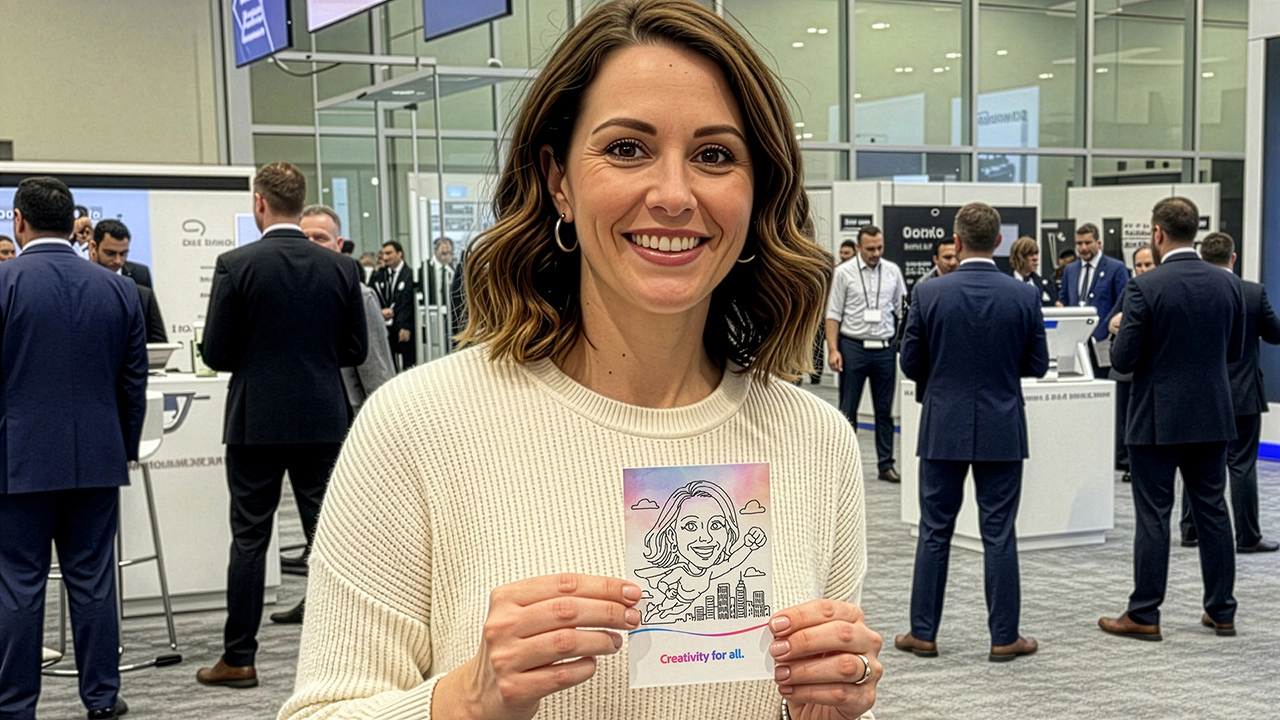
The strongest DrawMatic use case is not simply “AI art.” It is visible, personalized output with a clear reason to take it home. A branded 4×6 sketch can carry a logo, event date, campaign message, or themed frame without overwhelming the portrait itself.
Choose Styles That Match The Event’s Reality
Not every advertised style performs equally well in a crowded live environment. The more interpretation a style demands, the more variation it can introduce.
Portrait Style | Best Fit | Reliability Consideration | When To Avoid It |
|---|---|---|---|
Clean line art | Conferences, weddings, busy events | Usually easier to render and draw quickly | Avoid only if a highly detailed art look is essential |
Black and white portrait sketch | Premium brand activations and keepsakes | Works well when lighting and facial framing are controlled | Avoid for very large groups or rushed crowd surges |
Caricature | Playful parties and entertainment focused activations | Exaggeration can surprise guests and may vary by face | Avoid when brand tone requires a formal likeness |
Full body character art | Themed campaigns and costume concepts | Requires more composition, often more fragile than headshots | Avoid when throughput is the top priority |
Prompt driven transformation | Campaigns with a clear creative concept | Needs guardrails so results remain on brand | Avoid when approval expectations are strict or time is limited |
Prompt controlled art can be visually exciting, but it needs boundaries. A pre approved set of prompts, such as “retro astronaut” or “comic book musician,” is more predictable than open ended text entered by hundreds of guests.
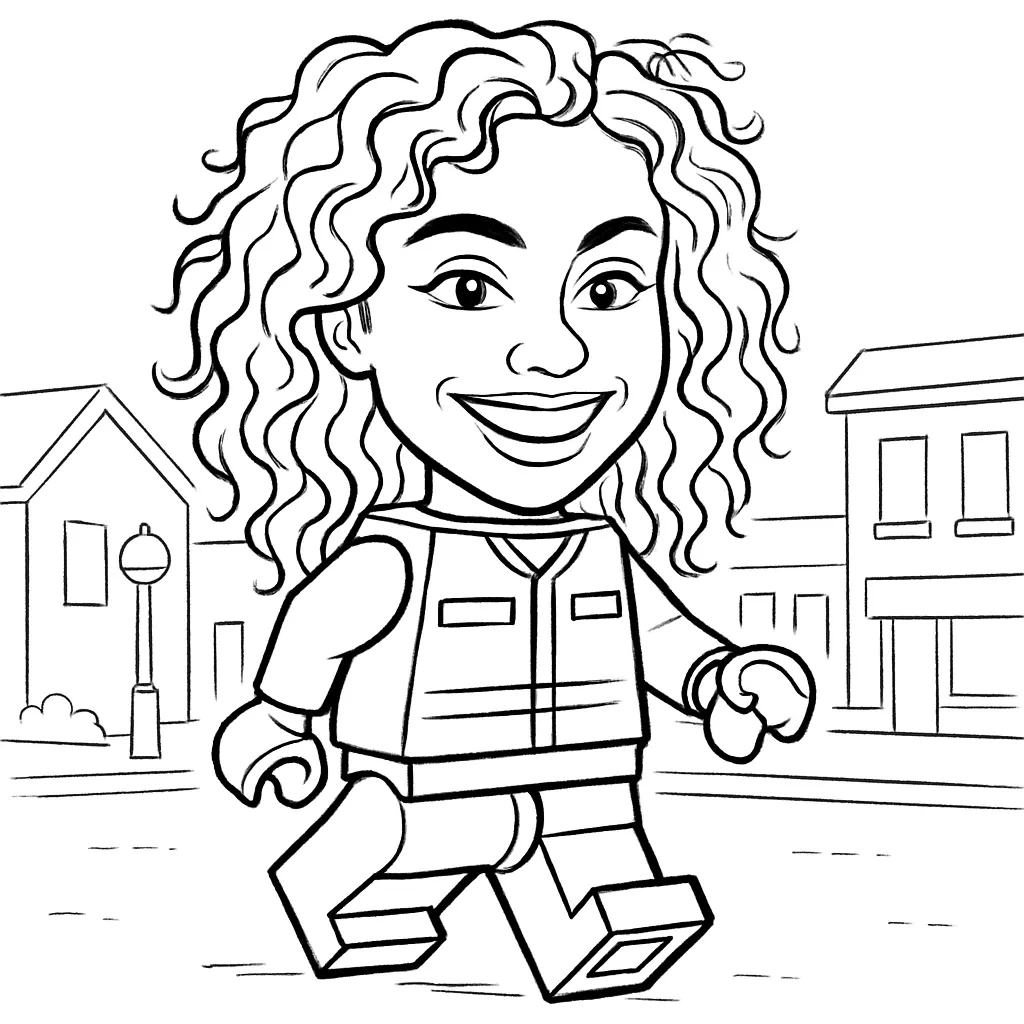
For DrawMatic’s “Small Mini Bodies” concept, the useful question is not only whether guests can become superheroes, rock stars, or fantasy characters. It is whether the transformation still preserves enough facial identity to feel personal. A recognizable face on a stylized body often lands better than a completely abstract result. The output should make guests say, “That looks like me,” before they say, “That looks cool.”
Branding Should Support The Portrait, Not Crowd It
There are two branding layers to consider:
- The physical print: Logo placement, campaign line, event date, or a subtle border can make the portrait useful after the event.
- The experience itself: A themed user interface, display sign, operator script, and style selection can make the brand feel present before the page is drawn.
A small logo in a consistent lower corner generally protects the portrait’s visual impact. A large banner across the face does not. For corporate activations, a good test is whether a guest would voluntarily photograph and share the finished page. If the design looks like an advertisement first and a portrait second, share appeal may fall.
For readers weighing digital effects against physical output, What is an AI Photo Booth? offers useful context on how AI photo experiences differ from standard photo capture. The drawing robot adds a separate layer: it converts the digital result into an observable mechanical act.
Reliability, Recovery, And Privacy
Robotic portrait systems involve several linked components, so failures are usually specific rather than mysterious. A pen may skip because the tip is dry. Paper may shift if it is not secured. Face detection may miss a subject wearing dark sunglasses in low light. The arm may be working perfectly while the cloud processing step is delayed.
A sensible event recovery plan includes:
• Keeping spare pens, paper, and cleaning materials close to the operator.
• Using a marked standing position and consistent lighting for better face capture.
• Offering a retake before the drawing begins if the preview looks weak.
• Switching to a simpler, faster style if the queue grows.
• Establishing an alternative printed or digital souvenir if the robot requires maintenance.
Privacy deserves equal attention. A live portrait setup captures facial images, which may count as personal data depending on how they are stored, shared, or used. Ask the provider whether photos are processed in the cloud, retained after the event, associated with contact details, or used for model training. A practical consent sign can state that the photo is being used to create the portrait, explain optional digital sharing, and identify who to contact with questions. For a corporate event, the brand and vendor should agree on that language before guests arrive.
Key Takeaways
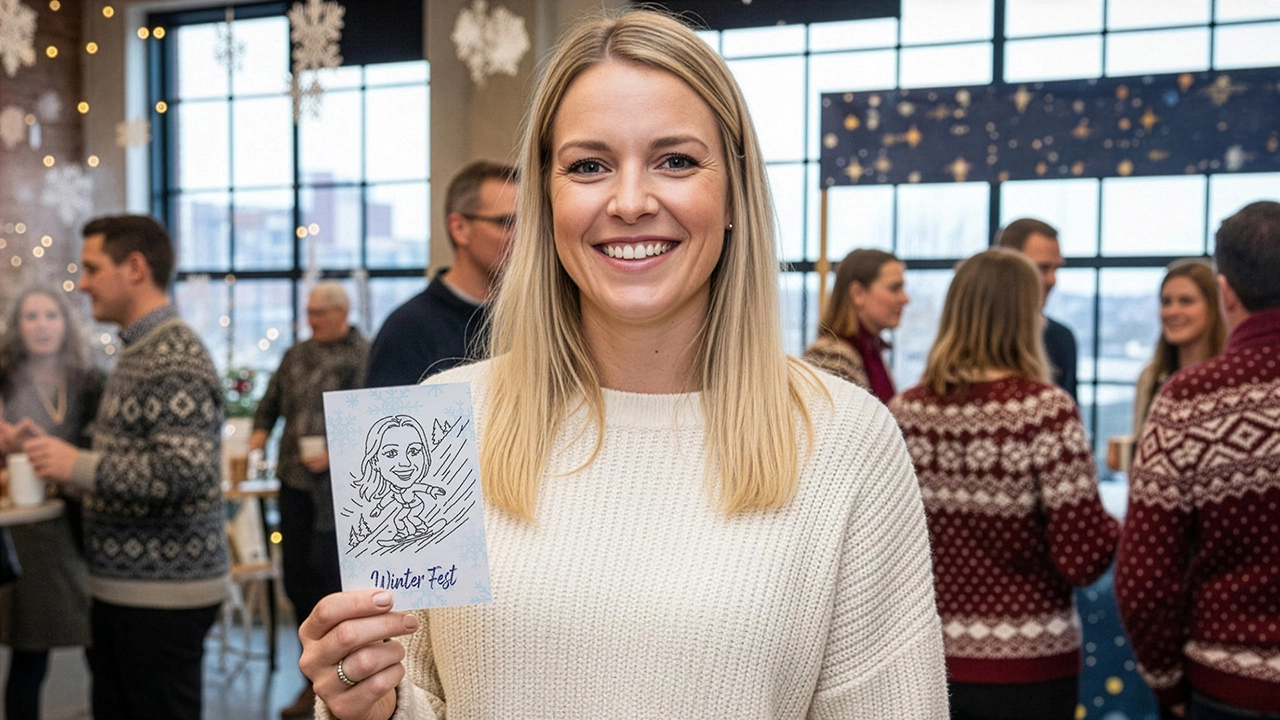
• DrawMatic combines AI image processing with a robotic arm. The software designs the sketch; the arm physically draws it.
• The total guest wait is longer than the drawing time alone. Capture, processing, pose corrections, paper handling, and handoff all affect throughput.
• Simple headshot line art is generally the safest choice for busy events. Detailed shading, group portraits, and open ended transformations can slow the experience.
• Cloud based processing requires a venue network plan. Offline or local modes can reduce risk when supported, but features may differ by configuration.
• A robot drawn portrait works best as a premium activation, not as a promise that every guest will be served instantly during a short rush.
• Branding should frame the portrait rather than overpower it. The strongest prints remain recognizable keepsakes first.
• For Southern California events comparing options, an AI Photo Booth Rental may be useful alongside a drawing robot when the event needs both high speed digital output and a slower live art feature.
Frequently Asked Questions
What Are DrawMatic AI Drawing Robots Rendering Live Portraits?
They are an interactive event activation in which a guest photo is converted into a black and white portrait design, then drawn on paper by a robotic arm. The live rendering component is the visible pen drawing process, while AI and computer vision help prepare the image before the arm moves.
How Long Does One Live Portrait Take?
DrawMatic is presented with a roughly 40 to 60 second sketch time in streamlined conditions. The full guest cycle may take longer because posing, photo capture, processing, print handling, and queue movement add time. Detailed styles and group portraits can extend the drawing stage.
Can The Robot Draw Caricatures, Line Art, Or Full Body Portraits?
Many systems can support multiple styles, but the best choice depends on event conditions. Line art and headshot sketches are usually more stable for fast output. Caricatures and character transformations can be more playful but introduce more variation. Full body art often needs more drawing detail and may not suit a high volume queue.
Does DrawMatic Work Without Internet Access?
That depends on the installed software and the selected mode. Some competing drawing robot systems advertise offline operation, while DrawMatic’s described workflow includes cloud AI processing. Confirm which portrait modes, branded assets, and sharing functions remain available if venue internet fails.
What Happens If Face Detection Or The Drawing Fails?
The operator should review the photo before the arm starts whenever possible. A retake with better lighting, a direct forward pose, or removal of reflective eyewear can improve detection. For hardware issues such as pen skipping or paper movement, the best response is to pause, correct the physical setup, and provide an alternate keepsake if recovery takes too long.
Can Guests Receive Both A Printed And Digital Copy?
That is possible in this product category, but delivery options depend on the provider’s configuration. Printed output is central to the robotic drawing experience. Digital sharing may be available through text, email, QR delivery, or another event interface, and should be confirmed along with privacy practices.
Is A Drawing Robot Suitable For Weddings And Corporate Events?
Yes, if the event values a slower, premium guest interaction. Weddings can use it for distinctive favors and cocktail hour entertainment. Corporate events can use branded portrait prints to attract booth traffic. It is less suitable when the main goal is to capture large groups at maximum speed with minimal waiting.
Choosing the right entertainment for your next event requires balancing innovation with reliability. Whether you are planning a corporate gala or a private celebration, an AI photo booth rental Irvine CA offers a unique blend of technology and artistry that standard booths simply cannot match. When you secure an AI photo booth rental Irvine CA, you are investing in a live performance that captivates your audience. By selecting a premium AI photo booth rental Irvine CA, you ensure your guests receive a high-quality keepsake. Every AI photo booth rental Irvine CA should prioritize seamless operation, just as every AI photo booth rental Irvine CA must consider venue logistics. If you need a standout feature, an AI photo booth rental Irvine CA provides unmatched engagement. Consider an AI photo booth rental Irvine CA for your wedding, or perhaps an AI photo booth rental Irvine CA for your trade show. An AI photo booth rental Irvine CA elevates brand visibility, while an AI photo booth rental Irvine CA creates lasting memories. Opting for an AI photo booth rental Irvine CA guarantees a modern aesthetic, and an AI photo booth rental Irvine CA fits perfectly into any upscale environment. From the initial capture to the final stroke, an AI photo booth rental Irvine CA delivers excellence. Trusting an AI photo booth rental Irvine CA simplifies your planning, as an AI photo booth rental Irvine CA handles the technical heavy lifting. For your next AI photo booth rental Irvine CA, focus on quality. Ultimately, an AI photo booth rental Irvine CA, an AI photo booth rental Irvine CA, and an AI photo booth rental Irvine CA represent the future of event keepsakes.