A Video Confessional Booth gives people a small, focused space to record a message, reaction, story, or testimonial. It can feel playful at a wedding, useful at a trade show, and surprisingly meaningful at a company event. The difference is not just the camera. It is the combination of privacy, clear prompts, easy recording, and a workflow that makes sharing feel safe.
Table Of Contents
• Understanding The Video Confessional Booth
• Designing A Booth People Want To Use
• Running The Recording Workflow
Key Takeaways
• A video confessional booth records short guest messages, but the best setups are built around emotional comfort and clear audio, not just a camera.
• A confessional booth, testimonial booth, and video guestbook can use similar equipment while serving different goals.
• Enclosure, placement, microphone choice, lighting, and prompts all affect whether guests record useful content.
• Review and redo options improve quality, though they can slow guest flow during busy moments.
• Consent language, file handling, and accessibility should be planned before the event, not after videos are collected.
Understanding The Video Confessional Booth
What It Is And What It Is Not
A Video Confessional Booth is a recording station where guests speak directly to a camera. They may leave wedding wishes, answer a brand question, share employee feedback, review a product, or tell a funny story. Unlike a standard photo booth moment, the goal is usually spoken expression: the words, tone, pauses, laughter, and emotion that still images cannot preserve.
I would not treat the names as perfectly interchangeable. They overlap, but choosing the right label helps shape the setup, prompt, and final edit.
Format | Primary Goal | Best Fit | What Can Go Wrong |
|---|---|---|---|
Video confessional booth | Personal stories, reactions, candid emotion | Weddings, parties, employee events | Guests may freeze without a prompt or privacy |
Testimonial booth | Specific feedback or endorsement | Brand activations, product launches, trade shows | Responses may sound scripted or too vague |
Video guestbook | Messages collected for one host or couple | Weddings, anniversaries, milestone celebrations | Long clips can create a difficult final edit |
Roaming video station | Quick reactions from people who will not approach a booth | Festivals, crowded activations, large receptions | Noise, shaky framing, and weaker consent control |
A testimonial booth should lead guests toward a usable statement. “What problem did this product solve for you?” produces more useful marketing footage than “What do you think?” A video guestbook can be looser: “What is one memory you hope they never forget?” The video confessional format sits between the two. It gives people enough room for personality without requiring a polished endorsement.
Why Privacy Changes The Message
People often talk differently when they believe an audience is listening. An open camera beside the dance floor can capture loud, funny clips, but it may discourage a quiet friend from recording a heartfelt wedding message. A curtained booth, side alcove, or semi enclosed surround removes some of that social pressure.
Privacy does not need to mean isolation. The booth can stay visible enough to invite participation while positioning the camera away from the busiest aisle. Think of it as creating a small conversational zone inside a larger event.
The booth should make the next step obvious: enter, read, record, review, decide.
For sensitive uses, such as employee feedback or community storytelling, I recommend being especially clear about who will view the footage and whether names will be attached. Anonymity may encourage candor, but a visible camera does not automatically make a recording anonymous. Voice, face, clothing, and context can identify someone.
Where It Works Best
This format can fit nearly any event where people have something worth saying. Still, the content goal should decide whether it belongs on the floor.
• Wedding video guestbooks work well when couples want voices and personalities alongside written cards.
• Corporate event video testimonials can create short statements for internal recaps, recruiting, or customer marketing, provided participants understand how clips may be used.
• Trade show video booths can gather reactions, contest entries, product impressions, or short lead capture messages.
• Employee feedback booths may support listening sessions, but privacy expectations and access controls need extra care.
• Los Angeles brand activation video booths can turn a themed set into user generated content when the prompt is simple and shareable.
For high energy visual content, a 360 Video Booth Rental can complement a confessional setup. The 360 format is better for movement and spectacle; the confessional booth is better for voice, story, and direct response.
Designing A Booth People Want To Use
Choose The Right Booth Format
The best physical design is the one that supports the message you need. An open air booth is visible and easy to enter. It works when participation matters more than confidentiality. A fully enclosed booth is better for personal messages, controlled sound, and guests who need a little courage before they speak.
A semi enclosed booth often offers the best compromise. Side walls or an inflatable surround can make the space feel private while preserving the event energy. It also gives a brand a larger surface for color, logos, or campaign artwork.
Before booking or building, measure more than the booth footprint. Leave room for a queue, wheelchair approach, staff access, power cables, and people exiting without crossing in front of the camera. Avoid placing the station directly beside speakers, bar service, restrooms, or a DJ monitor.
Build For Clear Audio And Flattering Light
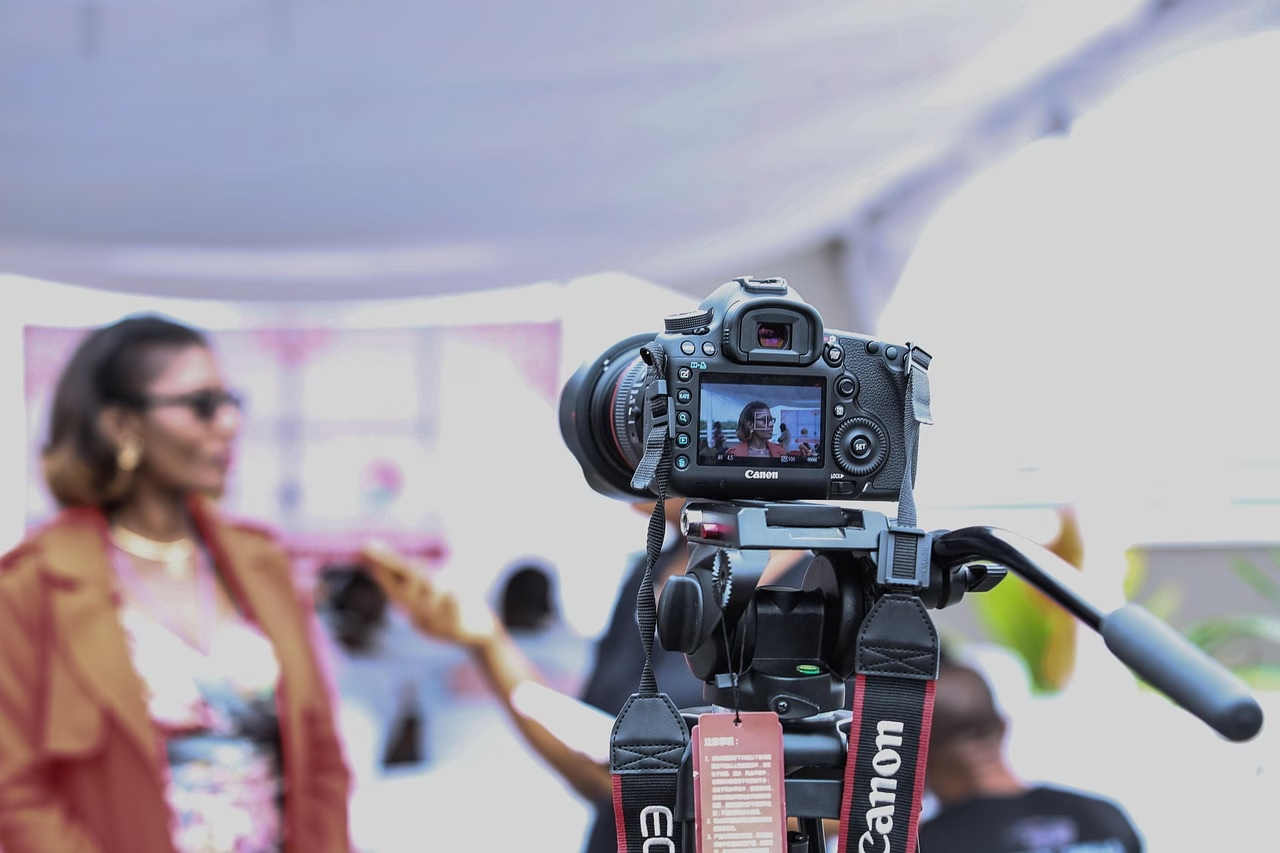
A recording can survive a slightly imperfect background. It rarely survives unusable audio. In a noisy ballroom, a camera mounted several feet away will pick up the room before it picks up the speaker. A dedicated microphone placed close to the guest is usually the stronger choice.
For a seated or standing booth, keep the microphone near mouth level and outside the camera frame if possible. Test with the actual music level, not in an empty venue. Listen through headphones. If words are hard to understand during the test, they will not become clearer in editing.
Wireless microphones add flexibility but also add failure points: battery life, pairing, radio interference, and accidental connection to the wrong device. Photo Booth Business notes that practical event setups may use 10 to 15 second clips, with weddings tending toward longer recordings than corporate events. The same guidance also points to Bluetooth microphone pairing as a real setup task. Pair early, confirm the selected audio input, and record a test clip after the device locks or restarts.
Lighting should be soft, even, and aimed at the face. A single harsh overhead light can cause dark eye sockets and shine on skin. Two diffused LED lights placed slightly above eye level and to either side are often easier to manage than one bright source. Keep the guest a few feet from the background to reduce harsh shadows.
Fair warning: windows can create exposure swings. If sunset hits the backdrop halfway through an event, the camera may darken faces or blow out the background. Use a controlled backdrop or lock exposure after testing whenever the equipment allows it.
Prompts That Produce Better Stories
A blank screen invites hesitation. A strong prompt gives guests permission to begin.
For a wedding, “Share one piece of advice for the couple” is more focused than “Say something nice.” For a product launch, “What surprised you most after trying it?” creates a response that can stand on its own in an edit. For employee feedback, “What would make your day easier?” is specific enough to be useful without forcing a public complaint.
I recommend showing one question at a time and keeping it readable from the recording position. Use plain language. Avoid questions that require guests to know company jargon or recite a slogan.
Event Goal | Better Prompt | Why It Helps |
|---|---|---|
Wedding guestbook | “What is your favorite memory with the couple?” | Encourages a specific story instead of a generic blessing |
Customer testimonial | “What changed after you used this?” | Points toward a before and after narrative |
Brand activation | “Show us your best reaction to this challenge.” | Invites personality and visual energy |
Employee listening | “What should leadership understand about your workday?” | Creates focused, actionable feedback |
If the final video will be public, say so on screen before recording. If it will only be delivered privately to the host, say that too. Clear expectations often lead to more genuine emotional expression because guests know the boundaries.
Running The Recording Workflow
Make The User Flow Almost Effortless
A good booth needs very little explanation. Guests should see a welcome screen, understand the prompt, press one large record button, see a clear countdown, and know how to finish. Any extra step reduces participation.
Some systems allow a fixed recording limit, while others let guests stop when they are ready. Lucky Frog explains that its video mode can be set for a predetermined recording time or can continue until the guest presses stop. Fixed lengths keep lines moving. Guest controlled stopping is kinder to emotional or detailed messages.
For most social events, 20 to 45 seconds is a practical starting point. For a busy trade show, 10 to 20 seconds may be more realistic. There is no universal benchmark for completion or retake rates, so test the flow with a small group before doors open. If nearly everyone needs coaching, the prompt or screen sequence needs work.
A dependable workflow looks like this:
- Display the purpose and a short consent notice.
- Show one clear prompt and an example of the desired response length.
- Start with a visible three second countdown.
- Record using the selected time limit or stop button.
- Offer playback and a simple accept or redo choice.
- Save the approved clip with an event and timestamp label.
Review, Retakes, And Throughput
Playback gives guests control. They can catch a misspoken name, a cut off sentence, or a moment when they forgot the prompt. Lucky Frog describes its testimonial feature as the same feature used for a video confessional booth, with recording length configurable in event settings. The same type of software workflow can be useful when planning clip limits and testing before an event.
However, unlimited retakes can create a line. A sensible compromise is one immediate redo, followed by staff help only if there is a genuine technical issue. For heartfelt messages, let guests choose their pace. For an activation collecting hundreds of clips, favor speed and consistency.
Touchscreen delays are a common source of confusion. If the record button appears unresponsive, guests may press it repeatedly and accidentally interrupt the process. Test the screen with the actual event software, turn off sleep settings, keep storage space available, and restart the device before guest arrival. Avoid relying on venue Wi Fi for local recording. The booth should save clips locally even if sharing is delayed.
Consent, Accessibility, And File Delivery
A simple notice can prevent misunderstandings. It should explain whether footage may be used publicly, whether the guest can decline, who receives the final files, and how long recordings will be stored. For brand content, include a separate release step when public marketing use is expected. For private weddings, a concise notice about delivery to the couple may be enough, depending on the event plan and local requirements.
Accessibility is part of good guest flow. Keep the camera and touchscreen reachable from a seated position when possible. Leave a clear approach path. Use large on screen text, visual countdowns, and captions for instructions. If audio prompts are used, show the same direction in writing. A guest who cannot comfortably stand inside a narrow enclosure should have another way to participate.
For delivery, save a master copy before making social edits. Use a consistent naming pattern, such as event name, date, booth number, and clip sequence. Keep original files separate from edited exports. A host may later want a vertical social clip, a landscape highlight reel, and the untouched guestbook archive.
A Video Booth Rental can be a practical option when the priority is a managed recording workflow rather than assembling cameras, lights, software, and backup storage separately. For themed campaigns, Character Reveal Videos can also turn short guest performances into a more structured reveal moment.
Frequently Asked Questions
How Is A Video Confessional Booth Different From A Photo Booth?
A photo booth produces still images, usually in a fast series. A video confessional booth records spoken clips. It needs stronger attention to audio, prompt design, privacy, and file management because the value is in what guests say as well as how they look.
Should A Video Confessional Booth Be Enclosed Or Open Air?
Choose enclosed or semi enclosed when guests will share personal stories, testimonials, or emotional wedding messages. Choose open air when visibility, group participation, and quick traffic flow matter most. A side wall or curtain can be a useful middle ground.
How Long Should Each Recording Be?
Use the shortest limit that still supports the goal. Ten to 20 seconds suits quick event reactions. Twenty to 45 seconds suits most wedding and party messages. Longer limits may work for detailed testimonials, but they can reduce throughput and increase editing time.
What Equipment Does A Video Confessional Booth Need?
At minimum, plan for a camera or tablet, recording software, a dedicated microphone, face lighting, a stable mount, a screen or touchscreen, power, local storage, and a backdrop or enclosure. Add headphones for testing, spare batteries, cable covers, and a backup recording method for more reliable operation.
How Can Guests Feel More Comfortable Recording?
Give them a clear prompt, a short countdown, privacy from the crowd, and permission to redo the clip. Friendly signage also helps: explain that messages do not need to be perfect. A host or attendant can invite guests without hovering over them while they speak.
Can Guests Re Record Their Message?
Yes. Playback and redo options are useful for quality control, especially when a name, date, or key phrase matters. Limit repeat attempts during peak periods so one guest does not hold up the line.
Is A Video Confessional Booth Good For Testimonials?
Yes, if the prompt is specific and participants understand how the footage may be used. Ask for an experience, outcome, or reaction rather than a broad opinion. For example, “What did you notice after using it?” is more likely to produce a usable clip than “Do you like it?”
The Video Confessional Booth Experience
Capturing Unfiltered Heartfelt Messages, Hilarious Midnight Stories, and Authentic Testimonials across SoCal
While still photography captures a moment in time, a Video Confessional Booth captures the heart, voice, and spirit of your celebration. Designed with cozy private enclosures, studio-grade directional microphones, and soft flattering light, our video confessionals invite guests to sit down, press record, and speak freely. The result is a treasured digital capsule of wedding well-wishes, corporate event testimonials, or late-night party secrets.
            +-----------------------------------------------------------+
            |      THE VIDEO CONFESSIONAL ARCHITECTURE EXPERIENCE       |
            +-----------------------------------------------------------+
                                          |
        +---------------------------------+---------------------------------+
        |                                                                   |
        v                                                                   v
+-------------------------------+                           +-------------------------------+
|  GUEST CONFESSIONAL INTERFACE |                           |  POST-EVENT COMPILATION ENGINE|
+-------------------------------+                           +-------------------------------+
| • Guided Touchscreen Prompts  |                           | • Instant Text / QR Shares    |
| • Studio Directional Mic      |                           | • Clean Audio Master Sync     |
| • Soft Warm Diffused Studio   |                           | • Fully Branded Video Overlay |
| • Private Enclosed Space      |                           | • Private HD Guest Gallery    |
+-------------------------------+                           +-------------------------------+
Designed for Every Event Format
Our video confessional experience adapts effortlessly to match the tone of your gathering, offering custom interactive prompts and tailored setup footprints.
Heartfelt Guestbook Audio & Video
Replace traditional pen-and-paper guestbooks. Encourage family and friends to record intimate messages, advice, and humorous toasts in a cozy private nook.
Executive & VIP Testimonials
Gather high-value attendee quotes, sponsor appreciation messages, and event reviews complete with custom corporate video overlays and logos.
Micro-Influencer Reactions
Engage consumers with prompt questions like “Tell us your favorite brand memory.” Instantly output high-definition short video assets ready for social sharing.
Roast & Toast Sessions
Ideal for 30th, 40th, or 50th birthdays, anniversaries, and retirement parties where guests share hilarious stories and long-time memories.
Video Confessional vs. Standard Video Booths
Understanding the technical differences helps you choose the perfect activation for your venue and audience dynamic.
| Activation Element | Lucky Frog Video Confessional | Standard Open Video Booth |
|---|---|---|
| Audio Isolation | Dedicated Directional Mic: Suppresses background dance floor noise | Ambient Mic: Picks up background music and crowd chatter |
| Privacy & Ambience | Encourages authentic, candid 30-to-60 second heartfelt stories | Best for short 5-to-10 second energetic group waves |
| Screen UX Prompts | Custom dynamic question menus (e.g., “Give the couple 1 piece of advice”) | Basic countdown timer without on-screen guided prompts |
| Post-Event Delivery | Individual guest HD clips plus a full organized master digital archive | Basic cloud folder of raw clips without audio leveling |
What Is Included In Every Rental
We handle all technical and logistical details so you can enjoy your event without stress:
- Professional Delivery & Setup: On-time arrival, full setup, and equipment testing hours prior to your guests’ arrival.
- Studio-Grade Audio & Lighting: Broadcast-quality microphone capture paired with soft, skin-smoothing beauty lighting.
- Custom Video Watermarks & Frames: Personalized graphic overlays featuring names, event dates, brand logos, or custom fonts.
- Instant Digital Sharing: Guests can immediately text or email their individual video clips directly to their smartphones.
- Complete Master Video Archive: Receive a private post-event digital gallery containing every single message recorded during the night.
- Attentive On-Site Host: A friendly technician stays with the setup to assist guests and ensure smooth line movement.